

A leaked settings menu indicates Google Messages may replace its basic spam switch with an Enhanced Protection mode. The update introduces three security levels: cloud-based link scanning, standard filtering, and an option to turn off spam protection entirely. Google has not announced an official release timeline.
Google is preparing a safety update for its primary messaging platform. According to findings reported by Android Authority, the upcoming Google Messages Enhanced Protection feature will bring substantial user interface changes to the safety settings inside the texting app. The publication managed to enable the unreleased menu layout in the application, offering an early look at how the revised interface will organize its security options.
Currently, Google Messages relies on a basic toggle that allows users to switch standard spam prevention features on or off. The leaked update drops that single switch entirely. In its place, the redesigned interface introduces three distinct safety tiers, providing users with more direct control over how the app blocks malicious links and screens incoming texts for potential scams.
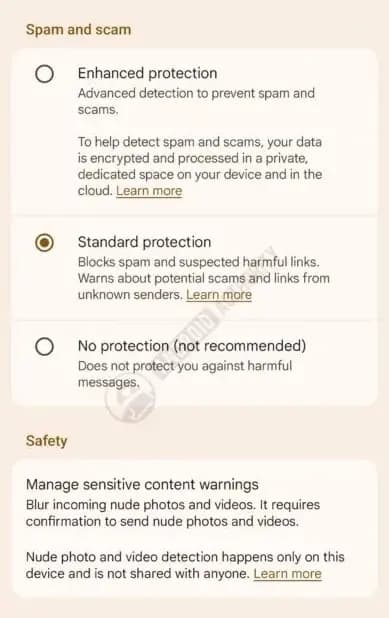
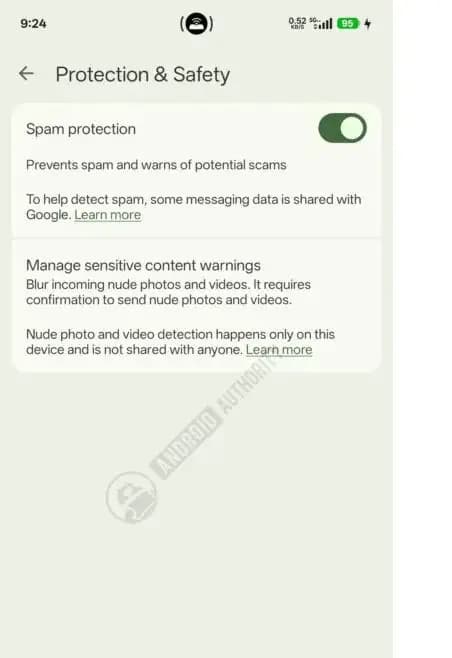
Image credits: Android Authority
The first option in the new interface activates a secure cloud analysis mode. Under this setting, Google Messages inspects incoming text messages to flag suspicious links, operating in a manner similar to search safety tools. This cloud capability is an extra approach by Google to block malicious links on mobile devices, complementing its recent rollout of advanced artificial intelligence defenses designed to stop fake bank calls.
The second choice retains standard protection, keeping regular spam filtering active on the device. Users who choose this tier keep basic filtering enabled without routing their incoming message data through remote analysis servers. This mode is the middle option for users who want ongoing protection without cloud inspection.
A third option allows users to turn off spam filters completely. Selecting this setting disables all built-in filters across the application. When a user attempts to activate this choice, the screen displays a warning prompt cautioning against it. Google hopes this alert stops users from turning off their spam safeguards.
Google has not stated when it plans to release this interface to the public. For now, the three security options remain unconfirmed for general availability, and the company has not provided a timeline for rolling out the update.
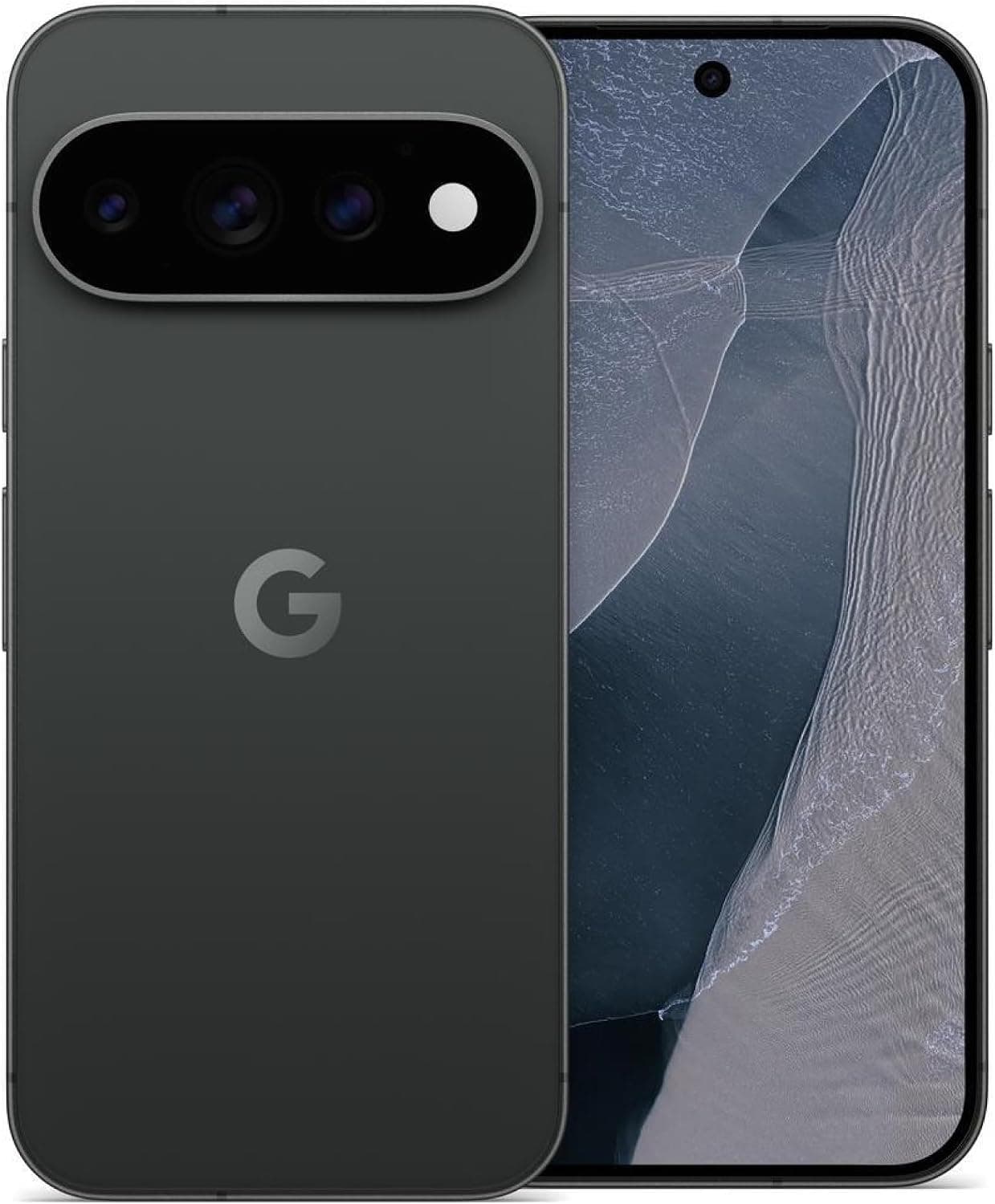
Google Pixel 11 Pro

Robert Haba is the founder and editor-in-chief of Droid Tools. A lifelong gadget enthusiast with over a decade following the Android ecosystem, he built this publication to cut through the noise and give readers honest, real-world coverage of the tech they actually use.

Google Messages location sharing is testing new map layers, including traffic overlays, satellite views, and terrain options for real-time tracking.

The Google Phone Contacts tab is returning to the bottom bar for beta testers on version 243, rolling back a previous navigation change.

A Google Messages update introduces swipe gestures for timestamps and expanded long-press options, though availability remains limited during rollout.

Google is introducing new Android scam protections, including Enhanced Protection in Messages, call-forwarding warnings, and screen-share privacy defenses.
The next story loads as you reach the end. You can also load it using the button.


Comments & Discussions
Join the conversation! We use Disqus to handle comments. Click the button below to load the comment section.