Google Camera and its post-processing algorithms have unquestionably altered the game in terms of what we expect from smartphone cameras, lifting the Google Pixels to some of the best Android phones for photography. That is precisely why Google Camera ports for non-Google devices are in such great demand. You may use Google's improved HDR+ enhancement ...
Google Camera and its post-processing algorithms have unquestionably altered the game in terms of what we expect from smartphone cameras, lifting the Google Pixels to some of the best Android phones for photography. That is precisely why Google Camera ports for non-Google devices are in such great demand. You may use Google’s improved HDR+ enhancement and Portrait Mode on practically any smartphone that supports the Camera2API with the appropriate ported Google Camera app.

This article contains a list of devices with at least one working Google Camera Port from various OEMs. We looked for the most stable and user-recommended versions. There may be “better” versions available, but for the most part, the ports described here should suffice.
Please keep in mind that the devices listed below are arranged alphabetically by name. It’s possible that some of the linked threads aren’t from the device forum. This isn’t an oversight, as many of the ports are compatible with multiple devices. We just provided a link to a forum where you may get the APK.
| Sr. No. | Device, Device Forums, Codename | Known Google Camera Port(s) | Google Camera Port Discussion Thread |
|---|---|---|---|
| 1. | Essential Phone PH1 (mata) | – | Click Here |
| Sr. No. | Device, Device Forums, Codename | Known Google Camera Port(s) | Google Camera Port Discussion Thread |
|---|---|---|---|
| 1. | F(x)tec Pro1 (pro1) | – | Click Here |
| Sr. No. | Device, Device Forums, Codename | Known Google Camera Port(s) | Google Camera Port Discussion Thread |
|---|---|---|---|
| 1. | Google Pixel (sailfish) Google Pixel XL (marlin) | Download | Click Here |
| 2. | Google Pixel 2 (walleye) Google Pixel 2 XL (taimen) | Download | Click Here |
| 3. | Google Pixel 3 (blueline) Google Pixel 3 XL (crosshatch) | Download | Click Here |
| 4. | Google Pixel 3a (sargo) Google Pixel 3a XL (bonito) | Download | Click Here |
| 5. | Google Pixel 4 (flame) Google Pixel 4 XL (coral) | Download | Click Here |
| 6. | Google Pixel 4a (sunfish) | Download | Click Here |
| 7. | Google Pixel 4a 5G (bramble) Google Pixel 5 (redfin) | Download | Click Here |
| Sr. No. | Device, Device Forums, Codename | Known Google Camera Port(s) | Google Camera Port Discussion Thread |
|---|---|---|---|
| 1. | HTC 10 (pme) | – | Click Here |
| 2. | HTC U Ultra (oce) | – | Click Here |
| 3. | HTC U11 (ocn) | – | Click Here |
| 4. | HTC U12+ (ime) | – | Click Here |
| Sr. No. | Device, Device Forums, Codename | Known Google Camera Port(s) | Google Camera Port Discussion Thread |
|---|---|---|---|
| 1. | Honor View 20 (princeton) | – | Click Here |
| 2. | Huawei P30 Pro (vogue) | – | Click Here |
| Sr. No. | Device, Device Forums, Codename | Known Google Camera Port(s) | Google Camera Port Discussion Thread |
|---|---|---|---|
| 1. | LeEco Le 2 (s2) | Download | Click Here |
| 2. | LeEco Le Max 2 (x2) | – | Click Here |
| 3. | LeEco Le Pro3 (zl1) | – | Click Here |
| Sr. No. | Device, Device Forums, Codename | Known Google Camera Port(s) | Google Camera Port Discussion Thread |
|---|---|---|---|
| 1. | Lenovo K6/K6 Power/K6 Note (karate/karatep) | – | Click Here |
| 2. | Lenovo P2 (kuntao) | – | Click Here |
| 3. | Lenovo ZUK Z2/Z2 Plus (z2_plus) | – | Click Here |
| 4. | Lenovo ZUK Z2 Pro (z2_row) | – | Click Here |
| Sr. No. | Device, Device Forums, Codename | Known Google Camera Port(s) | Google Camera Port Discussion Thread |
|---|---|---|---|
| 1. | LG G4 | – | Click Here |
| 2. | LG G5 | Download | Click Here |
| 3. | LG G6 | Download | Click Here |
| 4. | LG G7 One (phoenix_sprout) | – | Click Here |
| 5. | LG G7 ThinQ (judyln) | – | Click Here |
| 6. | LG Q7 | – | Click Here |
| 7. | LG V20 | Download | Click Here |
| 8. | LG V30 | Download | Click Here |
| 9. | LG V40 | – | Click Here |
| 10. | LG V50 ThinQ | – | Click Here |
| 11. | LG V60 ThinQ | – | Click Here |
| 12. | LG Velvet | – | Click Here |
| 13. | LG Wing | – | Click Here |
| Sr. No. | Device, Device Forums, Codename | Known Google Camera Port(s) | Google Camera Port Discussion Thread |
|---|---|---|---|
| 1. | Moto G 5G Plus/Motorola One 5G (nairo) | – | Click Here |
| 2. | Moto G Power (sofia) | – | Click Here |
| 3. | Moto G Stylus (sofiap) | – | Click Here |
| 4. | Moto G5 (cedric) | – | Click Here |
| 5. | Moto G5 Plus (potter) | – | Click Here |
| 6. | Moto G5S (montana) | – | Click Here |
| 7. | Moto G5S Plus (sanders) | – | Click Here |
| 8. | Moto G6 (ali) | – | Click Here |
| 9. | Moto G6 Plus (evert) | – | Click Here |
| 10. | Moto G7 (river) | – | Click Here |
| 11. | Moto G7 Plus (lake) | – | Click Here |
| 12. | Moto G8 Plus (doha) | – | Click Here |
| 13. | Moto G9 Play (guamp) | – | Click Here |
| 14. | Moto G30 (caprip) | – | Click Here |
| 15. | Moto G40 Fusion Moto G60 (hanoip) | – | Click Here |
| 16. | Moto X4 (payton) | – | Click Here |
| 17. | Motorola Edge (racer) | – | Click Here |
| 18. | Motorola Edge+ (burton) | – | Click Here |
| 19. | Motorola Edge 20 (berlin) | – | Click Here |
| 20. | Motorola One (deen) | – | Click Here |
| 21. | Motorola One Fusion+ (liber) | – | Click Here |
| 22. | Motorola One Power (chef) | – | Click Here |
| 23. | Motorola One Vision (kane) | – | Click Here |
| Sr. No. | Device, Device Forums, Codename | Known Google Camera Port(s) | Google Camera Port Discussion Thread |
|---|---|---|---|
| 1. | Nextbit Robin (ether) | – | Click Here |
| Sr. No. | Device, Device Forums, Codename | Known Google Camera Port(s) | Google Camera Port Discussion Thread |
|---|---|---|---|
| 1. | Nokia 5 (ND1) | – | Click Here |
| 2. | Nokia 6 (PLE) | – | Click Here |
| 3. | Nokia 6.1 (PL2) | – | Click Here |
| 4. | Nokia 7.1 (CTL) | – | Click Here |
| 5. | Nokia 7.2 (DDV) | – | Click Here |
| 6. | Nokia 7 Plus (B2N) | Download | Click Here |
| 7. | Nokia 8 (NB1) | – | Click Here |
| 8. | Nokia 8.1 (PNX) | Download | Click Here |
| 9. | Nokia 9 PureView (AOP) | – | Click Here |
| 10. | Nokia G10 (ROGA) Nokia G20 (RNN) | – | Click Here |
| 11. | Nokia X10 (SCW) Nokia X20 (QKS) | – | Click Here |
| Sr. No. | Device, Device Forums, Codename | Known Google Camera Port(s) | Google Camera Port Discussion Thread |
|---|---|---|---|
| 1. | Nubia Red Magic 3 (NX629J) | – | Click Here |
| 2. | Nubia Red Magic 5G (NX659J) | – | Click Here |
| Sr. No. | Device, Device Forums, Codename | Known Google Camera Port(s) | Google Camera Port Discussion Thread |
|---|---|---|---|
| 1. | OPPO A52 | – | Click Here |
| 2. | OPPO Find X2 | – | Click Here |
| 3. | OPPO Find X2 Lite | – | Click Here |
| 4. | OPPO Find X2 Pro | – | Click Here |
| 5. | OPPO Find X3 Pro | – | Click Here |
| 6. | OPPO Reno | – | Click Here |
| 7. | OPPO Reno 10x Zoom | – | Click Here |
| 8. | OPPO Reno 2 | – | Click Here |
| 9. | OPPO Reno 5 | – | Click Here |
| Sr. No. | Device, Device Forums, Codename | Known Google Camera Port(s) | Google Camera Port Discussion Thread |
|---|---|---|---|
| 1. | Realme 2 Pro (RMX1801) | –DotFix | Click Here |
| 2. | Realme 3 (RMX1821) | – | Click Here |
| 3. | Realme 3 Pro (RMX1851) | – | Click Here |
| 4. | Realme 5 (RMX1911) | – | Click Here |
| 5. | Realme 5 Pro (RMX1971) | – | Click Here |
| 6. | Realme 6 (RMX2011) | – | Click Here |
| 7. | Realme 6 Pro (RMX2061) | – | Click Here |
| 8. | Realme 7/Narzo 20 Pro (RMX2151) | – | Click Here |
| 9. | Realme 7 Pro (RMX2170) | – | Click Here |
| 10. | Realme 8 (RMX3085) | – | Click Here |
| 11. | Realme X (RMX1901) | – | Click Here |
| 12. | Realme X2 (RMX1991/RMX1992/RMX1993) | – | Click Here |
| 13. | Realme X2 Pro (RMX1931) | – | Click Here |
| 14. | Realme X3 SuperZoom (RMX2081) | – | Click Here |
| 15. | Realme X7 (RMX2175/RMX3092) | – | Click Here |
| 16. | Realme X7 Max 5G/GT Neo (RMX3031) | – | Click Here |
| 17. | Realme X50 Pro (RMX2071/RMX2076) | – | Click Here |
| 18. | Realme XT (RMX1921) | – | Click Here |
| Sr. No. | Device, Device Forums, Codename | Known Google Camera Port(s) | Google Camera Port Discussion Thread |
|---|---|---|---|
| 1. | Razer Phone (cheryl) | – | Click Here |
| 2. | Razer Phone 2 (aura) | – | Click Here |
| Sr. No. | Device, Device Forums, Codename | Known Google Camera Port(s) | Google Camera Port Discussion Thread |
|---|---|---|---|
| 1. | Sony Xperia 1 (griffin) | – | Click Here Click Here |
| 2. | Sony Xperia 1 II (pdx203) | – | Click Here |
| 3. | Sony Xperia 1 III (pdx215) | – | Click Here |
| 4. | Sony Xperia 5 (bahamut) | – | Click Here |
| 5. | Sony Xperia 5 II (pdx206) | – | Click Here |
| 6. | Sony Xperia 10 II (pdx201) | – | Click Here |
| 7. | Sony Xperia 10 III (pdx213) | – | Click Here |
| 8. | Sony Xperia XA2 (pioneer) | – | Click Here |
| 9. | Sony Xperia XA2 Ultra (discovery) | – | Click Here |
| 10. | Sony Xperia XZ2 (akari) | – | Click Here |
| 11. | Sony Xperia XZ2 Compact (apollo) | – | Click Here |
| 12. | Sony Xperia XZ3 (akatsuki) | – | Click Here |
| Sr. No. | Device, Device Forums, Codename | Known Google Camera Port(s) | Google Camera Port Discussion Thread |
|---|---|---|---|
| 1. | TCL 10 Pro | – | Click Here |
Apple Watch Series 12

Robert Haba is the founder and editor-in-chief of Droid Tools. A lifelong gadget enthusiast with over a decade following the Android ecosystem, he built this publication to cut through the noise and give readers honest, real-world coverage of the tech they actually use.

Google Messages Enhanced Protection adds Gemini scam analysis and on-device link checks for select Android phones as beta testing begins gradual rollout.
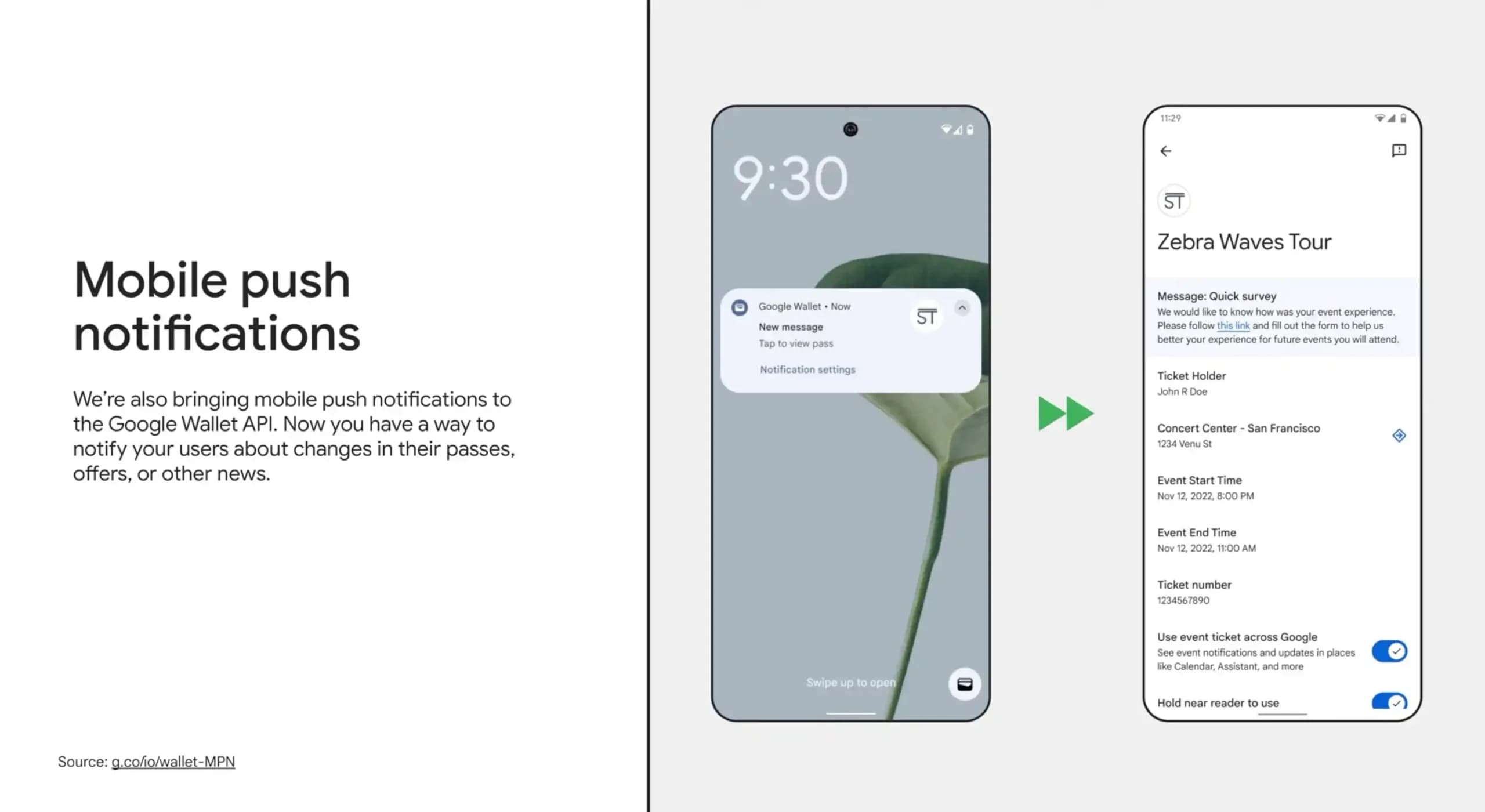
Google Wallet is rolling out an in-app notifications feed on Android alongside expanded digital passport support for Ireland and Italy.

Google Messages Enhanced Protection may replace the single spam toggle with three security options, including cloud link scans, per a new leak.

Google Messages location sharing is testing new map layers, including traffic overlays, satellite views, and terrain options for real-time tracking.
The next story loads as you reach the end. You can also load it using the button.


Comments & Discussions
Join the conversation! We use Disqus to handle comments. Click the button below to load the comment section.