

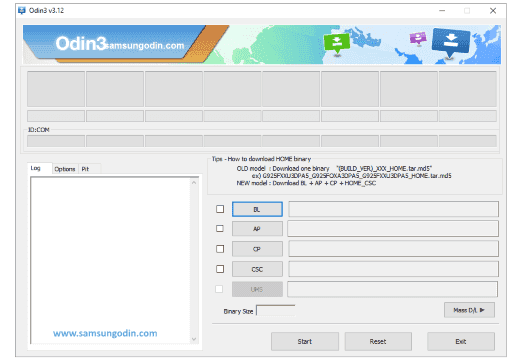
Odin is a Windows program which is used in Samsung smartphones and tablets for flashing stock ROMs, custom ROMs, custom recoveries (CWM or TWRP), etc. If you are using a Samsung smartphone and are searching for a way to flash a custom ROM firmware, then the best option is to use Odin.
Odin is officially made available by Samsung. Using Odin, almost all Samsung devices including the newest Samsung smartphones, laptops, and phablets (Galaxy Note series) will obtain root privileges.
Odin features
1) Flash Stock ROM: If you have bricked your Samsung device and looking for a way to unbrick it, then you can use Odin and flash the stock ROM of your device. Once you flash the stock ROM, your device will get back to working condition again. Odin also helps in fixing the bootloop issue in your device.
2) Flash Kernel & Custom Recovery: Using Odin, you can flash modified kernel in your Samsung device. Apart from that, you can flash custom recoveries like CWM (ClockWork Mod) and TWRP (Team Win Recovery Project) using Odin.
3) Flash Custom ROM & Root Packages: If you have gone tired of using the stock Android version in your device, then using Odin you can flash custom ROM firmware of your choice. Also, if you would like to gain root privileges in your Samsung smartphone, Odin will help!

Google Pixel Watch 5 (45mm)

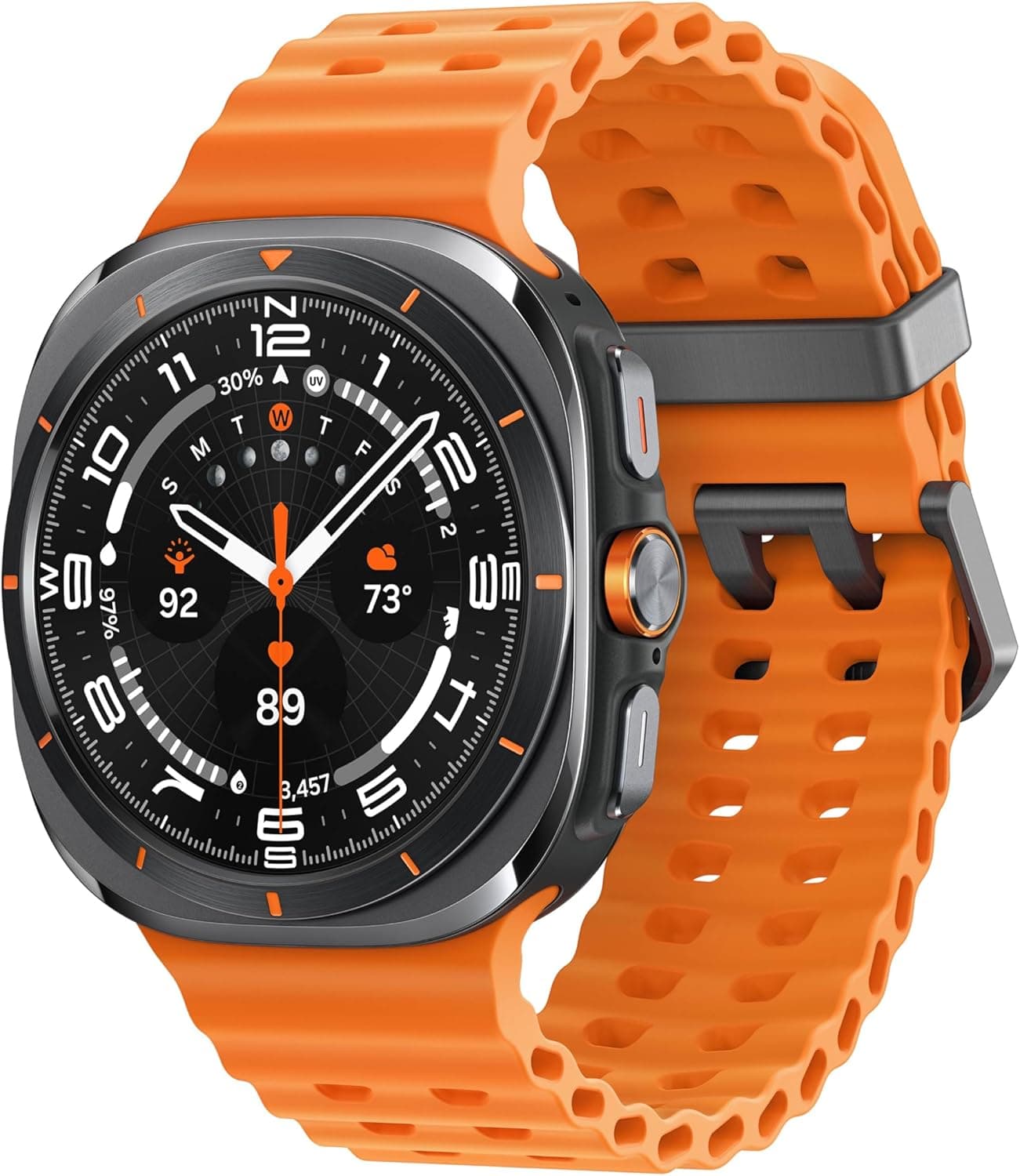

Google Pixel Watch 4

Keep Reading
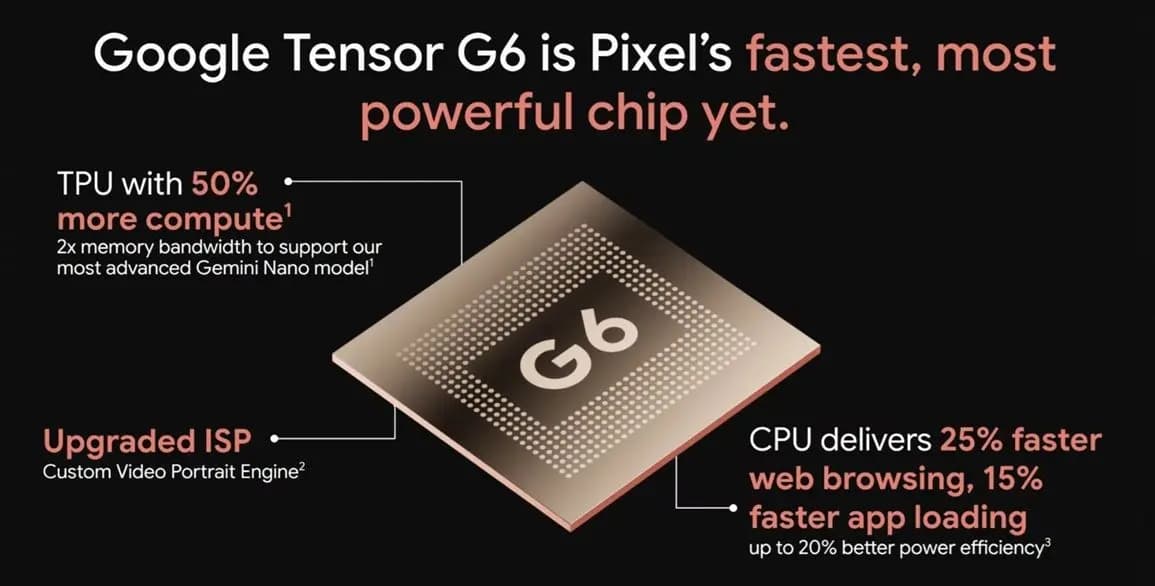
Google Tensor G6 is the custom processor powering the Pixel 11 series and Pixel 11 Pro Fold, with Google prioritizing energy efficiency and on-device AI over benchmark-leading specifications. The chip brings an upgraded CPU, a faster TPU, a new ISP, and a custom modem, enabling features that include 4K Portrait Video, Instant Night Sight, and […]
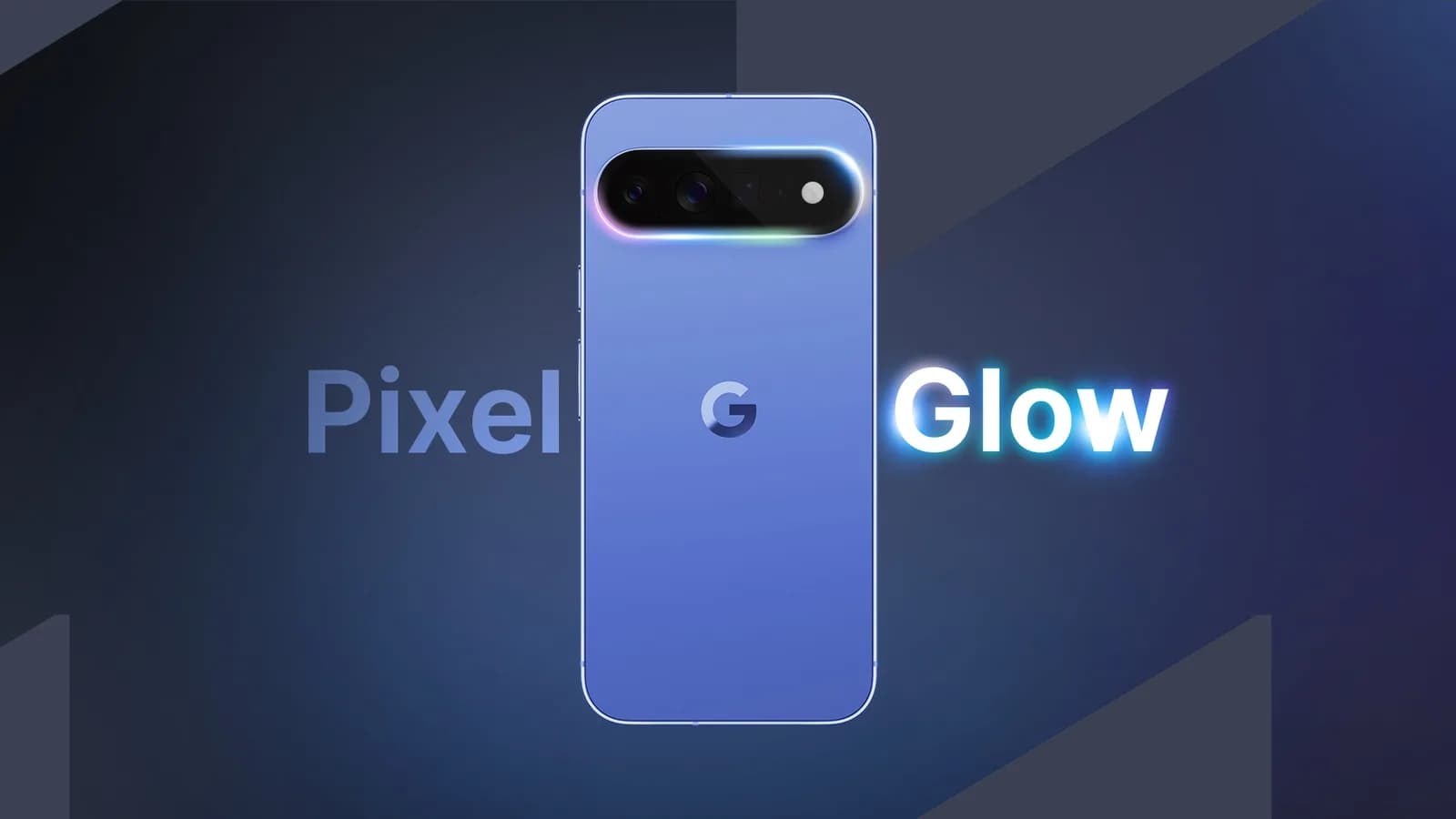
Google Pixel HiLight is the official name of the ambient LED system built around the camera flash on Google’s new Pro phones. Previously known through leaks as Pixel Glow, the feature can show favorite-contact calls and Gemini activity while the phone remains face down. It is exclusive to the Pixel 11 Pro, Pixel 11 Pro […]
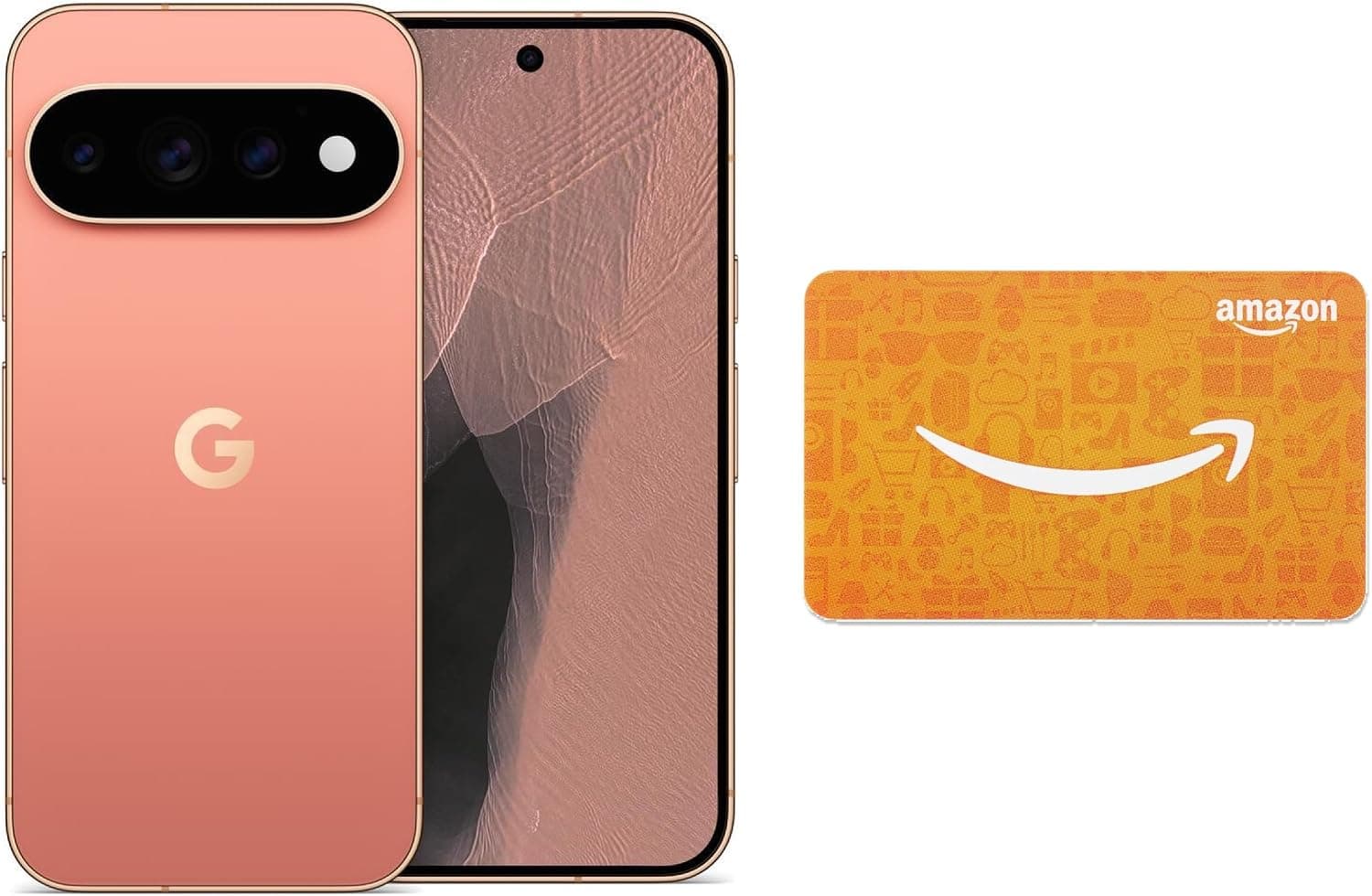
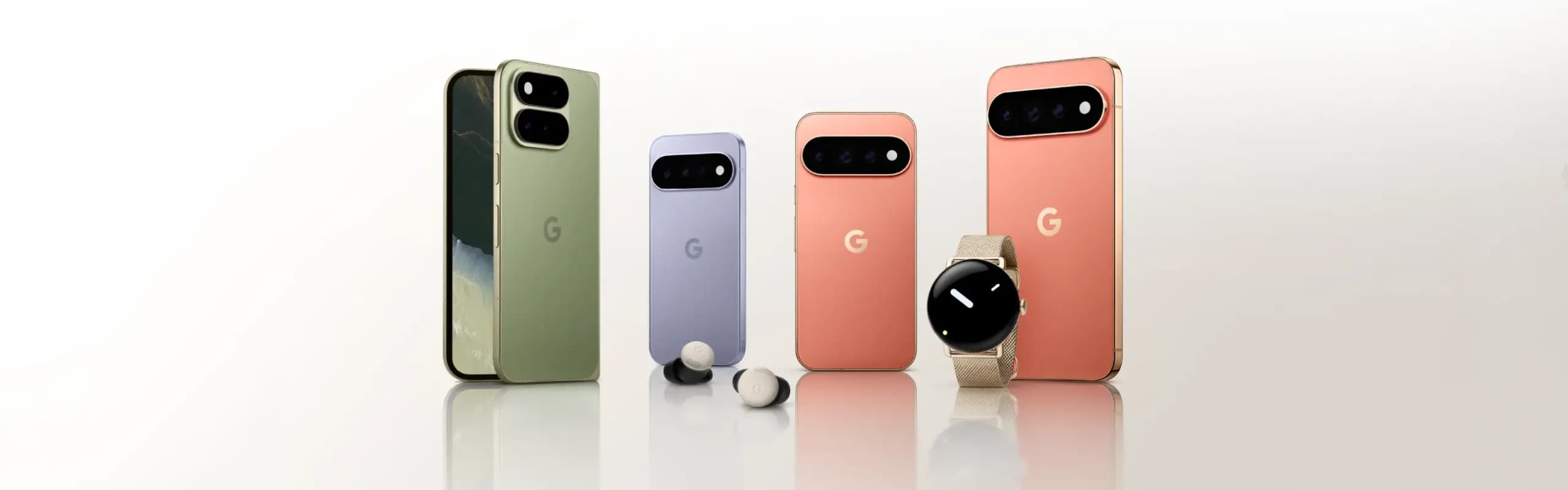
While the actual Made by Google 2026 event is still eight hours away, Google has already fully detailed the Pixel 11, Pixel Watch 5, and Pixel Tag. Here’s a rundown of everything announced at Made by Google 2026, covering the Pixel 11 lineup along with the new watch and tracker hardware. Pixel 11 The Pixel […]
Google will begin shutting down Google Assistant on Android phones starting September 4, moving users over to Gemini as the company’s default mobile voice assistant. The change comes via an email Google has started sending to users, as reported by Ars Technica. Rollout Will Happen Gradually The transition won’t happen for everyone on the same […]
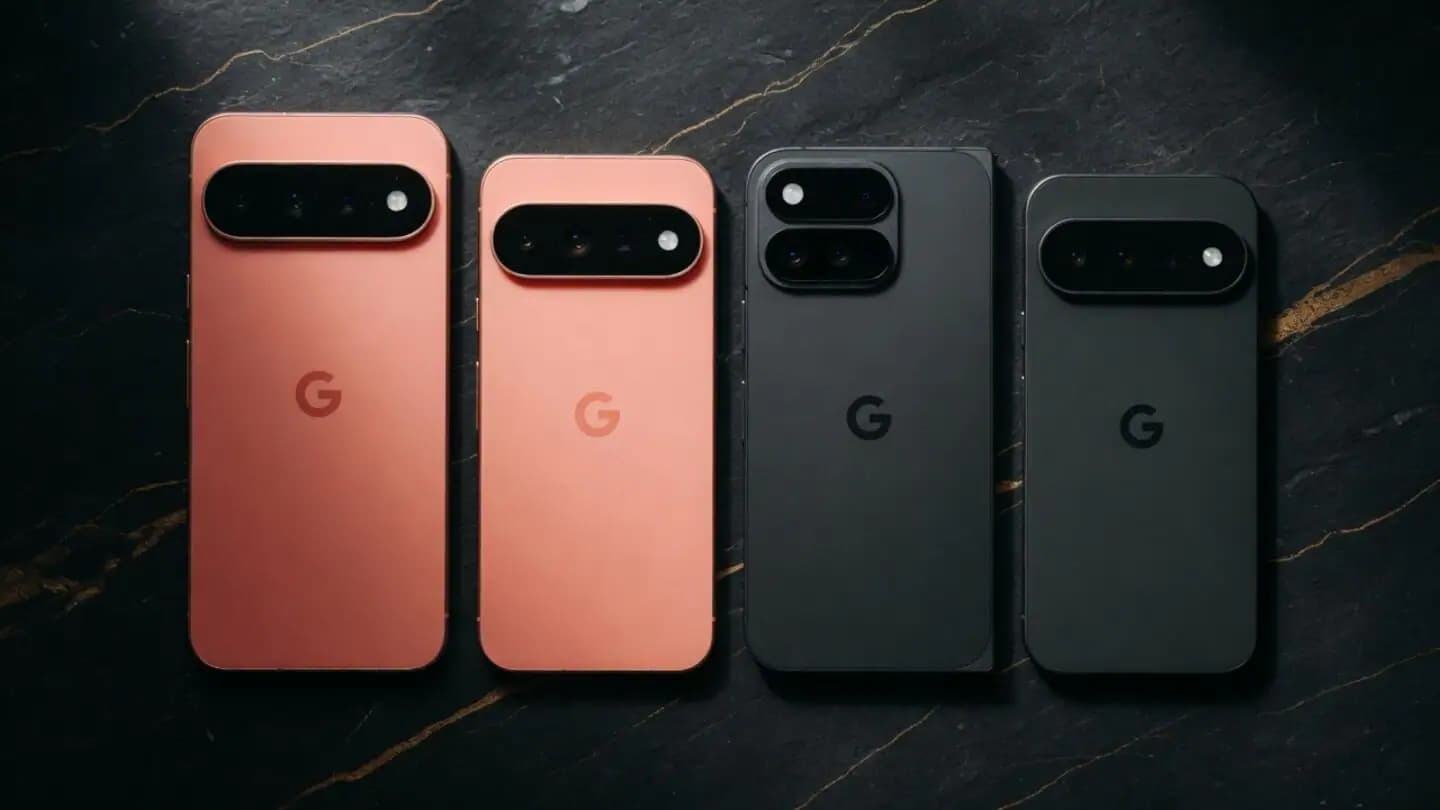
Google is set to unveil its Pixel 11 series on August 12, with the Pixel 11, Pixel 11 Pro, Pixel 11 Pro XL, and Pixel 11 Pro Fold expected to headline the company’s annual hardware event. Google is also expected to announce the Pixel Watch 5 and could introduce the Pixel Tag, its first Bluetooth […]
WhatsApp is finally addressing one of the biggest gaps in its web client, as WhatsApp Web now supports audio and video calls. This requires no download or installation, since it’s built directly into WhatsApp Web, which has also picked up support for screen sharing, reactions, and a dedicated Calls tab showing full call history and […]
Comments & Discussions
Join the conversation! We use Disqus to handle comments. Click the button below to load the comment section.