The Mountain View tech giant has more good news for Android users than just the recent announcement that call recording will be available in all areas where Pixel phones are sold. Android Auto gets Call Screening and Call Notes in latest update Android Auto can now screen calls in your car using your phone thanks ...
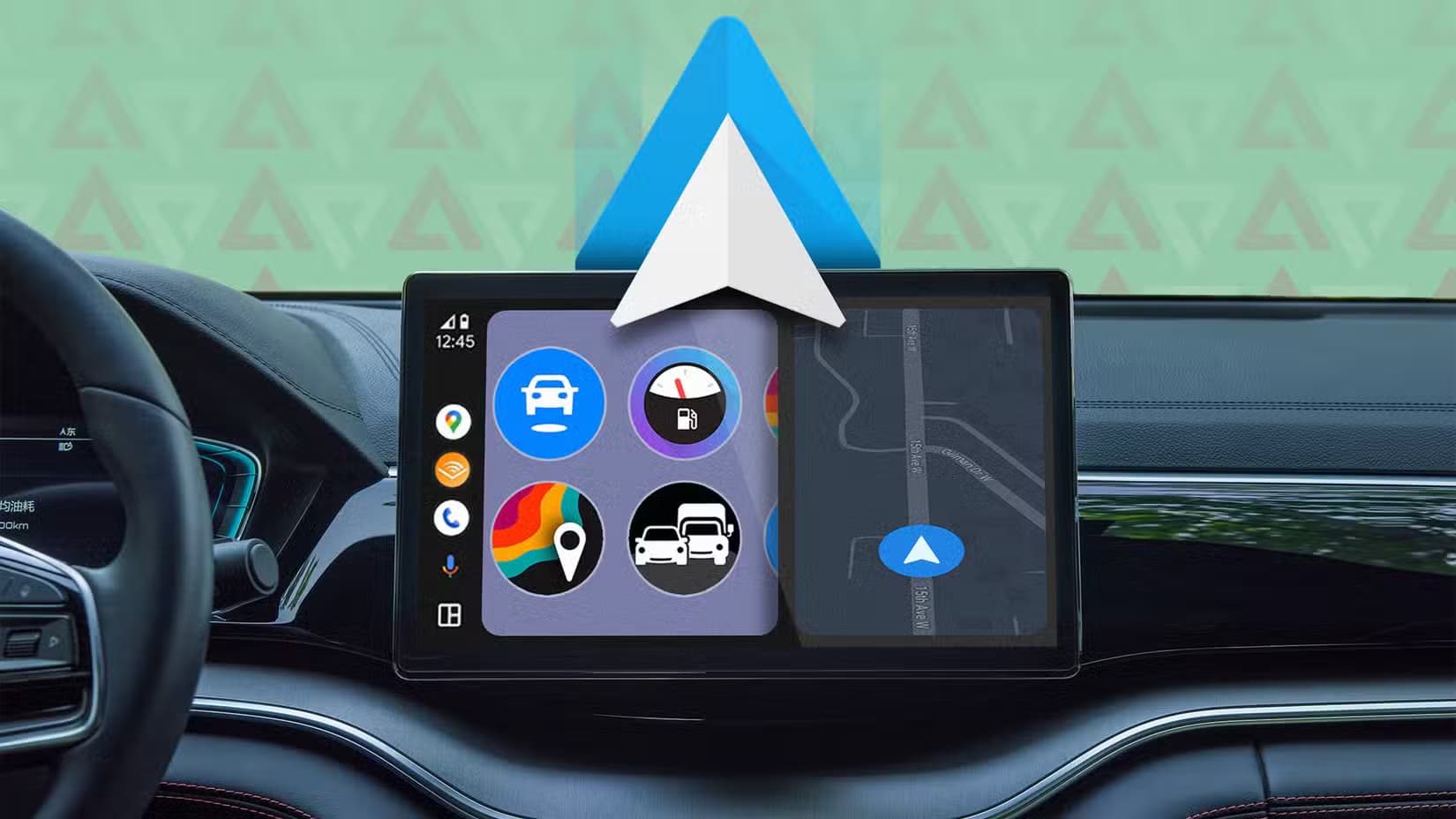
The Mountain View tech giant has more good news for Android users than just the recent announcement that call recording will be available in all areas where Pixel phones are sold.
Android Auto can now screen calls in your car using your phone thanks to a recent upgrade. Later this year, Call Notes will also be available on Android Auto for crucial talks in which you are unable to take notes since you are ostensibly driving at the time.
These two Android Auto improvements are quite useful. Particularly useful is call screening, which can spare you time by preventing you from taking pointless calls while operating a motor vehicle.
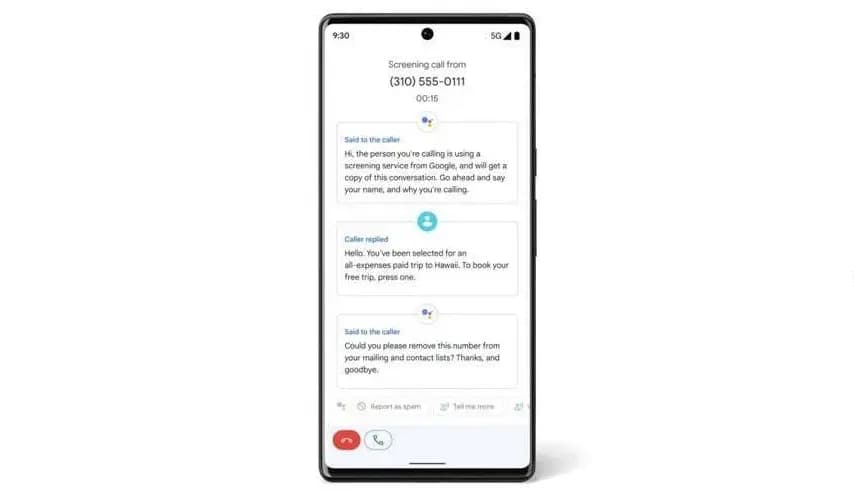
Unknown callers and those not on your contact list can use the service. After it asks the caller who they are and why they are calling, you will receive this information. In this manner, you have the option to accept or reject the call.
Conversely, Call Notes generates a text synopsis of your conversation. The Pixel 9 series was the first to implement the functionality. If it’s a business call, this Android Auto feature will be quite useful.
These two new features make it even more practical. Apple, Google’s primary rival, has the Call Screening feature on its most recent iPhone models (which come with the just released iOS 26). The feature is compatible with CarPlay, Apple’s technology for connecting your phone to your vehicle’s infotainment system.
The ability to screen calls is quite helpful, particularly when driving. Bravo to Google for introducing it to Android Auto, as it removes annoying calls without requiring you to answer or handle them.
I’m thrilled that Google is adding these two fantastic new capabilities to Android Auto. In fact, I believe they are far more helpful for Android Auto than for your phone, and the same is true for Apple’s version. When I’m driving, I would absolutely appreciate these two features. I now hope that things will function well and without any issues.

Samsung Galaxy Watch 8

Robert Haba is the founder and editor-in-chief of Droid Tools. A lifelong gadget enthusiast with over a decade following the Android ecosystem, he built this publication to cut through the noise and give readers honest, real-world coverage of the tech they actually use.
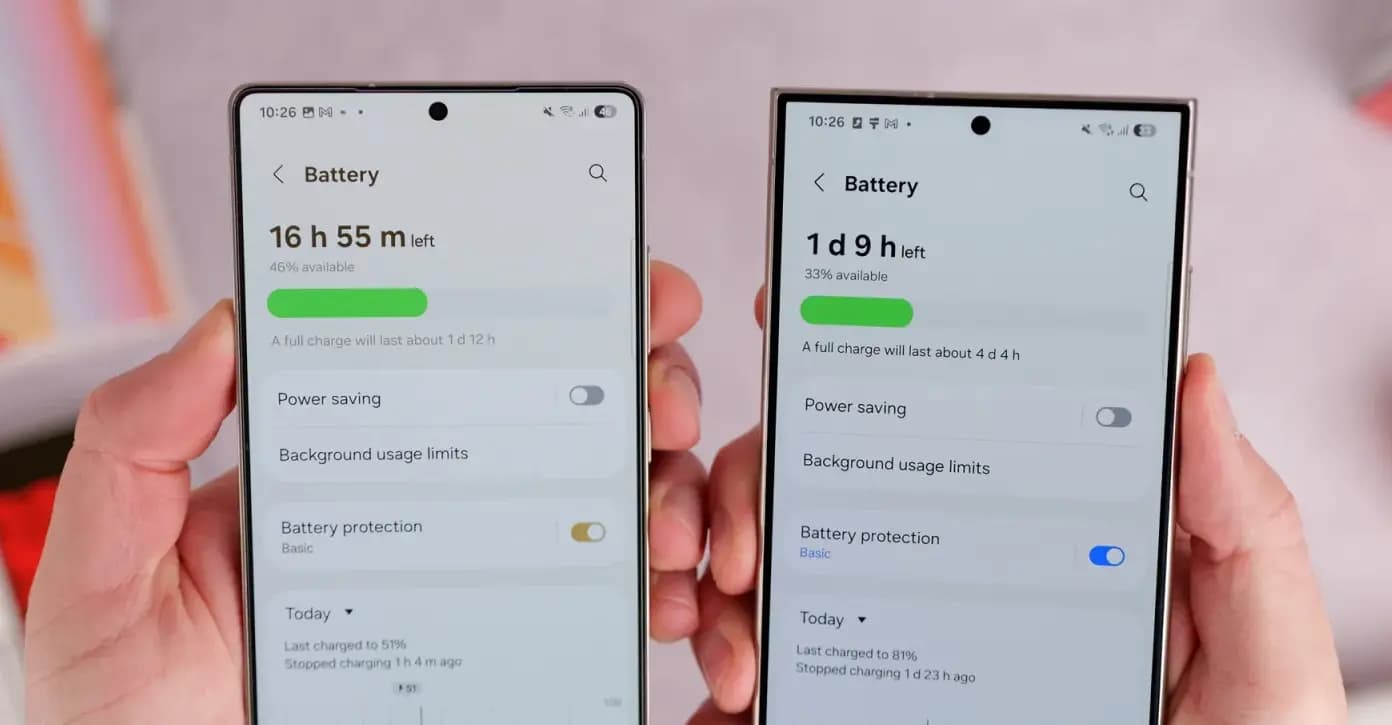
Some Samsung Galaxy S24 and S25 users report One UI 9 battery drain after the Android 17 update, though reports indicate the issue remains isolated.
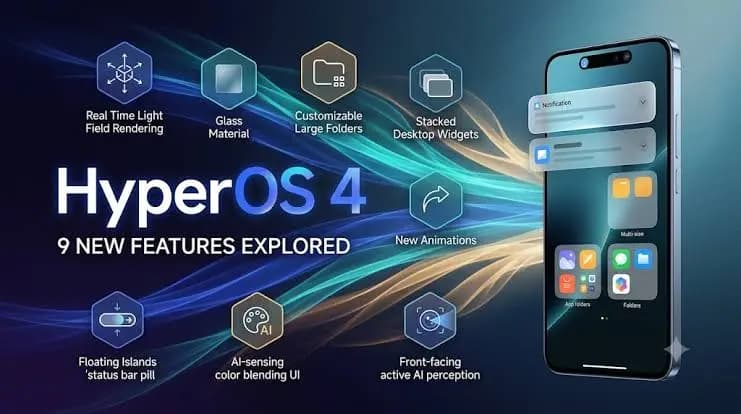
Xiaomi has started the stable HyperOS 4 rollout in China, adding memory preloading and HyperCore kernel updates while global release dates remain unconfirmed.
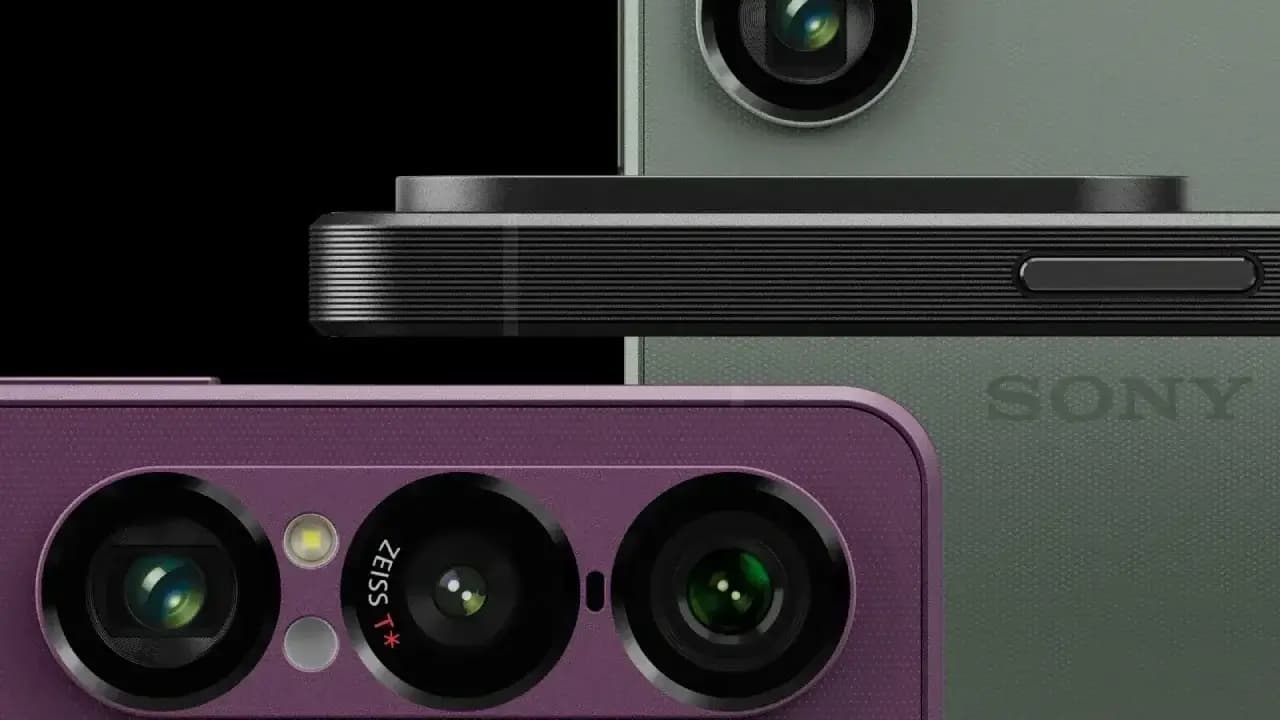
The Sony Xperia 1 VII Android 17 update is rolling out in Europe with desktop mode and visual tweaks, though it omits the newer AI Camera Assistant.

Samsung is rolling out the Galaxy S24 One UI 9 update based on Android 17, with Verizon publishing new build numbers for the base, Plus, and Ultra models.
The next story loads as you reach the end. You can also load it using the button.


Comments & Discussions
Join the conversation! We use Disqus to handle comments. Click the button below to load the comment section.