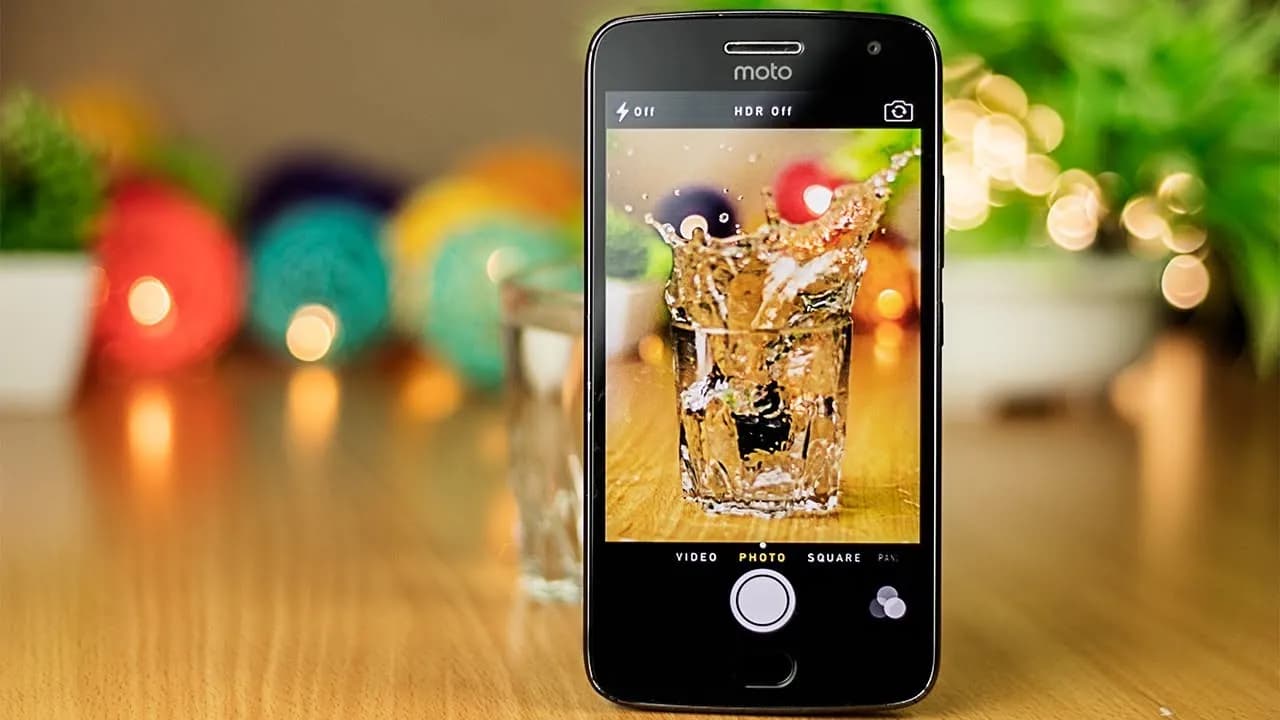
The majority of serious photographers use DSLR cameras, which are currently the industry standard. You can purchase a variety of cameras and lenses, which can be costly but worthwhile. However, you can enhance your experience even more by using apps. Generally speaking, your camera comes equipped with all the controls you need, but some apps can add features like remote control support or quicker, easier update processes. There are not many excellent options, but the ones that are available are good enough. Here are the top DSLR apps for Android!
Price: Free / Up to $52.99 per month
A good photo editor app is one of a photographer’s most valuable tools, and Adobe Lightroom is one of the best; the mobile version offers many of the same features as the desktop version, such as support for RAW photos, easy reverting back to the original, and the ability to send the files to your desktop version if necessary.
The majority of the features in the app are free, but if you already have an Adobe Creative Cloud subscription, you can access additional features. Overall, it is a good app for serious photographers.
Price: Free / Up to $5.99
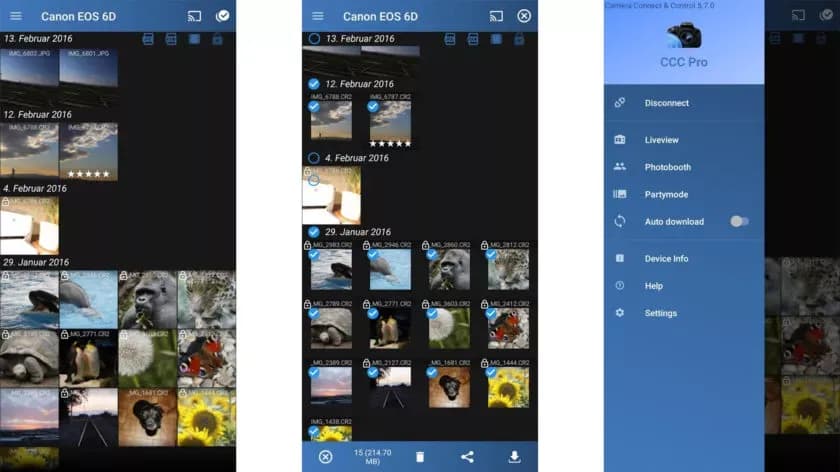
One DSLR app that lets you control your camera is called Camera Connect and Control. It works with a number of cameras, including Nikon, Canon, Sony, and GoPro. Depending on your camera, you can connect via WiFi or USB.
The app allows you to load your images to your phone and supports tethered shooting. Pro versions come with extra features like ad removal and access to EXIF data. The full pro version has even more features, but it has some bugs.
Price: Free
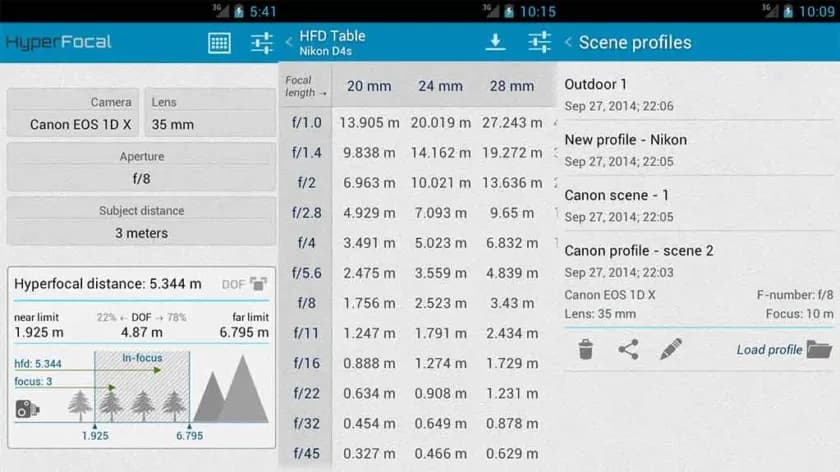
A reference guide for photographers, HyperFocal Pro displays calculations to get the best focus, ideal focus ranges based on subject, distance, camera, and glass; it works with most cameras; it displays statistics for depth of field, angle of view, and field of view; it is easy to read; it is free of cost, has no in-app purchases, and has no advertising.
For most beginning and intermediate photographers, it is a useful little tool.
Price: Free / Varies
The Magic Viewfinder app family is a collection of DSLR apps that do not control or connect to cameras; instead, they help you plan shots and see how your camera would perform by simulating your camera and lens setup. This allows you to accomplish tasks like framing without carrying your actual gear.
The apps are available for free download, with cheap in-app purchases to unlock all of the features. While they are not always the most useful, they can be useful in certain situations.
Price: $8.66
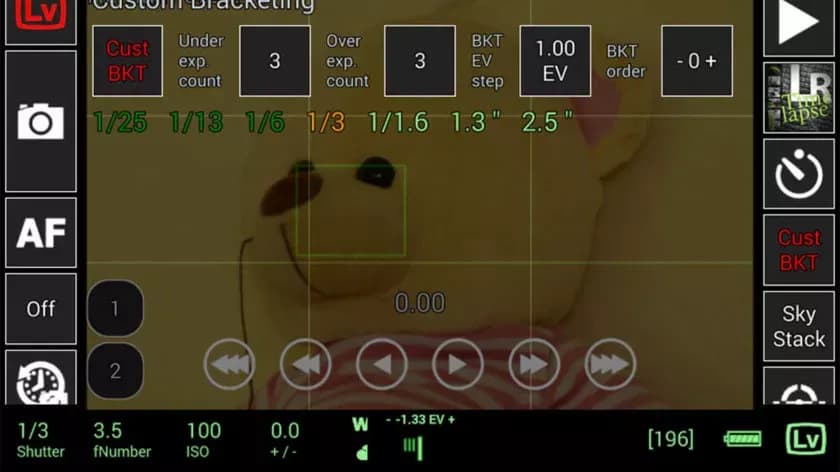
This DSLR app, called qDslrDashboard, works with mirrorless cameras from Canon, Nikon, and Sony. It has a long list of features, such as support for multiple cameras, the ability to view and pull photos from a camera, time-lapse controls, wireless controls, and more. If you prefer to work wired, it can also be used over USB-OTG. However, not all cameras are compatible with this app, and many users have reported connection problems and other various bugs.
Given its price tag, we imagine that’s why the rating is a bit lower than we’d normally see. In any case, if you try this, make sure to give it as thorough a testing as you can inside of the refund period, just in case.
Price: Free / $6.99
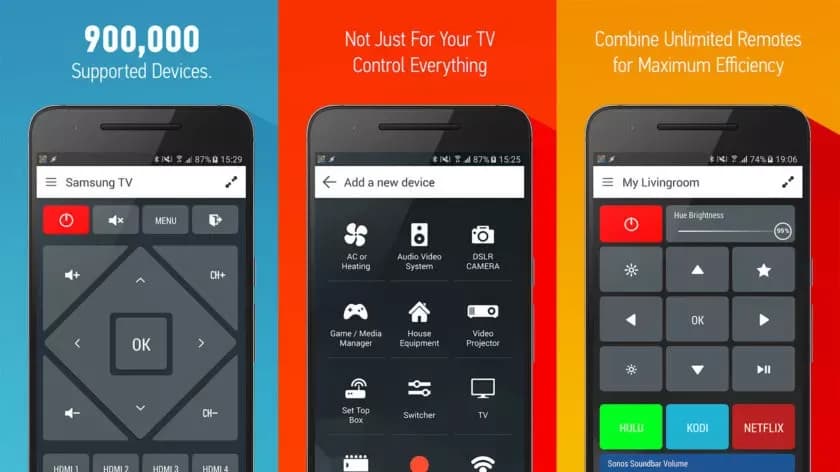
With that said, there is an immediate caveat with this one: your device needs an IR blaster on the phone in order for this remote app to function at all. Other than that, it should work with almost anything that has an IR receiver, which does include some DSLR cameras and camera remotes. However, there is not an easy list to refer to as to what cameras work with this one. Smart IR Remote is primarily for TVs and other home electronics.
The pro edition of the app is a bit pricey, but you definitely get what you pay for—it is arguably the greatest infrared remote software available on Google Play. Our recommendation is to download the free version and see if it functions with your camera.
Price: Free
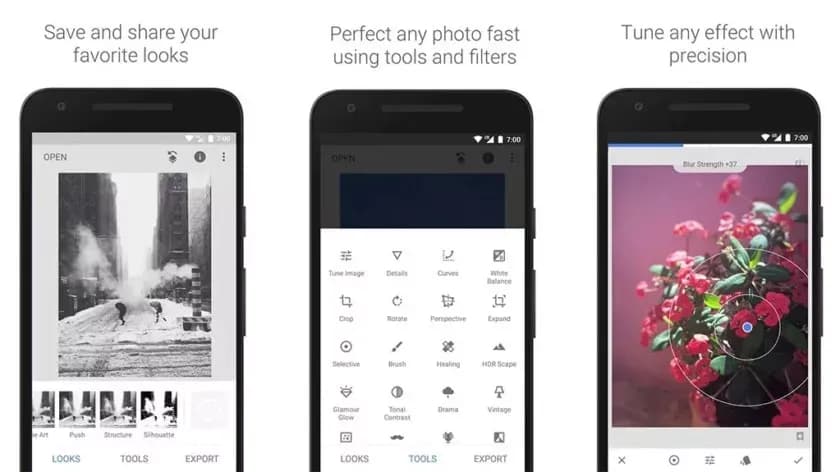
Google’s Snapseed is an extremely feature-rich free photo editor app that supports RAW files in addition to offering 29 additional editing tools with intensity sliders for finer control; it can also perform standard photo editing functions like cropping and white balance.
While it is not quite as powerful as desktop photo editors like Lightroom or Photoshop, Snapseed is probably the best option available for mobile devices.
Price: Free (usually)
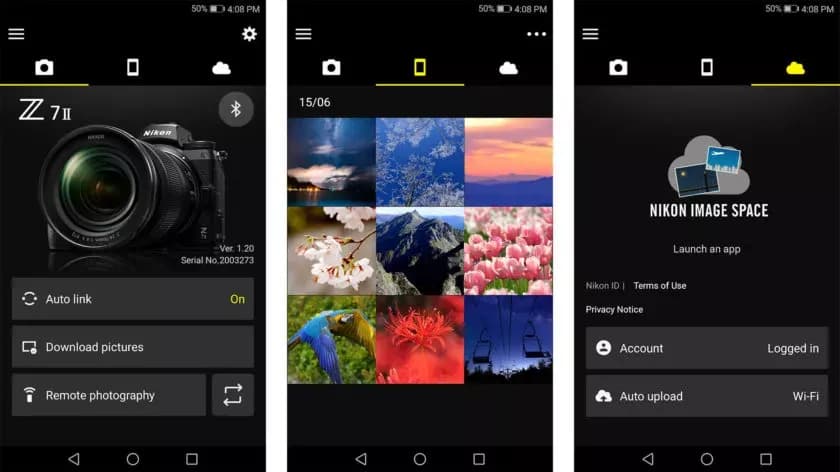
DSLR apps are available from most camera manufacturers. Canon, Sony, Nikon, Lumix, and other manufacturers have official apps designed to be used with their cameras. These apps are typically not the best—if they were, you would not be here and this list would not be necessary—but they can do basic functions like taking photos and transferring them to your phone.
While most of the apps are free, there are some that are more functional and allow you to do things like download via Bluetooth, take pictures remotely, and perform other advanced tasks. It is advisable to try the official app for your camera first (assuming it has one and is compatible) before downloading any other apps.
Price: Free
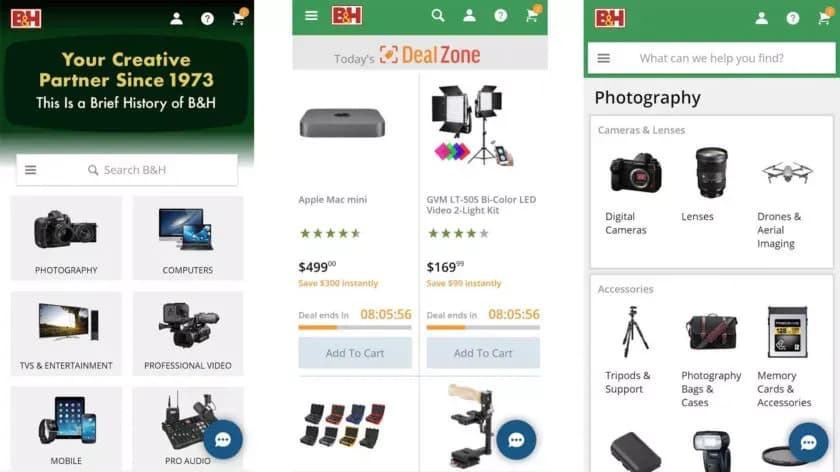
There are a lot of apps that sell various DSLR cameras and accessories. Some examples include B&H Photo Video (linked at the button), Amazon Shopping (Google Play link), and Newegg (Google Play link). However, you can also find some neat stuff on sites like eBay if you want a new piece of glass or some lightly used accessories.
Plus, those are excellent places to find lighting, filters, camera bags, cleaning supplies, and other things to make your photography life better. Hit all the links to check out the various apps.

Google Pixel Watch 5 (45mm)

Robert Haba is the founder and editor-in-chief of Droid Tools. A lifelong gadget enthusiast with over a decade following the Android ecosystem, he built this publication to cut through the noise and give readers honest, real-world coverage of the tech they actually use.
Rich Communication Services (RCS) has reshaped Google Messages, bringing read receipts, larger media attachments, and cross-platform messaging with iPhone users. RCS isn't without its own issues, though, and Messages has so far offered an easy way to opt out on a per-chat basis if it causes problems - a feature that now looks like it […]

AI video generation has moved well beyond experimental clips. In 2026, creators, marketing teams, agencies, and video professionals can use these tools for social content, product videos, storyboards, advertisements, B-roll, explainers, and early-stage creative concepts. The challenge is choosing the right platform. Some focus on cinematic generation, while others are better for rapid marketing production […]

Google Messages is now widely rolling out its new Keep Notes integration, following last week's September 2026 Android Drop announcement. Opening the “plus” menu inside a conversation reveals a new Keep Notes shortcut, and those pills can be reordered like usual. Alternatively, Google might surface a contextual “Create list” shortcut directly in the suggestions row. […]

Developers have discovered that Android 17 quietly blocks apps from checking whether Developer Options and USB Debugging are turned on, in what's being described as one of the release's hidden changes. Regardless of whether Developer Mode is actually enabled on a device, apps that try to read its status in Android 17 will always get […]
The next story loads as you reach the end. You can also load it using the button.


Comments & Discussions
Join the conversation! We use Disqus to handle comments. Click the button below to load the comment section.