Smartphone users are now being alerted by the FBI and cybersecurity organizations to a new fraud called “Quishing,” which includes malicious or phony QR codes. Particularly vulnerable are those who often utilize QR codes for logins or payments; some victims have lost thousands of dollars. Here's what you should know and how to protect yourself. ...
Smartphone users are now being alerted by the FBI and cybersecurity organizations to a new fraud called “Quishing,” which includes malicious or phony QR codes. Particularly vulnerable are those who often utilize QR codes for logins or payments; some victims have lost thousands of dollars. Here’s what you should know and how to protect yourself.
The FBI and other federal authorities have recently expressed concern over the increase in QR scam attacks, sometimes known as quishing, in which unwanted parcels show up at people’s doorsteps. These packages frequently contain QR codes that, when read by the camera on mobile phones, cause victims to install malware or be redirected to phony websites. Your device may be compromised as a result, and your personal information may be taken.
The most recent worry centers on these frauds that prey on people who frequently transact online. In order to steal your data, attackers are creating QR codes that point to dubious websites. These scams can also compromise your bank accounts and phone, enabling scammers to steal your money, according to the Brandenburg Consumer Advice Centre (VZB).
In one scenario, scammers pose as legitimate customers interested in buying a product. They ask the seller to scan a QR code to start the transaction rather than giving money straight to the seller. By directing the victim to a phony PayPal login screen, this code may fool them into inputting their account information. This strategy is a type of phishing on websites.
With zero-click tactics that don’t involve any user engagement, some attacks are become even more hazardous. Usually, high-profile people like politicians, journalists, attorneys, and activists are the target of these.
Cyber Security Coach Online security specialist Alex East cautions that hackers might post phony QR codes in both public and private areas, such convenience store payment terminals or gas pumps. During normal transactions, these codes have the ability to reroute customers to malicious websites.
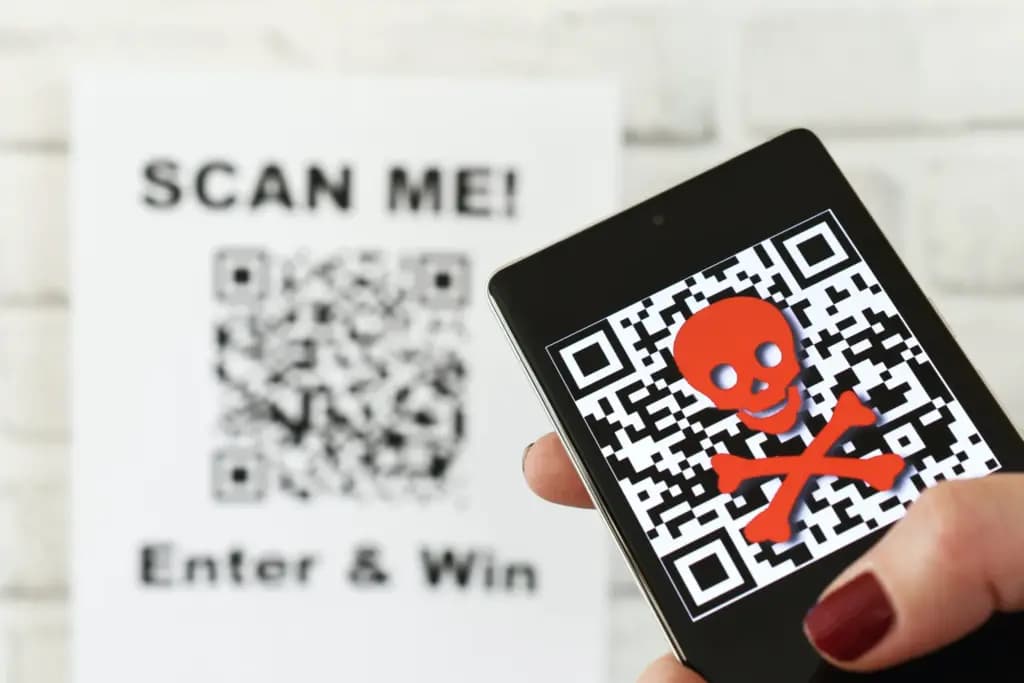
VZB recommends users to exercise caution when making digital transactions to prevent becoming victims of QR code frauds. It’s crucial to confirm that the vendor is the one displaying the QR code before paying, as opposed to scanning one that has been supplied by another party. Always look for indications of questionable activity on the website you are sent to, such as misspelled domain names or odd layouts.
Scanning QR codes from unwanted parcels, email attachments, or public places should generally be done with caution as they may direct users to fraudulent websites. It’s even better to stay away from scanning QR codes completely unless you know exactly where they came from.
It’s also strongly advised to strengthen account security using two-factor authentication (2FA), particularly when money is involved. Consider using passkeys, a more secure login option that is already supported by many websites and apps, for even more security.
Security features on both iPhones and Android smartphones, such as warnings for phony websites and fraud detection in calls and messages, can aid in spotting scammers. To get the most protection, make sure these features are turned on.

Google Pixel Watch 4

Robert Haba is the founder and editor-in-chief of Droid Tools. A lifelong gadget enthusiast with over a decade following the Android ecosystem, he built this publication to cut through the noise and give readers honest, real-world coverage of the tech they actually use.

Samsung may open a One UI 9.5 beta soon after test firmware appeared for the Galaxy S26 Ultra, ahead of an expected release alongside the Galaxy S27.

Silicon-carbon batteries push smartphone capacity to 10,000mAh, but full recharge times have grown as phone makers likely prioritize cell longevity.
Google took down an Android TV botnet linked to Videostrong, but researchers warn that infected devices may require replacement.
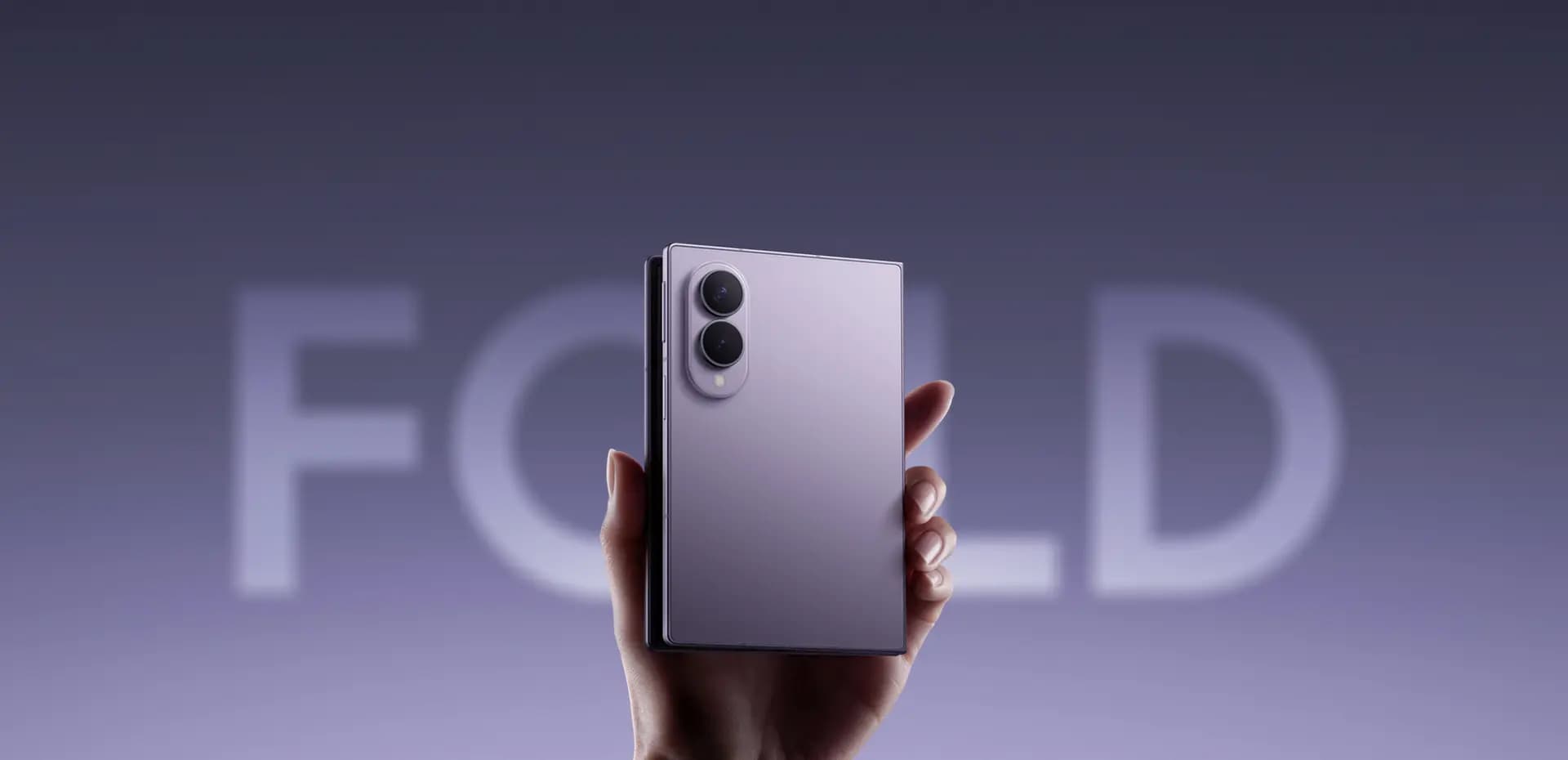
Samsung Galaxy Z Fold 8 sales reportedly rose 20% in the week after Apple released the iPhone Duo, amid reports of screen cracking on the rival device.
The next story loads as you reach the end. You can also load it using the button.


Comments & Discussions
Join the conversation! We use Disqus to handle comments. Click the button below to load the comment section.