Android 16 wasn't expected to be a huge event, but Material 3 Expressive altered that and made many excited about the upcoming Android release. Google is making the required adjustments to truly streamline the experience overall, in addition to giving you the option to personalize the appearance and feel of your device. The Google Phone ...

Android 16 wasn’t expected to be a huge event, but Material 3 Expressive altered that and made many excited about the upcoming Android release. Google is making the required adjustments to truly streamline the experience overall, in addition to giving you the option to personalize the appearance and feel of your device.
The Google Phone app is one area that is receiving a lot of unexpected attention. Late last month, Google said that it will be making modifications to the Phone app, and now it is beginning to push out those changes to users. This UI update is presently only available to beta users, so it won’t be available to everyone this time around, according to 9to5Google.

Going ahead, beta users should anticipate a much more straightforward interface with only three menu options—Home, Keypad, and Voicemail—to select from on the bottom bar. The Home page now has a plethora of data, including recent calls and preferred contacts, further deepening the alterations. You can manually make calls or view some recommended contacts by going to the Keypad area. Additionally, any voicemails you may have will be stored in the Voicemail section, as you might anticipate. Users should now have access to the gesture controls in addition to the previously mentioned features.
You may now accept and reject calls with a simple tap or horizontal swipe thanks to the recent update. It’s a lovely addition that gives the user interface a more contemporary feel, even though it’s not a significant improvement. With Material 3 Expressive touches appearing on numerous other well-known Google apps, additional modifications will undoubtedly emerge over the year.
Even though the modifications are gradual, more areas of Android and other Google apps are gradually incorporating them. We’ll have to wait and see how far Google takes this. With the Pixel 10 expected to be released in a few months, hopefully there will be more intriguing additions to this.
Stay connected with the latest from Droid Tools—follow us on X @droid_tools, like our page on Facebook, check out our updates on Instagram, and follow us on Google News for real-time news, device tips, and mobile tech insights.
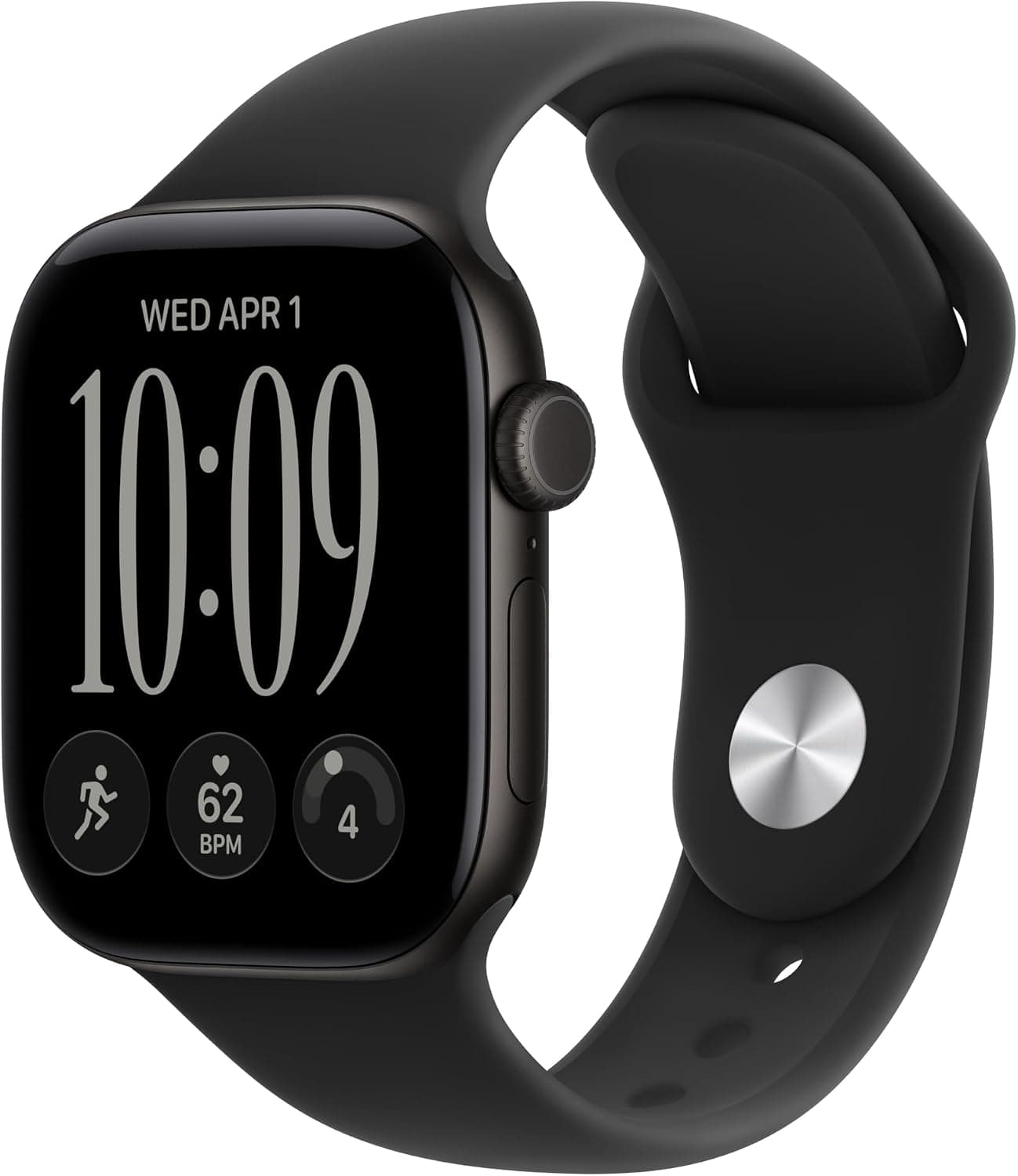
Apple Watch Series 12

Robert Haba is the founder and editor-in-chief of Droid Tools. A lifelong gadget enthusiast with over a decade following the Android ecosystem, he built this publication to cut through the noise and give readers honest, real-world coverage of the tech they actually use.

Google Photos may add a dedicated RAW images section to Collections to help users find, edit, and manage space-heavy RAW photos.

Google Messages pinned chats are receiving an updated layout with large contact photos in beta, alongside a new floating search button.

Google is rolling out gradient icon redesigns to Phone and Contacts apps, with subtle gradients and cleaner edges across mobile and web platforms.

Circle to Search in Google Messages helps identify suspicious texts on supported Android phones, offering guidance on potential scams and next steps.
The next story loads as you reach the end. You can also load it using the button.


Comments & Discussions
Join the conversation! We use Disqus to handle comments. Click the button below to load the comment section.