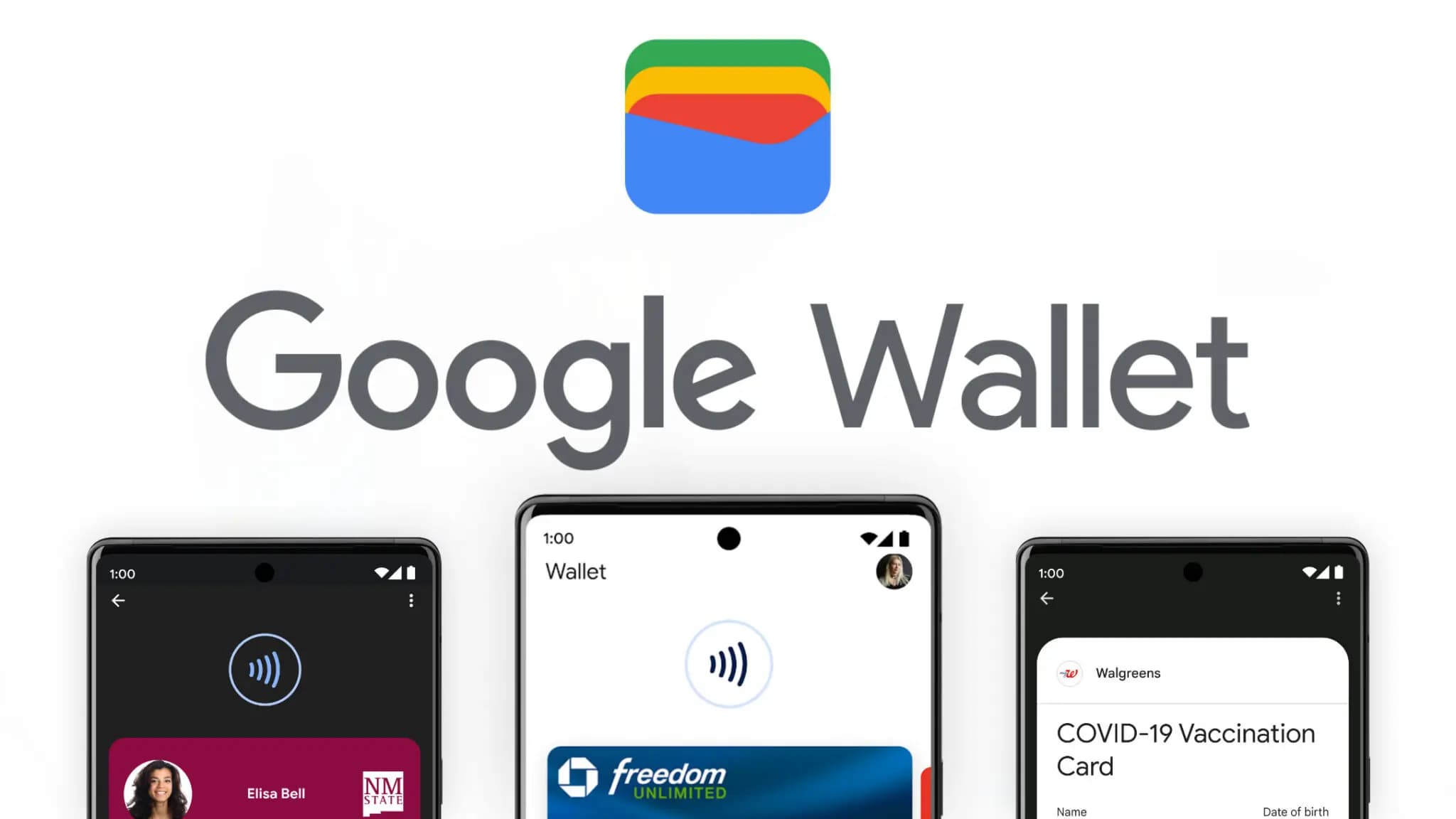

Google Wallet has grown into one of the most versatile digital wallet solutions available. Beyond storing credit and debit cards, it handles state IDs, passports, event tickets, transit passes, digital car keys, and plenty more – effectively everything you’d normally carry in a physical wallet. Over time, Google has steadily expanded its capabilities, adding features that feel obvious in hindsight but weren’t on anyone’s radar beforehand. One of those is Live Updates, which surfaces real-time data for transit and events directly within the app.
For those unfamiliar with Live Updates, the feature delivers current information about your transit method or upcoming events without requiring you to open a separate app, dig through emails, or hunt down the information yourself. With the latest Google Wallet update, that same convenience now extends to flights, as noted by 9to5Google.
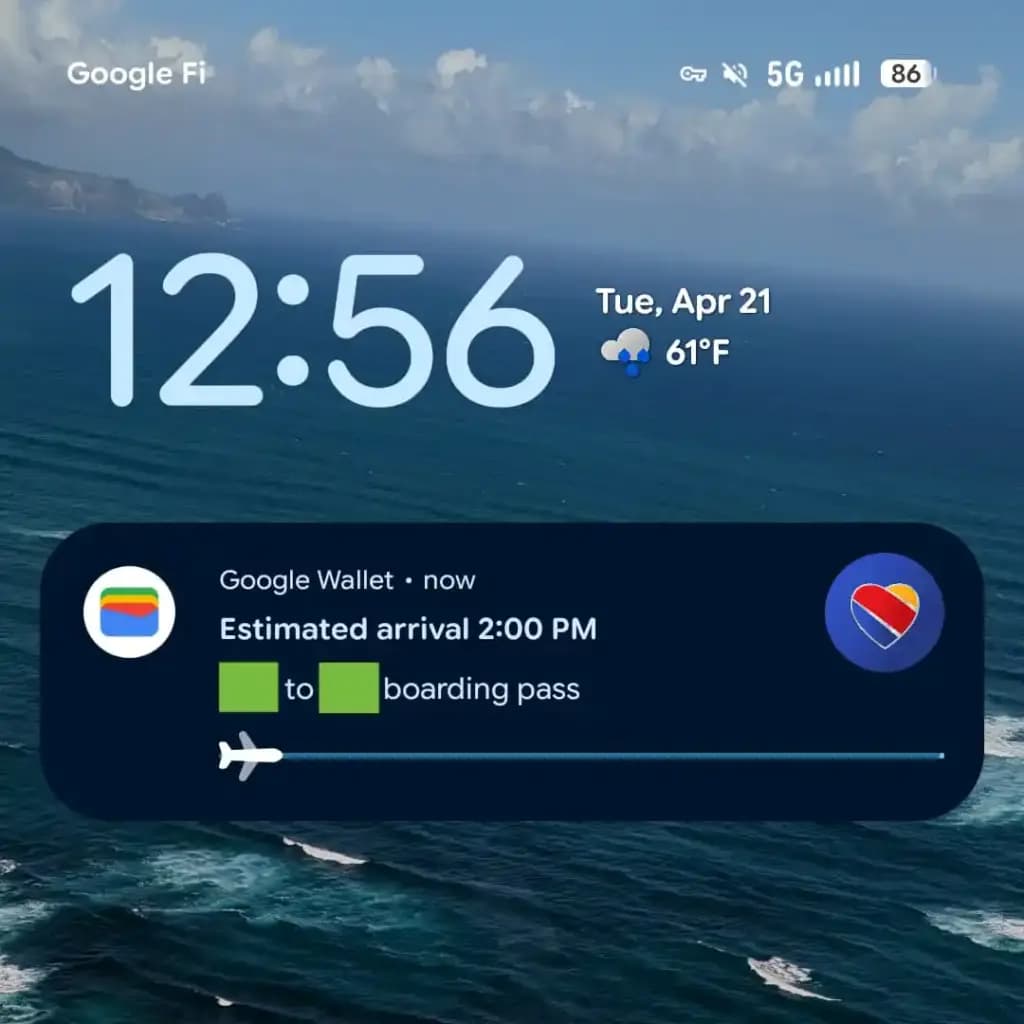
From the moment a flight is booked, Wallet is ready to track it and display the latest status. It also generates an easily accessible QR code for scanning at the gate when the time comes. On devices running Android 16 or later, Wallet will display takeoff time, total flight duration, and an estimated arrival time. All of this appears on the lock screen or always-on display, if that feature is enabled.
That kind of at-a-glance access becomes especially valuable on hectic travel days. The usual routine — checking in hours early, clearing security, settling in at the boarding gate – tends to go smoothly, but flights don’t always cooperate. Delays happen for all sorts of reasons, gates get reassigned, and cancellations aren’t unheard of. Rather than bouncing between airline apps, notification panels, and departure boards, having the key details visible the moment the screen lights up keeps things a lot simpler. It’s also easier to keep travel companions informed without constantly having to look things up.
To get Live Updates for flights working, Android 16 users will need to update Google Wallet along with any associated services. The timing works out well, with the rollout landing just ahead of what’s typically one of the busiest travel periods of the year.

Google Pixel Watch 5 (45mm)

Luiza Mosneagu is Reviews Editor at Droid Tools. A psychologist by training and tech writer by passion, she has tested over 60 Android devices since 2020 - always for a minimum of two weeks before writing a word. Her focus is camera quality, everyday usability, and cutting through marketing claims to tell you what a device is actually like to live with.
Rich Communication Services (RCS) has reshaped Google Messages, bringing read receipts, larger media attachments, and cross-platform messaging with iPhone users. RCS isn't without its own issues, though, and Messages has so far offered an easy way to opt out on a per-chat basis if it causes problems - a feature that now looks like it […]

AI video generation has moved well beyond experimental clips. In 2026, creators, marketing teams, agencies, and video professionals can use these tools for social content, product videos, storyboards, advertisements, B-roll, explainers, and early-stage creative concepts. The challenge is choosing the right platform. Some focus on cinematic generation, while others are better for rapid marketing production […]

Google Messages is now widely rolling out its new Keep Notes integration, following last week's September 2026 Android Drop announcement. Opening the “plus” menu inside a conversation reveals a new Keep Notes shortcut, and those pills can be reordered like usual. Alternatively, Google might surface a contextual “Create list” shortcut directly in the suggestions row. […]

Developers have discovered that Android 17 quietly blocks apps from checking whether Developer Options and USB Debugging are turned on, in what's being described as one of the release's hidden changes. Regardless of whether Developer Mode is actually enabled on a device, apps that try to read its status in Android 17 will always get […]
The next story loads as you reach the end. You can also load it using the button.


Comments & Discussions
Join the conversation! We use Disqus to handle comments. Click the button below to load the comment section.