

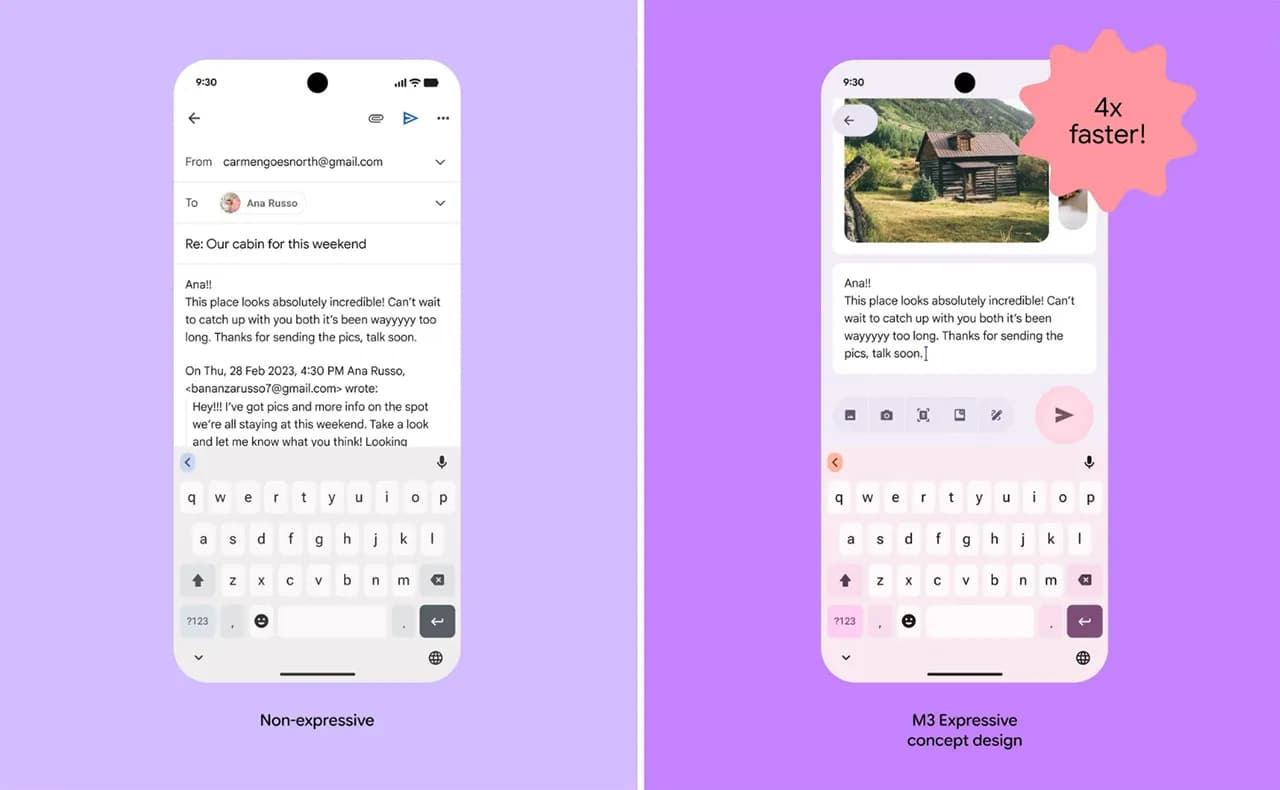
One of the main topics of discussion with Android 16 is the release of Material 3 Expressive, which not only improves the user experience of the system but also guarantees that Google apps use the same design language, improving consistency. Later in the year, those system-level design modifications are anticipated, but it appears Google is eager to begin implementing Android 16’s app designs.
Over the past few weeks, the Mountain View tech behemoth has been seen previewing Material 3 Expressive in the Phone app and, more lately, in Calendar, Photos, Files, and Meet. If Gmail is your main email app on your Android phone, it’s time to see if you have the Material 3 Expressive design upgrade installed. However, there is no information regarding when Android 16’s design will be available for these apps.
How Material 3 Expressive design is changing Gmail?
The Gmail app version 2025.05.11 is implementing Android 16’s design language, which was initially noticed by SparkRadar on Telegram. This brings significant modifications to the program’s general look (via Android Authority). The new card-based user interface for the email list is the first significant change you’ll notice when you launch the app.

Emails and the landing page’s search box were previously shown in a single-sheet format. With the Material 3 Expressive redesign, the email screens also had the same card-based user interface as the landing page.
On the landing page, the “Compose” FAB is still located on the right, but now has a thicker typeface and a solid-filled pencil image. The search bar has seen a minor alteration as well. The profile symbol in the search bar is no longer present in the updated user interface. As an alternative, the search bar’s size has been lowered to create space for the profile symbol next to it.
Additionally, we can see that the Meet and Email symbols have grown in size, and the bottom bar has slightly expanded. Additionally, Gmail now has a pill-shaped button animation for its swipe motions, which gives the interface a lively personality.


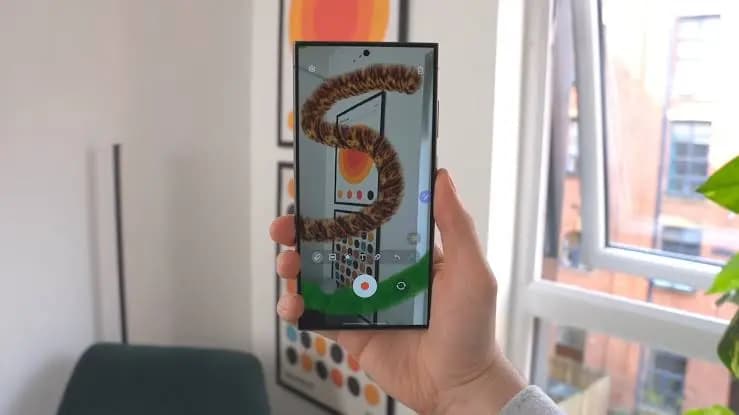
Although the Material 3 Expressive design update is visually appealing, not all Gmail users can currently access it. The reason for this is that a server-side update is being used to roll it out. Additionally, it may take a few more days to make this adjustment available to everyone, as Gmail is one of the Google apps with over 10 billion installations on the Google Play Store.

Google Pixel Watch 5 (45mm)

Samsung Galaxy Watch 8

Google Pixel Watch 4


Robert Haba is the founder and editor-in-chief of Droid Tools. A lifelong gadget enthusiast with over a decade following the Android ecosystem, he built this publication to cut through the noise and give readers honest, real-world coverage of the tech they actually use.
Comments & Discussions
Join the conversation! We use Disqus to handle comments. Click the button below to load the comment section.