

Over the last few years, the challenge of bypassing SafetyNet Attestation has evolved from a simple cat and mouse game between Google and the modding community to a burgeoning battle full of obscure barriers. Thanks to the rise of hardware-backed certification techniques, it is very difficult to bypass the boot image integrity verification routine and hide root access. Installing Magisk on its own would not be enough to circumvent the latest update to SafetyNet, especially on newer devices. This is where the Universal SafetyNet Fix Magisk module comes in.
While legacy device owners, as well as custom ROM users, often use modules such as MagiskHide Props Config to spoof the CTS profile to pass basic certification, as long as the method in question relies on a valid combination of device and model names, fingerprint building, and security patch levels, there is no guarantee that the root hiding trick will remain useful in the future. This is due to the fact that Google Play Services is starting to use CTS profile validation hardware certification in many cases, even when a basic certificate is selected.
In case you have an Android device that has an unlocked bootloader (or locked using custom verified boot keys) and thus doesn’t pass hardware attestation, then the Universal SafetyNet Fix Magisk module may fix that. Created by Danny Lin AKA XDA Senior Member kdrag0n, the module works by taking advantage of the opportunistic nature of the hardware attestation routine. Quoting the developer:
The workaround is already available pre-integrated on the ProtonAOSP ROM from the same developer, which lets you pass SafetyNet without Magisk on fairly modern devices such as the Google Pixel 5. If you are a custom ROM maintainer and you wish to integrate this method with your build, you can do so by cherry-picking the necessary patches from this repository. On the other hand, the latest version of the ready-to-flash Magisk Module variant can be found here. Note that MagiskHide is still required if the target device is rooted.
Universal SafetyNet Fix: XDA Thread ||| GitHub Repo

Google Pixel Watch 5 (45mm)

Cristian Penisoara is a Guides Writer and Android specialist at Droid Tools. An Android user since version 2 and a professional event photographer, he combines technical curiosity with a detail-oriented approach - every guide he publishes is tested step-by-step on a real device before it goes live.

Overnight charging exposes phone batteries to sustained high voltage and heat. Learn how Google Pixel and Samsung Galaxy settings stop cell degradation.
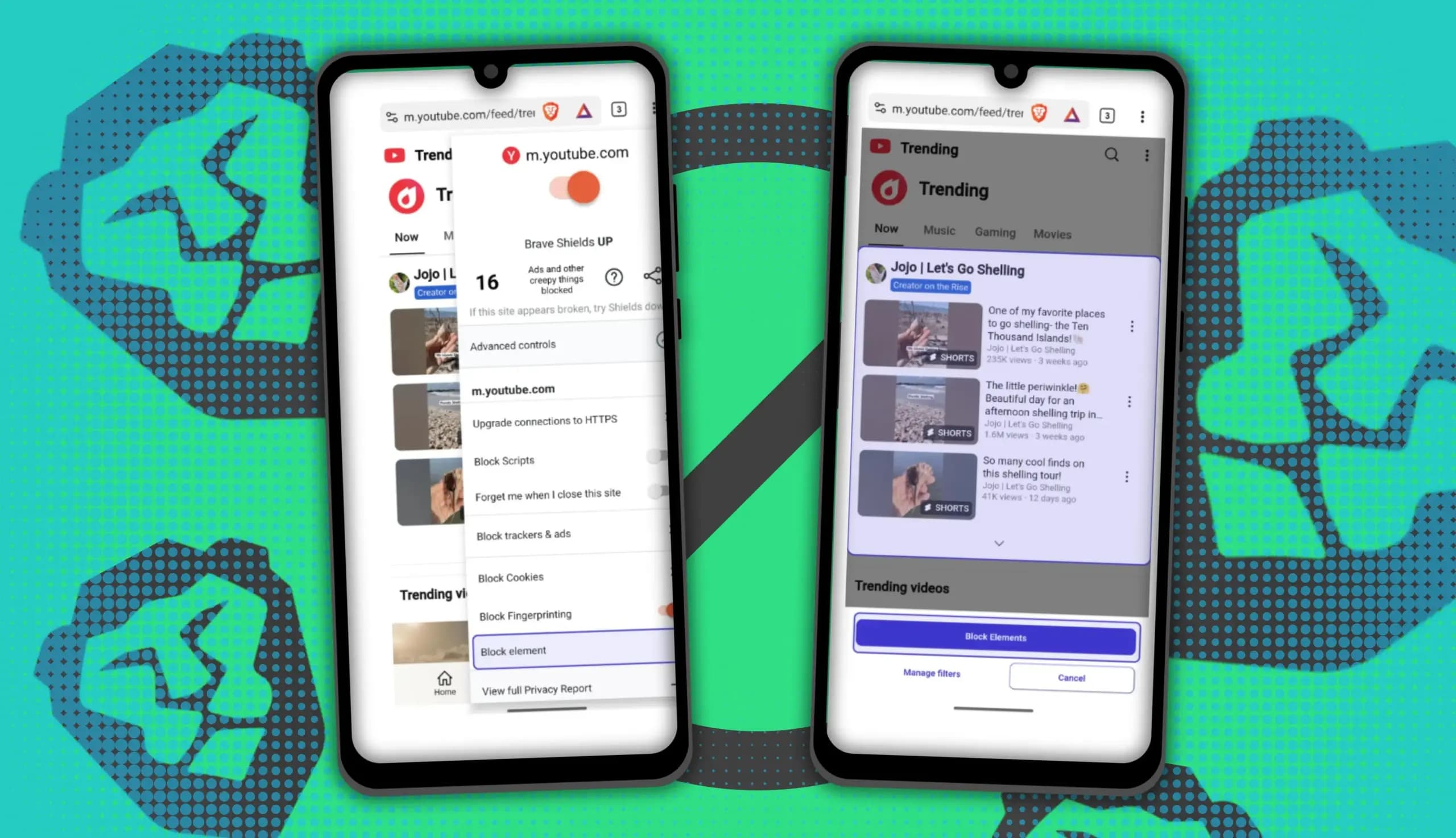
You can block ads on Android more effectively by pairing Brave’s Aggressive Shields setting with the system’s Private DNS feature. The setup filters ads at both the browser and system levels, takes only a few minutes to configure, and avoids the battery drain and VPN conflicts that come with dedicated ad-blocking apps. Why one ad […]

Behind a two-tap recharge sits a surprising amount of plumbing. Every prepaid network has its own rules about what can be topped up, in which denominations, and how quickly credit posts to a SIM. MobileTopUP hides that complexity behind a single form: pick a country, enter a number, choose an amount. What the coverage map actually covers […]
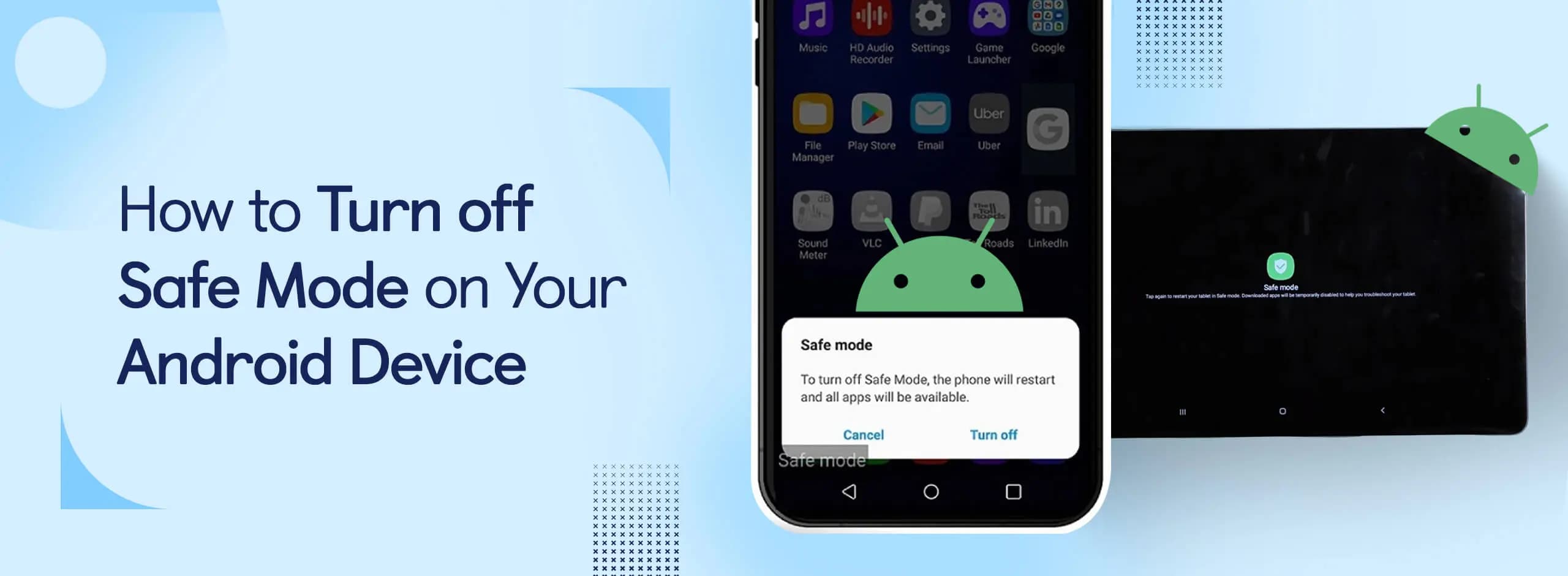
Knowing how to turn off Safe Mode on Android comes in handy, since Safe Mode is a built-in troubleshooting tool that disables every third-party app on a phone and switches on Airplane Mode, making it easier to isolate an app causing lag, battery drain, or other issues. It's also useful for safely deleting a suspected […]
The next story loads as you reach the end. You can also load it using the button.


Comments & Discussions
Join the conversation! We use Disqus to handle comments. Click the button below to load the comment section.