Every morning when you wake up, you drink your freshly brewed espresso while using the newest mobile applications. Every day that goes by, the market for Android and iOS applications expands. It's growing quite quickly. It's not surprising that the market for smartphone apps is booming. On the Google Play Store, 2.87 million apps are ...
Every morning when you wake up, you drink your freshly brewed espresso while using the newest mobile applications. Every day that goes by, the market for Android and iOS applications expands. It’s growing quite quickly.
It’s not surprising that the market for smartphone apps is booming. On the Google Play Store, 2.87 million apps are available for download. 50 or more times per day are used by 21% of Millennials. 49% of consumers use an app 11 or more times per day. Mobile apps account for 70% of all digital media consumption in the US.
These days, public awareness of AI is widespread. Well, we are quite happy to provide you with all the best examples of Android AI apps. So let’s get started:
Buildfire’s analysis indicates that there are 6.3 billion smartphone users worldwide. But do you know why we’re here to talk about it? It’s the AI magic in Android applications. These days, public awareness of AI is widespread. Isn’t it intriguing to learn how AI functions in Android apps?
To see their astonishing features, let’s learn more about these AI Apps for Android in depth.
Artificial intelligence has significantly changed the digital market. We no longer need to spend more time and money creating excellent communication material.
The main goal of this paraphrasing tool was to facilitate writing. It is possible to rephrase the content at the level of words, phrases, and sentences. The rewriter in this paraphrasing tool is one of the greatest AI tools for paraphrasing any type of text.
In order to create entirely original, error-free work, it modifies the language and grammatical constructs changing the text while maintaining its readability and aesthetic appeal.
It enables quick phrase changes for both short-form and long-form content. Create a statement to learn how to change the diction and tone.
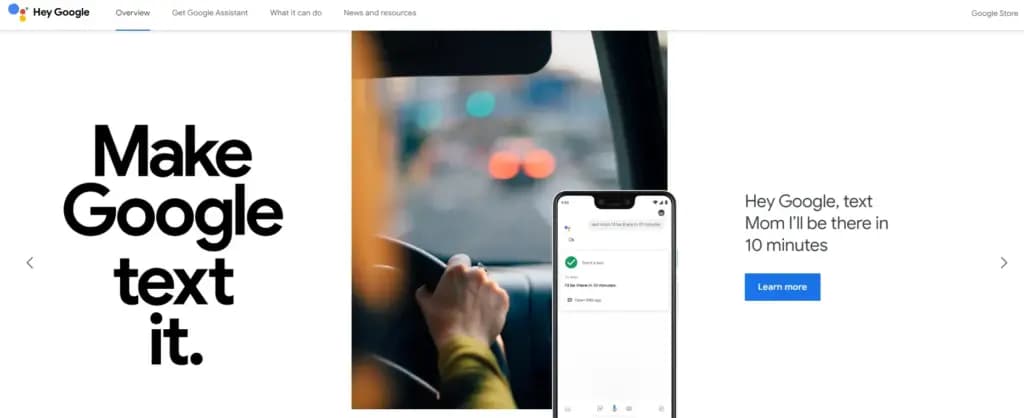
It is a Google-created virtual assistant software program. It is mostly accessible through mobile and home automation technology. Android apps can be voice-activatedly controlled using Google Assistant.
Users are able to open apps and do tasks with the aid of Google Assistant. They use search engines to acquire information and can accomplish a lot more things just by speaking commands like, “Hey Google, start a run on Example App.”
Continued discussion is supported by Google Assistant. It enables users to express numerous requests or ask follow-up inquiries without having to repeat themselves.
Numerous Google services, like Gmail, Google Calendar, Google Maps, and others, are smoothly integrated with it. Users can utilize this to navigate, view, and share images, as well as access their emails and make appointments.
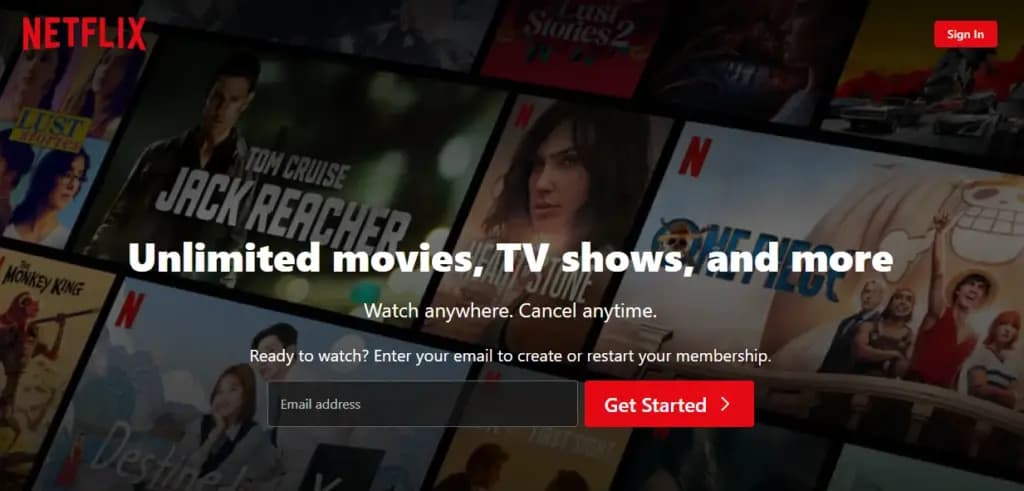
This Android AI app does not require an introduction. Nearly everyone in your immediate vicinity is engrossed in using this app.
Netflix is one of the most well-known streaming services in the world, and artificial intelligence has significantly contributed to this success. Using Netflix’s sophisticated recommendation technology, users can find content they might have missed.
Within a single Netflix account, customers have the option to establish multiple profiles. With the help of this feature, each household member can enjoy individualized interactions with their own viewing preferences, watchlist, and suggestions.
Depending on the subscription level, consumers can stream material to many devices at once. Family members or friends can watch various episodes or movies on their individual devices thanks to this capability.
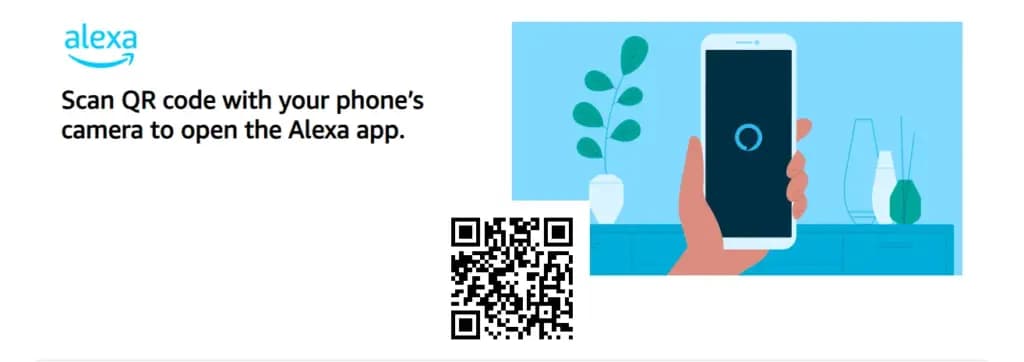
Amazon.com has created a different virtual assistant app. This app is used to establish a connection with Echo, Echo Dot, Echo Studio, and Tap speakers from Amazon.
It is a straightforward program to use; all the user needs to do is issue voice instructions, and it will search and react correctly. It carries out numerous activities, such as playing music and giving the most recent news, weather updates, and alarms. With the aid of IoT, it is also beneficial for home automation.
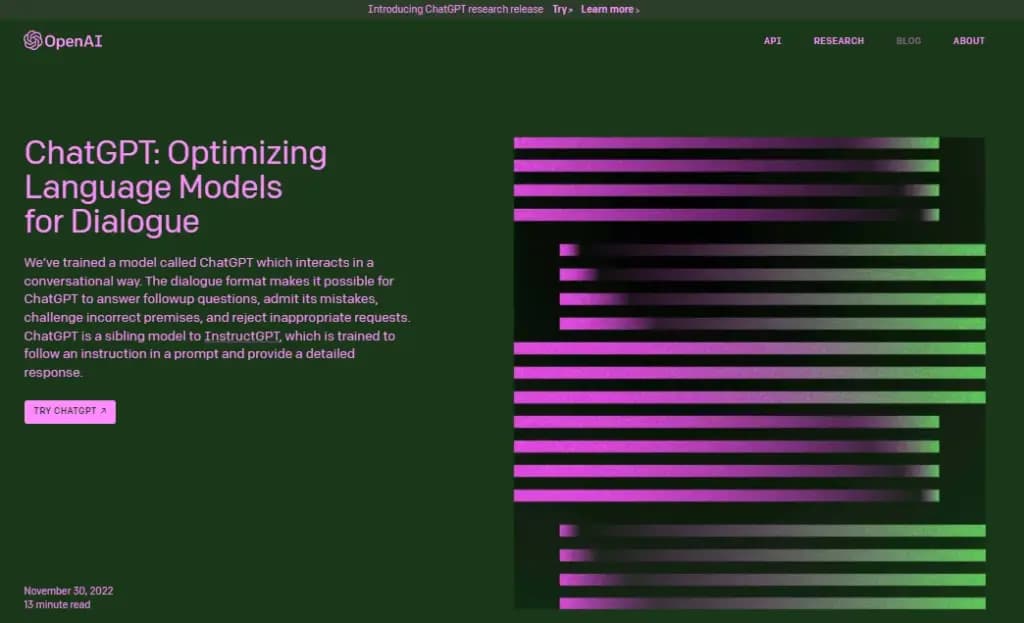
ChatGPT was created by the OpenAI team. It is a free AI chatbot that can be downloaded right now from the Google Play Store. This service can fulfill your demands, make ideas that are tailored to you, spark your creativity, and offer a variety of other conveniences.
If you purchased ChatGPT’s Plus version, you can log in with the same account to this app and access GPT-4’s mobile power. This ChatGPT mobile app from OpenAI is an official one; thus, it syncs your history across devices and offers the most recent model upgrades.
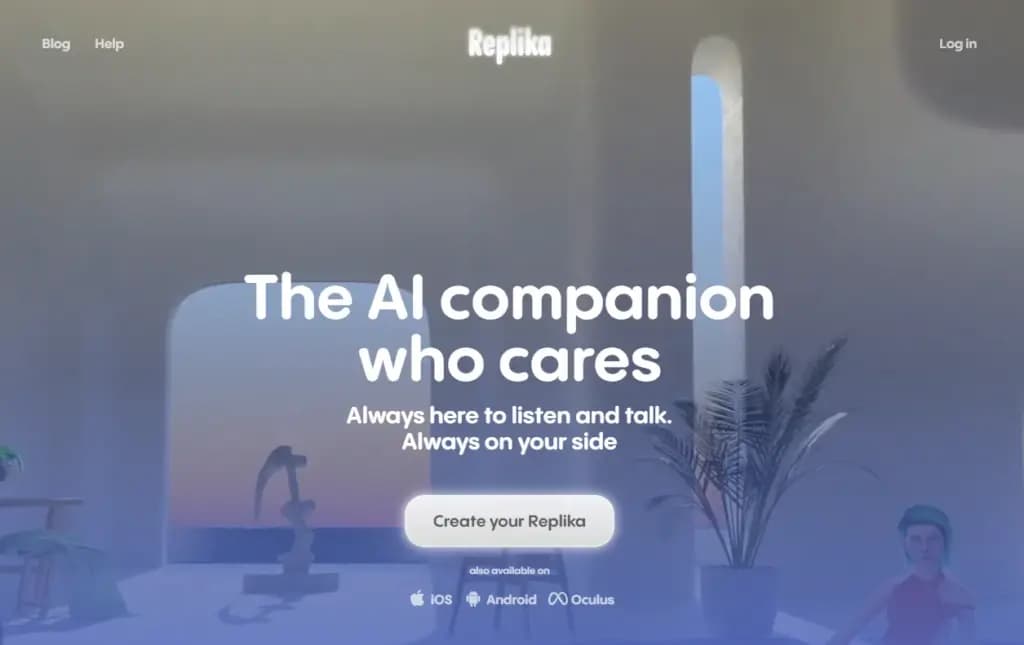
Replika is a chatbot companion powered by AI that enables you to construct a 3D avatar that it refers to as Replika. Your Replika can be interacted with in the same way as a friend. As you converse more, it grows in personality and memory alongside you.
On this app, you may build your own Replika (AI companion) and educate it about the outside world and about you. The AI companion’s personality will develop with time, and its communication skills will improve.
It’s a great app for talking about your thoughts or how you’re feeling.
Since it is a learning application, students can benefit from using it. It was created by Google and is suitable for college and high school students. Socratic is a well-known educational program that supports students in various topics, including literature, chemistry, and biology.
Text and speech recognition power the program. Users can quickly access materials or lessons to learn from thanks to it. Simply take a picture of the question and post it, says the pupil. The program will locate all classes and tutorials pertinent to the query.
You may expand your company by using AI business tools to their full potential. The state of artificial intelligence today is too advanced for what is available in the Google Play Store. Other Android AI applications are proliferating and making slow progress. The AI apps for Android are about to undergo a revolution thanks to advancements in the field of AI. If you run an inventive business, your next objective should be developing AI-based apps.

Google Pixel Watch 4

Robert Haba is the founder and editor-in-chief of Droid Tools. A lifelong gadget enthusiast with over a decade following the Android ecosystem, he built this publication to cut through the noise and give readers honest, real-world coverage of the tech they actually use.

Google Messages Enhanced Protection adds Gemini scam analysis and on-device link checks for select Android phones as beta testing begins gradual rollout.
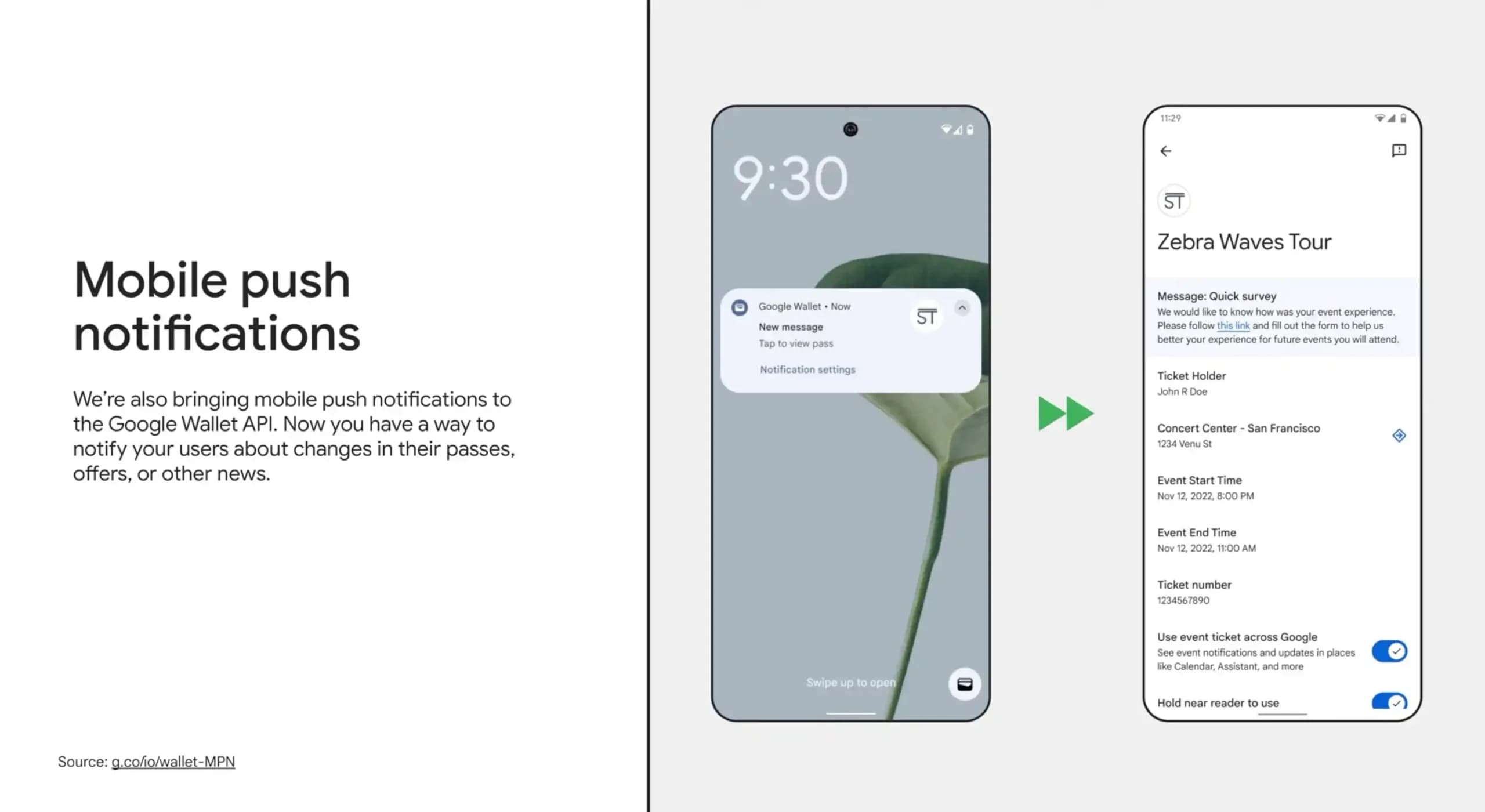
Google Wallet is rolling out an in-app notifications feed on Android alongside expanded digital passport support for Ireland and Italy.
Google Messages Enhanced Protection may replace the single spam toggle with three security options, including cloud link scans, per a new leak.

Google Messages location sharing is testing new map layers, including traffic overlays, satellite views, and terrain options for real-time tracking.
The next story loads as you reach the end. You can also load it using the button.


Comments & Discussions
Join the conversation! We use Disqus to handle comments. Click the button below to load the comment section.