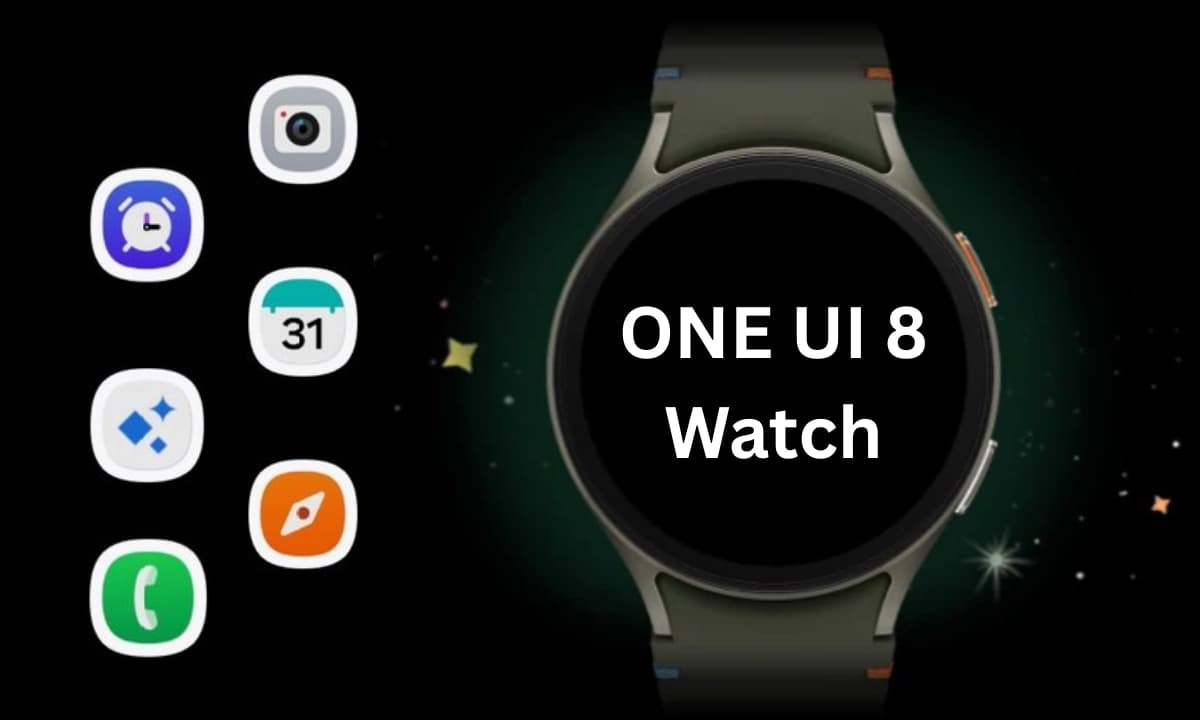
The OneUI 8 Watch upgrade, which was unveiled alongside the Galaxy Watch 8 and Watch Ultra (2025), represents a significant feature advancement for the Galaxy Watch. Samsung surprised us by releasing the major Wear OS 6-based software, with the original Watch Ultra getting first dibs, even though it was anticipated that it would arrive later for earlier Watch models.
It was first believed that the new Galaxy Watch 8 would have a brief exclusivity period with the new operating system, so the release of OneUI 8 Watch is rather unexpected. Samsung has now formally said that the OneUI 8 Watch would be released before the Galaxy Watch Ultra from last year.
Numerous users – including those with carrier-tied and unlocked models – confirmed receiving the update. With a size of roughly 1.9 GB, the OTA update is quite large, however it may differ depending on the watch model. A patch will be sent to beta participants at the same time to move them to the stable version.
Regarding the changes and new features, OneUI 8 Watch seems to be a noteworthy turning point. As part of Samsung Health, it does offer a new generation of wellness and health tracking tools.
The Now Bar from OneUI 8 is one of the many UI improvements and refinements that OneUI 8 Watch offers in addition to the new tracking tools. It functions with the majority of first-party apps and workouts and shows the current tasks as a widget at the bottom of the watch face.
Additionally, the update allows users to receive personalized watch face recommendations and merge numerous app tiles into one. Now, the double pinch gesture can be used to take a picture, dismiss notifications, and control music.
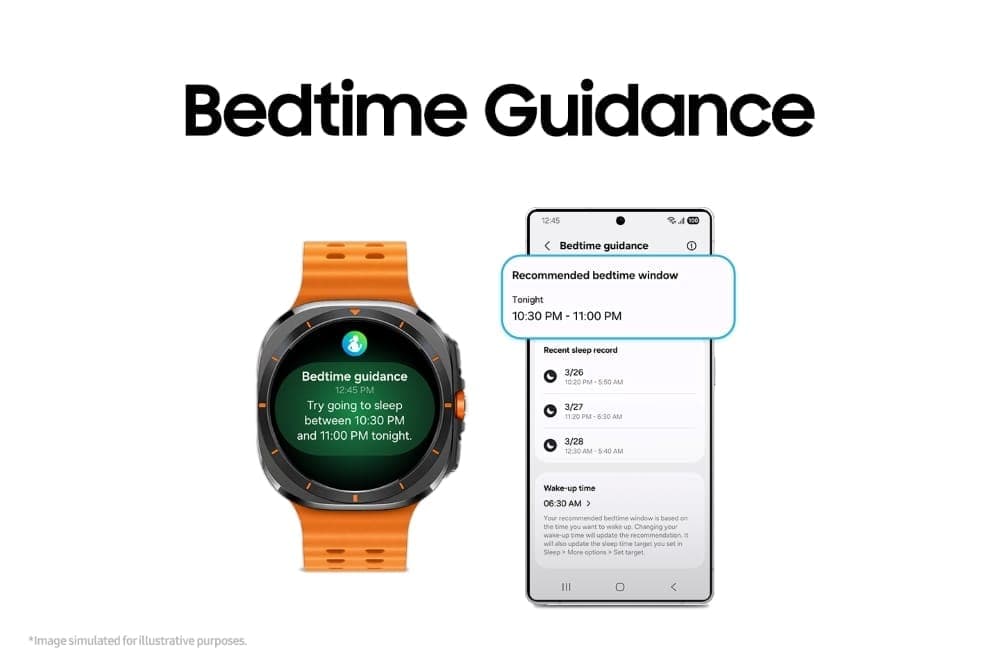
“Bedtime Guidance” is a new feature in the update that, as the name implies, offers tailored bedtime recommendations based on a user’s activities and sleep habits. To assist users in addressing irregular sleep patterns and improving their quality of sleep, it is integrated with sleep coaching.
Another sleep-related tracking tool is Vascular Load. This gauges the vascular system’s circulatory stress as you sleep, which is a crucial sign of your general health.
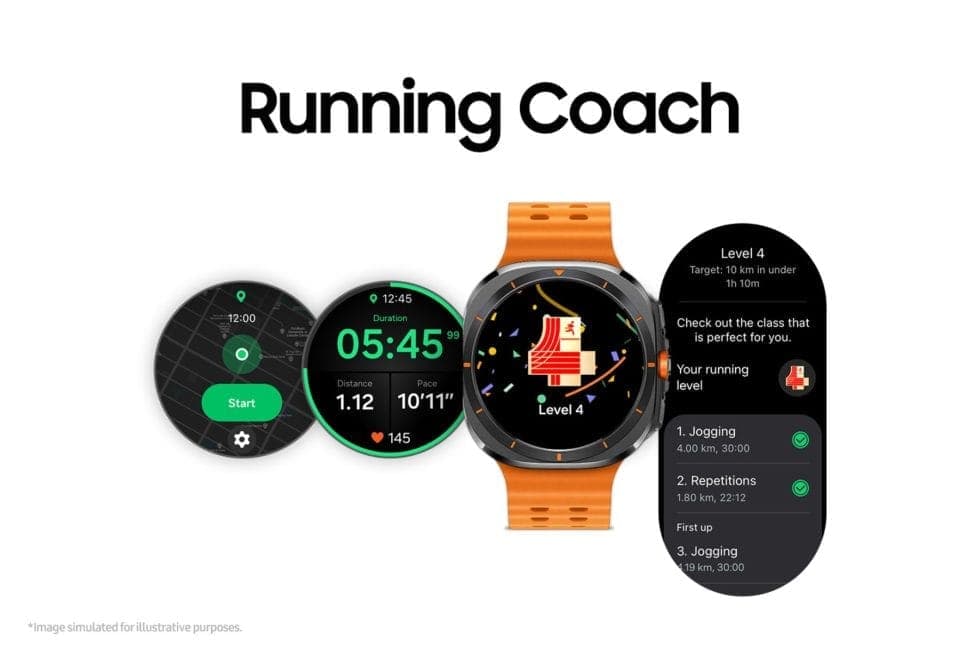
Athletes and runners would also profit from OneUI 8 Watch’s new Running Coach feature. Personalized training programs are offered by this fitness gadget according to users’ fitness levels and objectives. In order to analyze a runner’s level of fitness and generate a performance analysis, they must essentially complete a 12-minute test. During runs, real-time coaching is also available.
Mindfulness, a well-known function that is new to the Galaxy Watch, is a technique for stress and anxiety management. It includes breathing techniques to help lower stress levels.
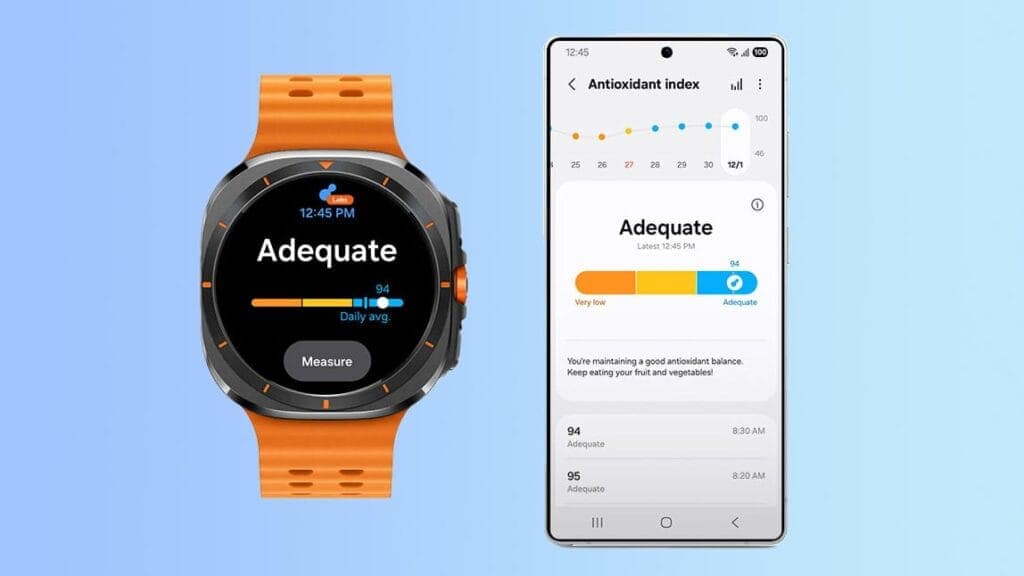
One of these new features is the Antioxidant Index, which measures the antioxidant-producing carotenoids in a user’s skin using a non-invasive technique. To determine the antioxidant level, users must press their finger against the Galaxy Watch’s BioActive sensor for five seconds. A score ranging from 0 to 100 is displayed for the outcome, with 100 being the highest and most suitable.
As usual, a person’s level of antioxidants reflects their overall health. The tool also suggests ways to improve carotenoid levels, such as eating more fruits and vegetables.
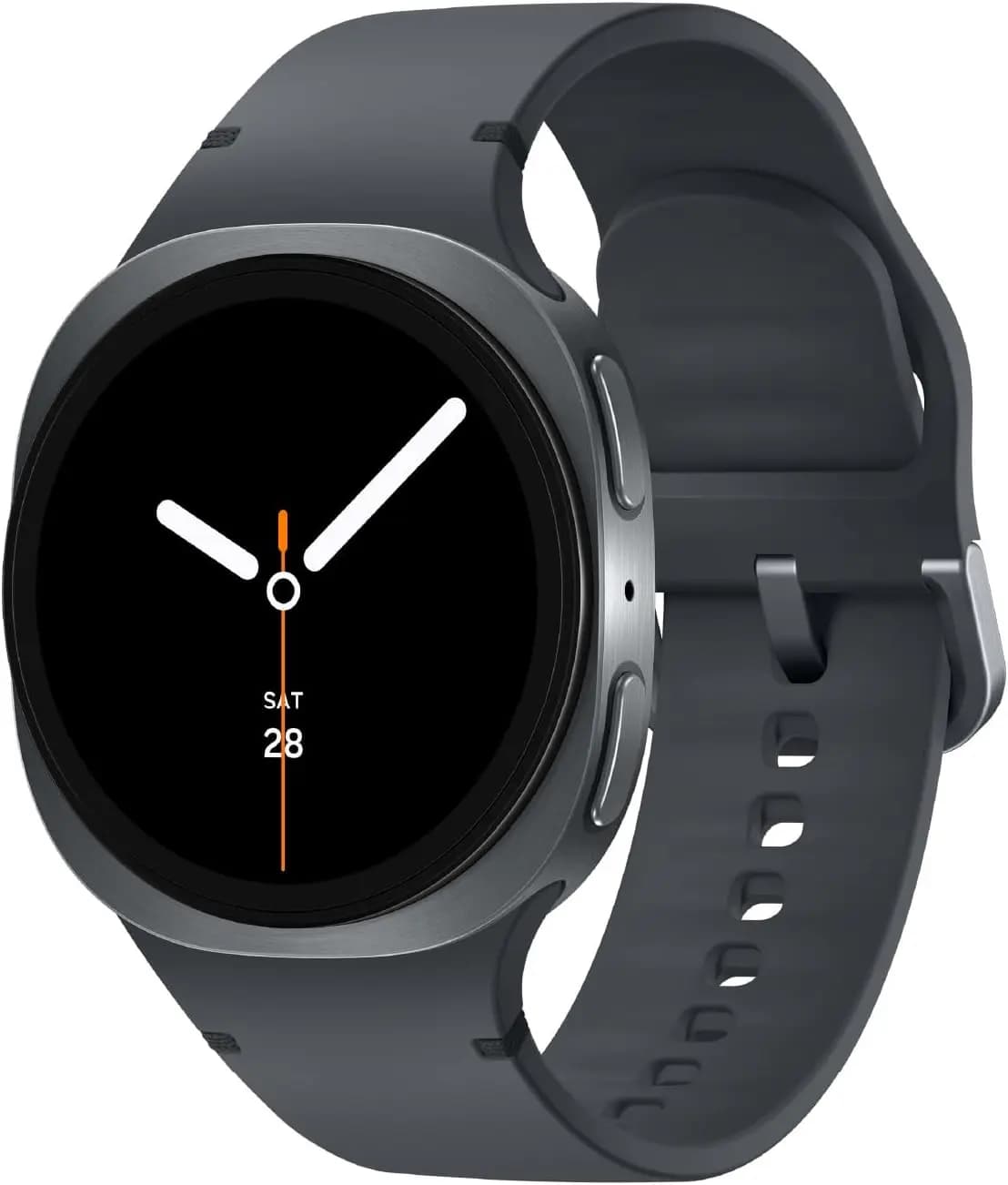
Additionally, the upgrade allows users to receive personalized watch face recommendations and merge numerous app tiles into one. Additionally, the double pinch gesture may now be used to take a picture, dismiss notifications, and control music.
Given that it has the same sensor and processor as the Galaxy Watch Ultra, the majority of these capabilities are also intended for the Galaxy Watch 7, though we are unsure of when the update will be available for that wristwatch. Additionally, there is no timeline for previous Galaxy Watch models.

Google Pixel Watch 5 (45mm)

Robert Haba is the founder and editor-in-chief of Droid Tools. A lifelong gadget enthusiast with over a decade following the Android ecosystem, he built this publication to cut through the noise and give readers honest, real-world coverage of the tech they actually use.
Google has officially released Android 17 QPR2 Beta 7 (build CP41.260831.016), delivering essential bug fixes to Pixel owners across several generations. The release builds on patches that arrived earlier in Android 17 QPR2 Beta 6 and in incremental builds such as Android 17 QPR2 Beta 6.1. Testing on newer Android development tracks continues at the […]
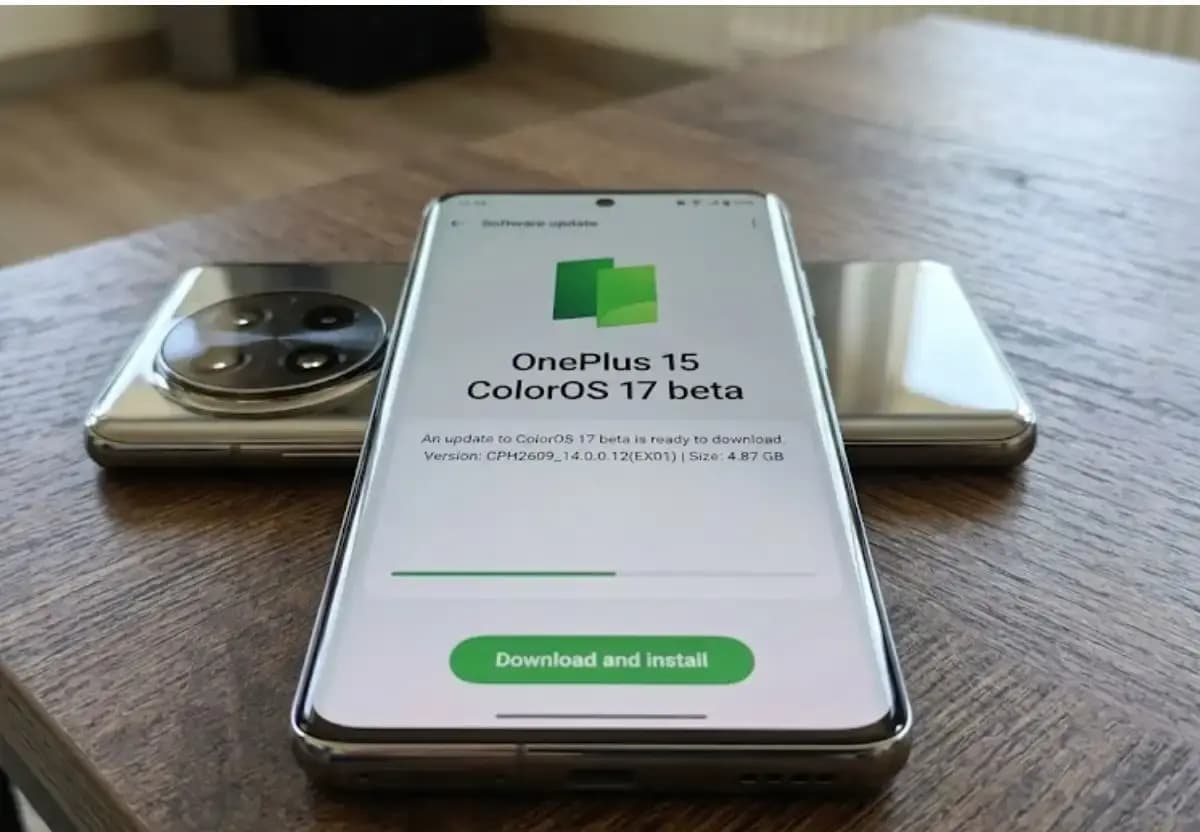
Some OnePlus 15 owners can now apply for the ColorOS 17 open beta and voluntarily move their phones from OxygenOS to ColorOS. OnePlus opened applications for the program, which for now is limited to users in India. The OnePlus 15 will be remembered as the swan song of OnePlus for its fans in the US […]

Xiaomi has confirmed that the HyperOS 4 stable update will start reaching users in China on October 15. The first batch of stable builds is meant for select Xiaomi, Redmi, and tablet owners, and the wait is nearly over. The news arrives as Xiaomi’s internal testing recruitment is scheduled to close on October 14. Because […]

Google has released Android 17 QPR2 Beta 7, the latest in a series of updates meant to fix issues and bugs affecting Android 17. The Alphabet subsidiary pushes these updates to Pixel models that still receive support from the company, and this beta reaches devices as old as the Pixel 6a. Installing it requires a […]
The next story loads as you reach the end. You can also load it using the button.


Comments & Discussions
Join the conversation! We use Disqus to handle comments. Click the button below to load the comment section.