

Google Camera download
Google has just launched two new Pixel 5 and 4a 5 G smartphones. The two phones have just launched with intriguing specifications for hardware and software. Although the Pixel 5 is not the flagship phone with the highest hardware configuration, the Snapdragon 700 SoC series still supports 5G. As for the applications, out of the box, both the devices feature Android 11 and some exclusive Pixel apps and services such as the camera app. The stock of older Pixel 4 (XL), 3 (XL), 2 (XL) and 4a and 3a cameras have all been updated to the new Google v7.6 APK camera.
Sadly, Google has not mentioned what’s new in the latest version of the camera, including v7.6.
The Play Store listing only mentions the age-old changelog of dual exposure controls to adjust brightness and HDR of your photo, added Astrophotography feature to Night Sight mode for the Pixel 3, 3a, and 4. Top Shot photos feature with touch and hold on the shutter button to capture. Here is the complete changelog from the Play Store listing:
- Added dual exposure controls to adjust brightness and HDR of your photo (Pixel 4).
- Added Astrophotography to Night Sight to allow you take a picture of the Milky Way with one tap (Pixel 3, 3a, and 4).
- Added Frequent Faces to help you capture Top Shot photos where the people you photograph most are smiling and not blinking (Pixel 4).
- Added Touch and hold on the shutter button to capture Top Shot photos in the default camera mode (Pixel 2, 3, 3a, and 4).

We do, however, have a list of features from previous versions of the Pixel camera, such as the Gcam 7.5. “Audio zoom” allows you to capture audio / sound from the microphone in a particular direction with a motion blur effect that provides DSLR-like quality for images of moving objects. The flash intensity allows you to change the flash intensity at will. The video sharing feature now also applies to videos. In Google camera 7.6, we should expect all these features as well.
On the other hand, Pixel 5 and 4a 5G feature new Google Camera 8.0 out of the box. This camera update didn’t come to the older Pixel series yet. However, you can still install it using our Gcam 8.0 post from here alongside your original camera app. You can expect some of Google camera 8.0 features into the Gcam 7.6 as well. Check out all the Pixel 5 and 4a camera features here.
Moreover, previous Google Camera 7.4 enables 8X camera zoom for video recording on the current flagships Pixel 4 and 4XL. It also brings a new toggle for changing resolution while video recording in the dropdown menu on the viewfinder. Later, Google released a newer stable Google Camera 7.4.200 APK as well.
Download Google Camera 7.6 APK
Here is the latest Google Camera 7.6.008.327100377 original APK available for download for older Pixel series phones including Pixel 4 (XL), Pixel 3 (XL), 2 (XL), OG Pixel 1 (XL). So if you have an older Pixel device and do not see the newest update on the Play Store, then download the APK and simply install it as a normal app. It will only support Android 11 or later.
APK download
- Google Camera 7.6 APK | Gdrive download | Box mirror | APKMirror (107.95 MB) (latest)

Google Pixel Watch 5 (45mm)

Google Pixel Watch 4

Samsung Galaxy Watch 8


Keep Reading
Android 17 QPR2 App lock is arriving as a native Pixel feature in Beta 3, according to 9to5Google. The addition sits alongside the release’s visual changes, and the finished QPR2 update is scheduled for December. Long-pressing an app opens the Actions menu, where “App lock” appears at the bottom alongside App info, Pause app, Widgets, […]
After the official shutdown of Samsung Messages, Google Messages is now likely the only major texting app remaining for Android users. It offers important capabilities like RCS support, end-to-end encryption, and more; however, it has been missing two basic yet important features. Fortunately, both appear headed for release soon, having reportedly surfaced in the app’s […]
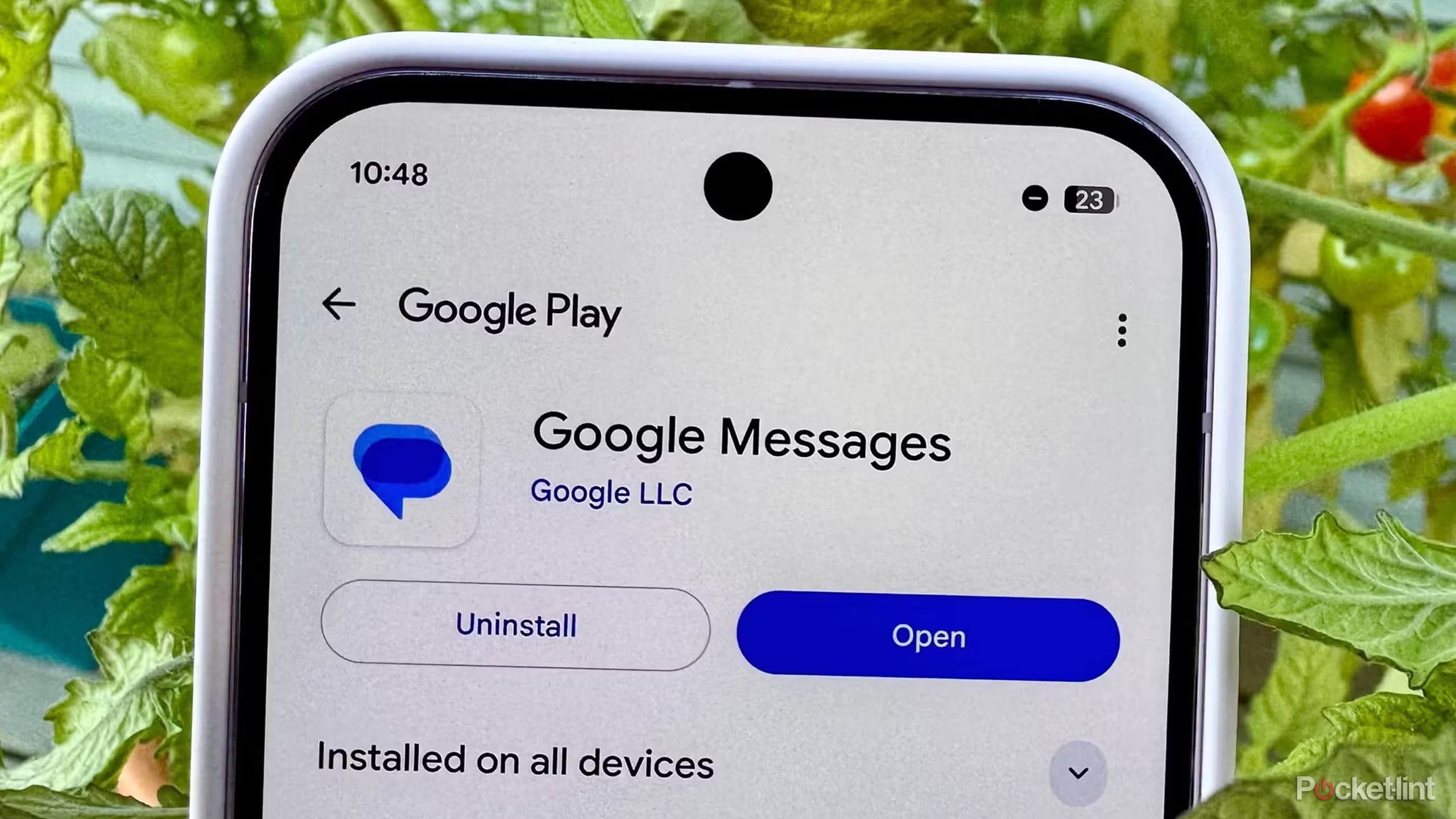
Google Messages has been on a tear lately when it comes to new features, which makes sense given that Samsung shut down its own Messages app on July 6. There are clearly some big shoes to fill here, and Google has been polishing things up quickly as a result. Individually, plenty of these tweaks are […]
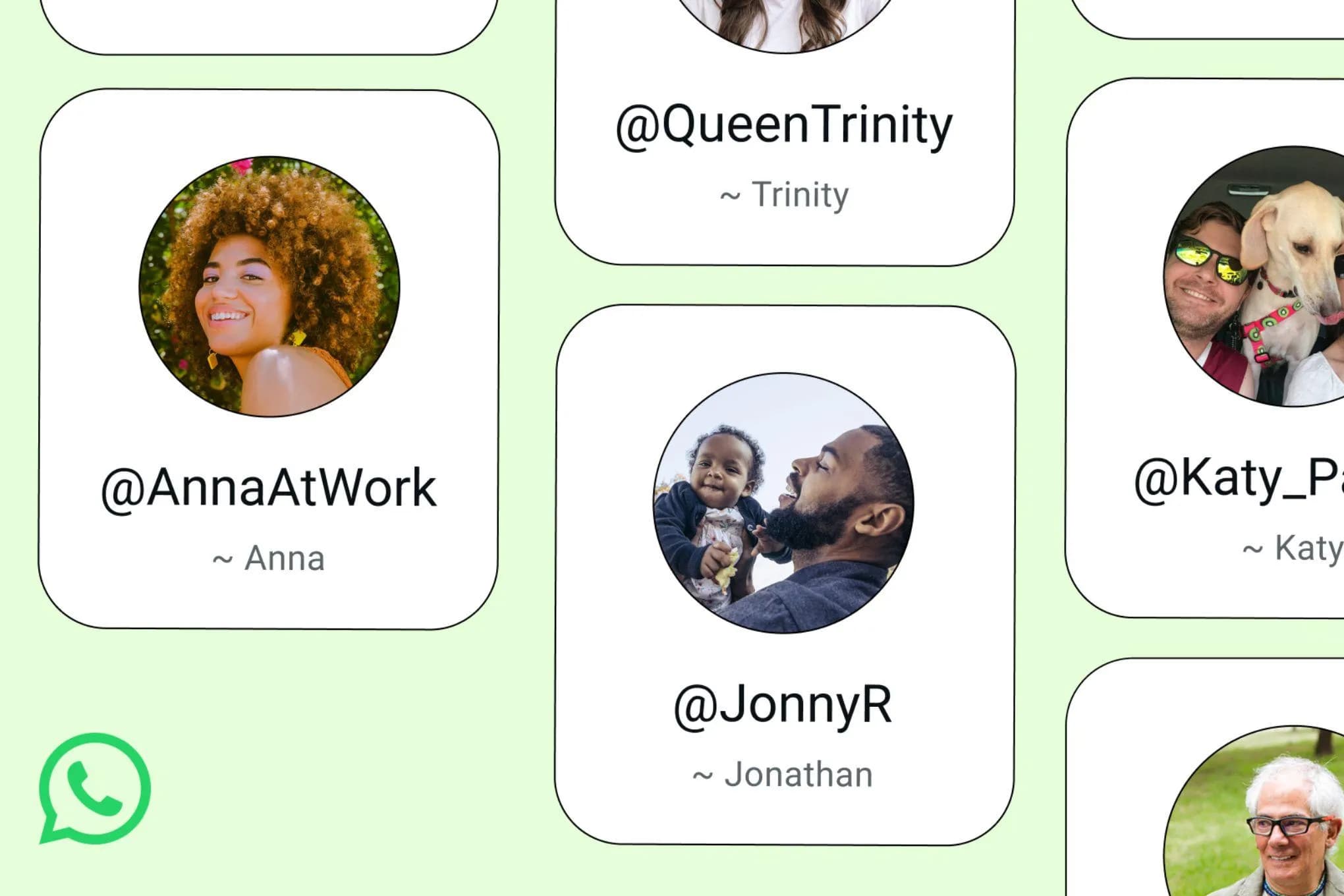
After years of anticipation and months of groundwork, WhatsApp has begun rolling out username reservations worldwide today, letting users claim a unique handle ahead of the privacy-focused feature’s full launch later this year. WhatsApp username reservations are now rolling out Starting today, users will begin receiving an in-app notification when the reservation option becomes available […]
Android Auto has always been about bringing your phone’s most useful features to the car’s display – navigation, music, calls, messages. But beyond the obvious staples, there’s a growing library of compatible apps that quietly expand what the platform can do. Some arrive with a formal announcement; others just appear. Adobe Acrobat Reader falls into […]
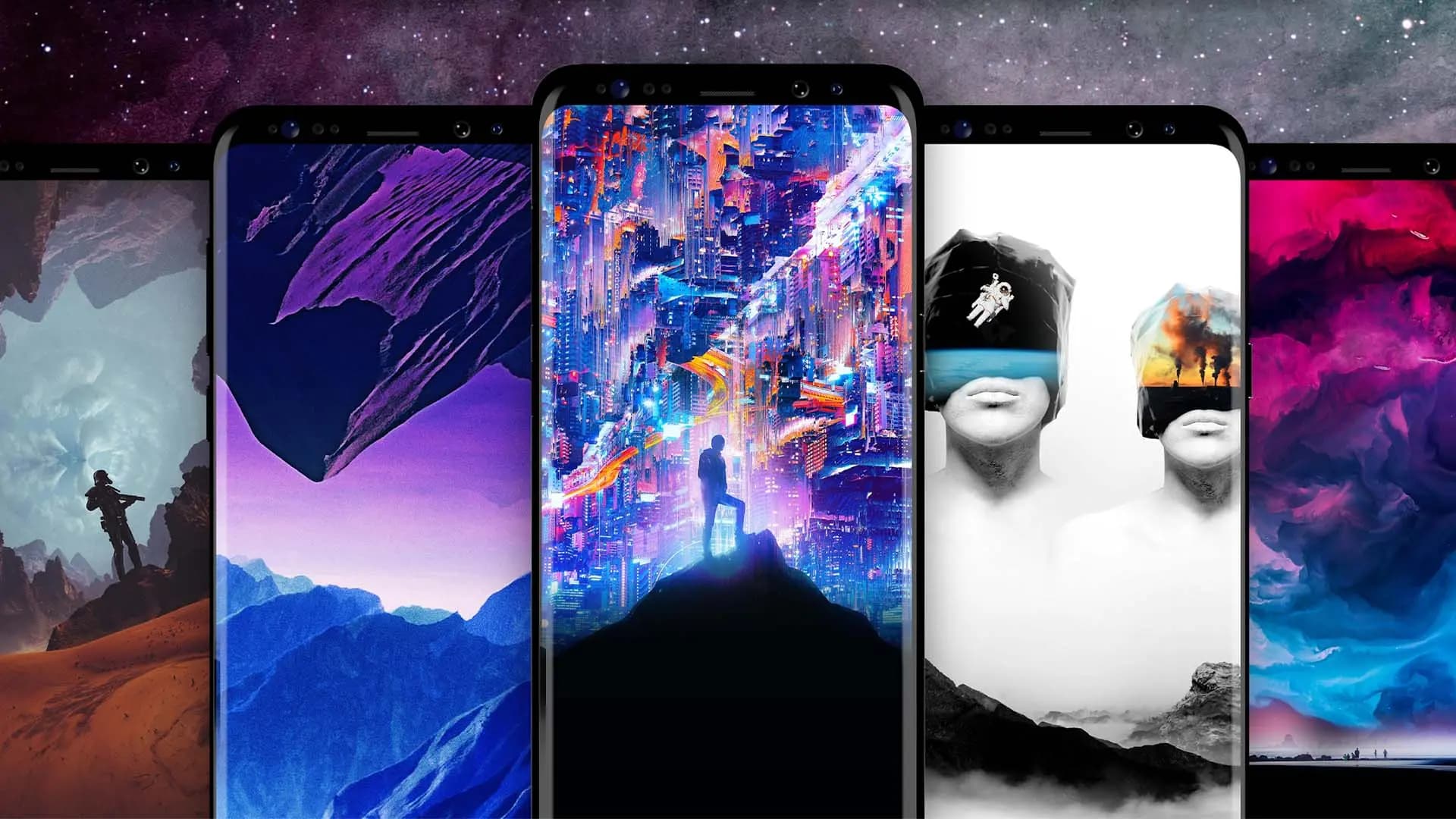
One of Android’s longest-standing strengths is how much it lets you personalize your device. From launchers to icon packs, there’s no shortage of ways to make a phone feel like your own — and changing the wallpaper is usually the first place people start. It’s quick, it’s visual, and it immediately changes the character of […]
Comments & Discussions
Join the conversation! We use Disqus to handle comments. Click the button below to load the comment section.