






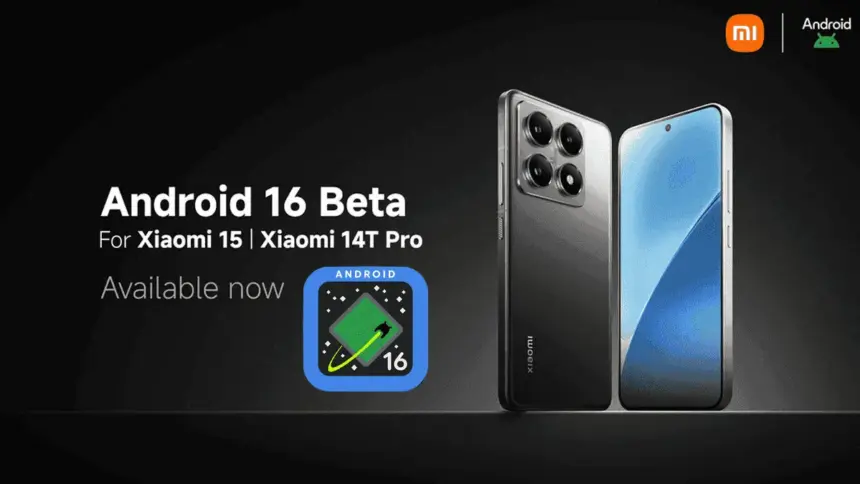
After being first released in China, the exciting HyperOS 2 for some Xiaomi devices running Android 16 Beta 2 is now available globally. The most recent features and improvements are now available to consumers worldwide on the Xiaomi 15 and Xiaomi 14T Pro, which is the international version of China’s Redmi K70 Ultra.
If you are eager to obtain Google’s most recent operating system and cannot wait for the final release, which is scheduled for June 2025, this comprehensive installation guide will walk you through the process.
Supported Devices and Build Numbers
Check your device compatibility before proceeding with the installation and record the correct build number:
- Xiaomi 15: OS2.0.250327.1.WOCMIXM.PRE-DPP
- Xiaomi 14T Pro: OS2.0.250327.1.WNNMIXM.PRE-DPP
Method 1: Local Update
This method is based on your device having at least the following software version:
- Check that your Xiaomi 15 is running OS2.0.109.0
- Make sure your Xiaomi 14T Pro is running on OS2.0.103.0
- Key steps to take Back up your data as you are about to erase the contents of your phone
- Download the suitable Android 16 Beta build for your device
- Copy the ROM package into your phone storage
- Settings → About phone → Tap on “OS version” 10 times in order to enter developer mode
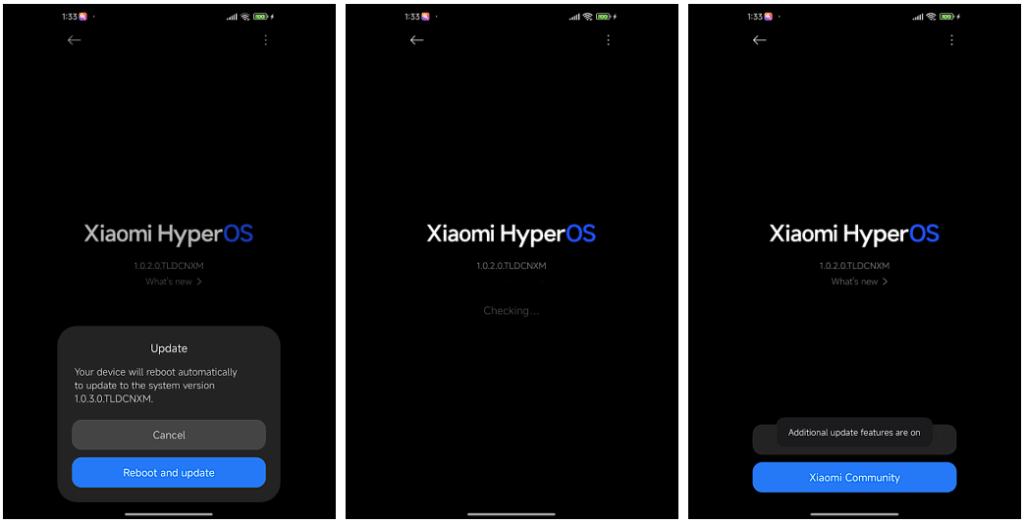
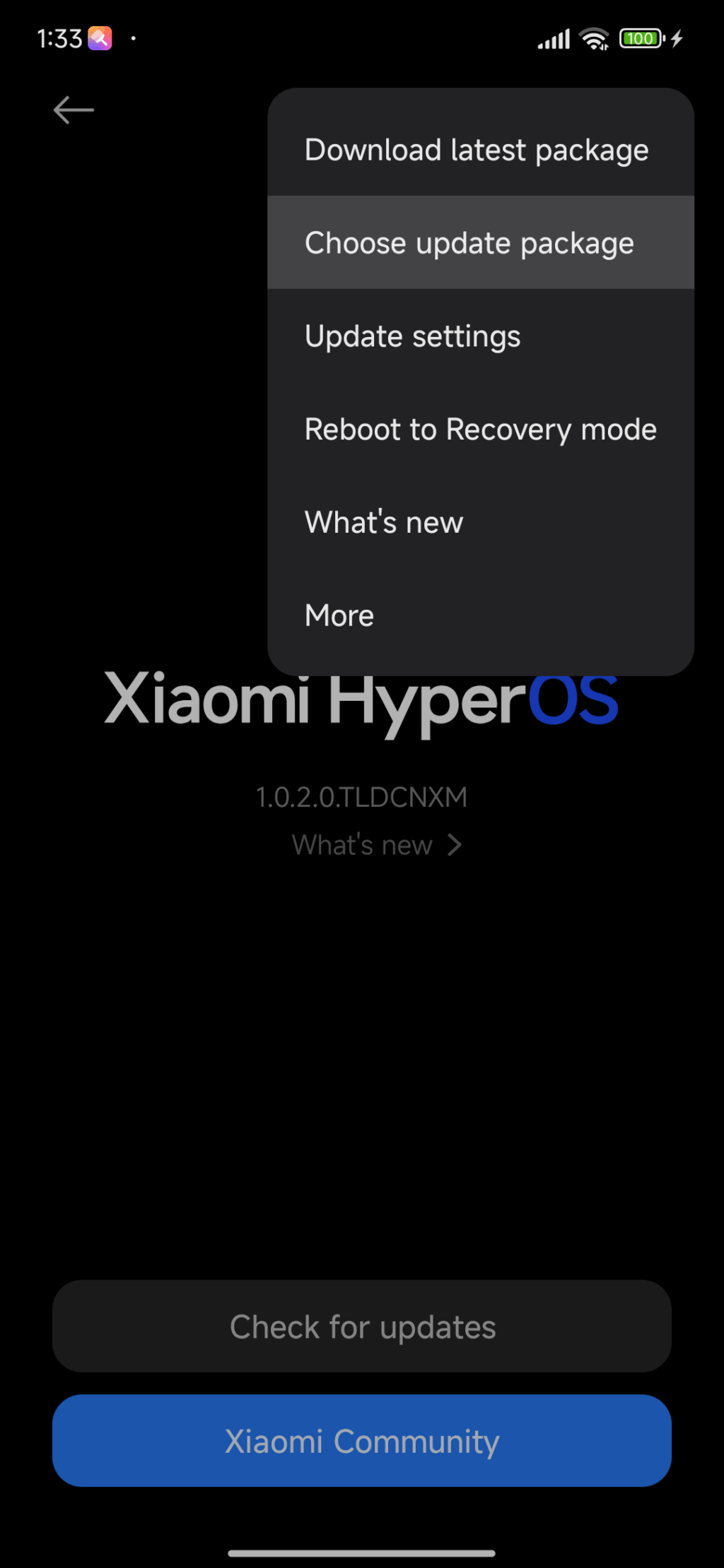
- Go back to Settings → About phone → Tap on the system icon → Tap on the three-dots icon → Tap on “Choose update package”
- Select the ROM package in order to initiate the upgrade
Method 2: Fastboot Update
For experts who are familiar with bootloader unlocks:
- Seek out and obtain bootloader unlock approval
- Back up your data
- Download the Android 16 beta build for your device
- Follow the tutorial for Fastboot Update
Fastboot Recovery Option
To restore using Fastboot mode:


- Turn off your device
- Press Volume-down + Power buttons simultaneously for 4-5 seconds
- Restore factory settings as indicated on-screen
- Keep in mind that beta software can have bugs as well as performance issues.