Manufacturers are beginning to realize that battery health is a major concern for contemporary smartphones due to longer update commitments. In an effort to extend battery life, Android 15 added an optional 80% charging limit in addition to long-standing features like adaptive charging. Similar features were first introduced by Apple with the iPhone 15, and ...
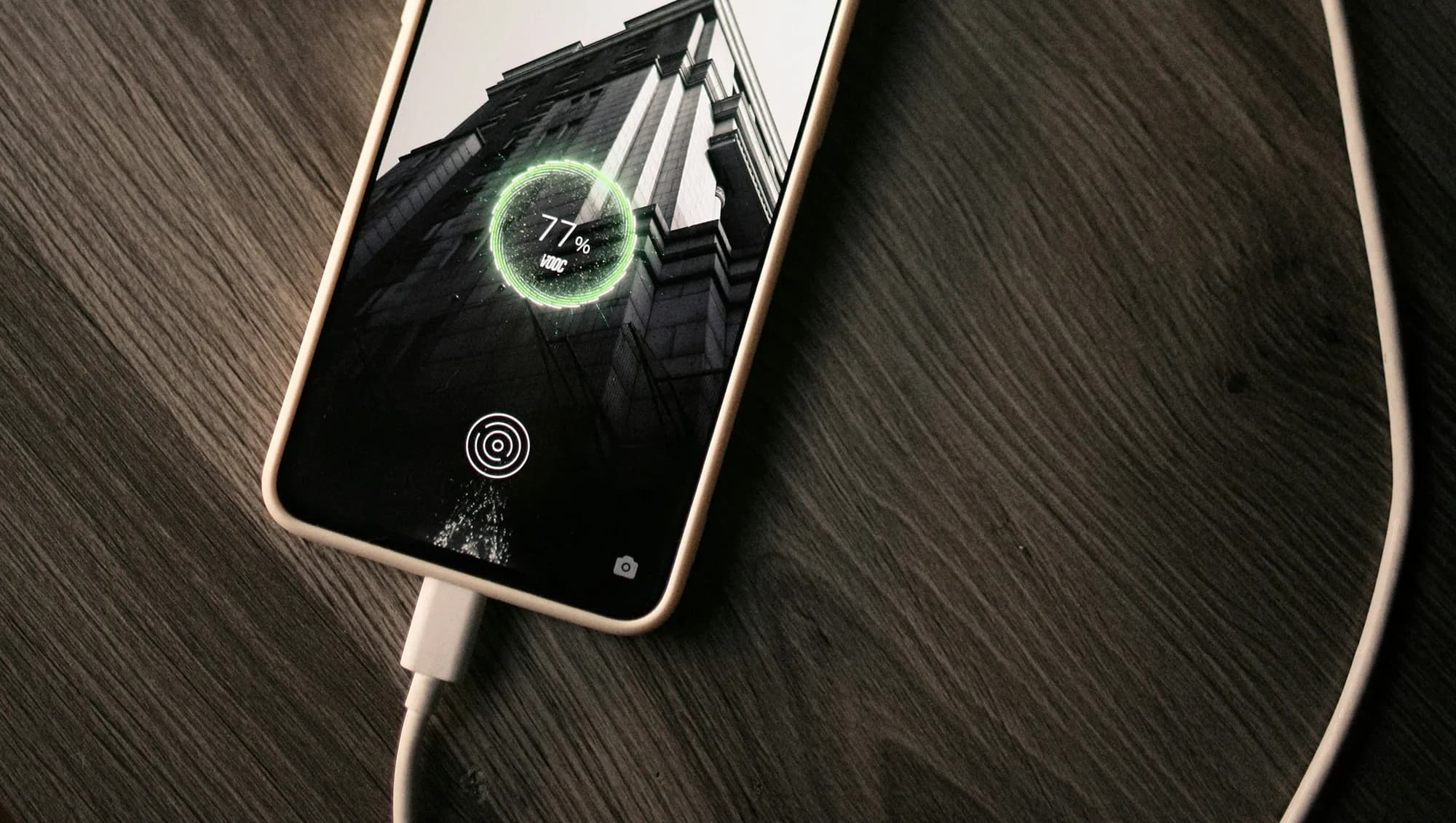
Manufacturers are beginning to realize that battery health is a major concern for contemporary smartphones due to longer update commitments. In an effort to extend battery life, Android 15 added an optional 80% charging limit in addition to long-standing features like adaptive charging. Similar features were first introduced by Apple with the iPhone 15, and many Android phones now have them as well.
However, doesn’t 80% seem like a pretty arbitrary number? Why would you want to cap yourself below your maximum capacity? It’s time to go through more fiction and truths about batteries. Here are some things to be aware of.
Heat and voltage are the two main enemies of battery health. Keeping your phone off of a hot dashboard, avoiding charging it beneath your pillow, and using slower charging when you don’t need a quick top-up are the main ways to manage the former. However, the user cannot effectively regulate voltage wear; voltage stress is merely a consequence of battery charging.
As you can see, the voltage of a nearly depleted battery is lower than that of a full one. Because there is some wiggle area below the peak voltage, which increases tolerance for voltage peaks brought on by large currents, this voltage gap can actually be exploited to accelerate charging. Many lightning-fast charging solutions operate in this way without damaging your battery. There is less tolerance between the immediate and maximum voltages, though, because a battery’s voltage rises as it fills up. Li-ion batteries will explode if their rated voltage is ever exceeded! To fully charge a battery, you must go slowly and carefully.
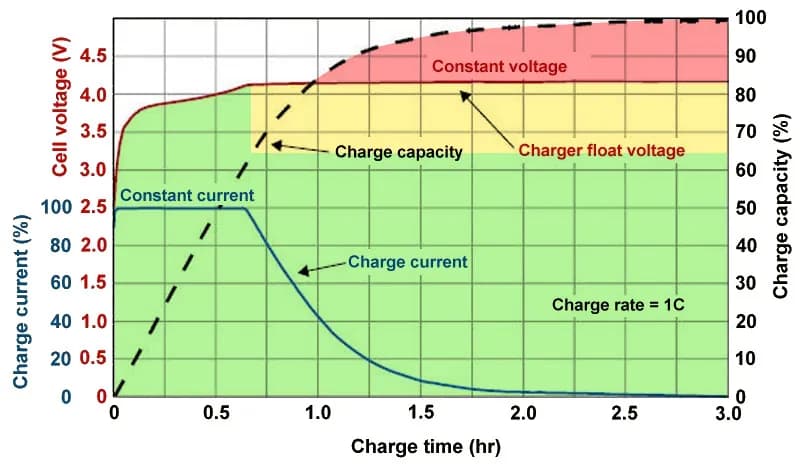
Although charging engineers take precautions to prevent battery explosions, wear can still happen simply by raising the battery’s voltage. The battery’s available lithium capacity eventually decreases due to anode saturation. When electrolytes are highly charged, they can also slowly break down into gases, and the cathode of the battery can also dissolve into the electrolyte. In a single case, none of this is concerning and is partly inevitable nevertheless, but over time, the additional wear accumulates and causes the battery’s capacity to gradually decrease more quickly than is ideal.
The first 60% of a battery’s voltage usually increases the fastest, after which it gradually increases until it reaches full. Stopping at around 80% is a nice halfway house because the battery is sufficiently charged to last for hours even if it isn’t quite at its peak voltage, which is where the most harm happens. The seemingly arbitrary 80% measure has a lot of sound research behind it, but is it truly helpful in real-world situations?
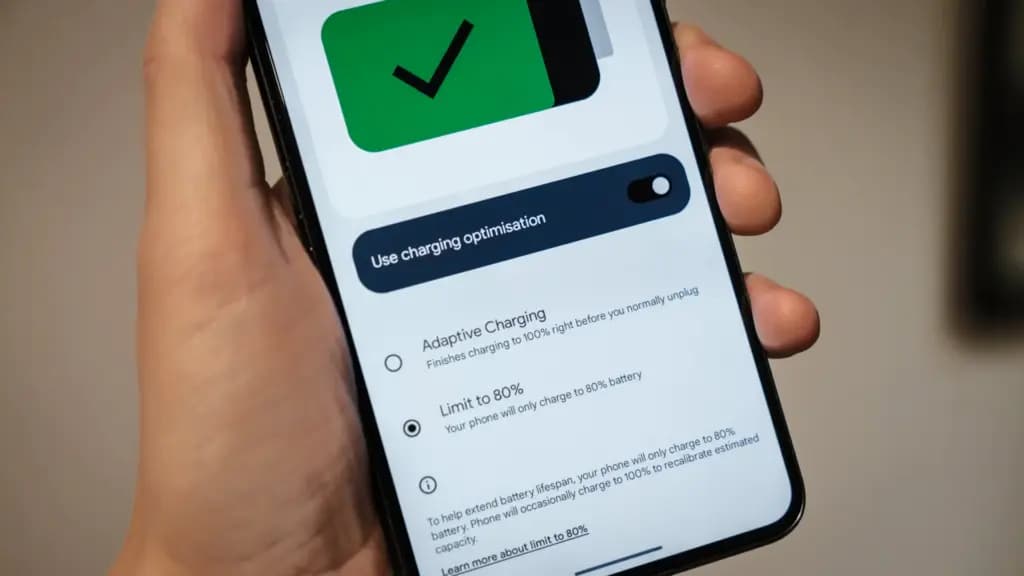
The truth is that no matter what you do, your phone’s battery will ultimately deteriorate; the best way to handle this gradual decline will depend on your demands. The most careful chargers who maintain their phone’s temperature and adhere to the 80% rule may be able to increase the battery’s life by a year or more, which is unquestionably valuable. Whether artificially restricting oneself to 80% now is worth the long-term benefits is a personal decision.
Let’s examine the worst scenario. While many of today’s higher-end smartphones have ratings of 1,000 or even 2,000 cycles, modern smartphone batteries are typically rated for at least 500 charge cycles before depleting to 80% of their initial capacity. In the worst scenario, that amounts to about a year and a half of charging your phone every day from empty to full—a modest routine—and for longer-lasting phones, it may continue for several years. The majority of customers will most likely wait two to three years before detecting a decline in battery life, and much longer before it becomes a serious issue. And that’s assuming no additional safety measures are taken.
Fortunately, most modern phones come with some built-in assistance. Taking your phone from the plug as soon as possible helps prevent stress from idle charging because phones tend to trickle charge for a time after displaying the completely charged notification, so the 100% charged notification is rarely actually quite full. By maintaining the battery at a reduced capacity and voltage until just before you normally unplug your phone in the morning, using Adaptive Charging or Optimized Charging—depending on the manufacturer of your phone—will help even more. Maintaining healthy habits like this could help your battery reach the three-year mark with ease.
Google’s latest Pixels go one step further, using Battery Health Assistance to gradually limit charging pace and battery capacity in software to keep a lid on long-term health and safety.
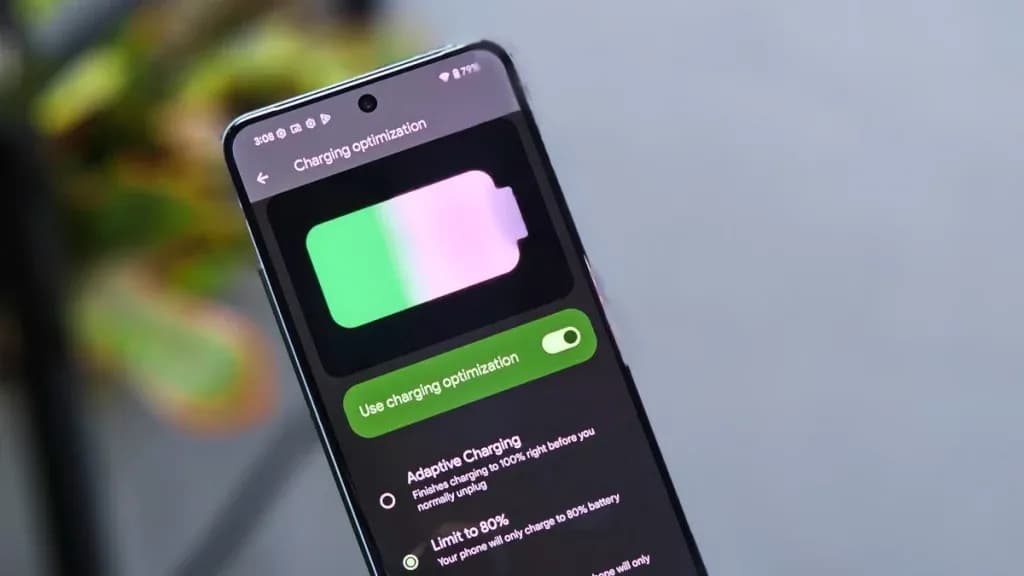
However, many people without extremely demanding workloads could still benefit from just charging their laptops, phones, and other devices to 80% charge (where possible) if they truly want to extend the life of their batteries. This can help you get through a normal day while also enhancing battery health. However, if you want to use your phone for the entire day, I wouldn’t advise unplugging it from the charger before 70%.
Worrying about an 80% restriction isn’t worth the battery concern if you frequently run out of juice by the end of the day, play a lot of games, or (like me) have strange charging patterns where your phone is rarely full anyway. In order to further customize the maximum restriction to your requirements, certain phones additionally provide 85%, 90%, and 95% settings. In any event, use your phone whatever you like, but be mindful that the battery will need to be changed after a few years. Don’t worry, you will need a new battery for your phone whether you intend to keep it for five, six, or seven years.
Fortunately, even for older phones, Apple, Google, and Samsung all have competitive battery replacement programs. It’s not awful to spend about $80 to keep a phone functional for many more years. However, in some areas, you may have to pay more than you should, and other brands’ availability and costs differ significantly.
With long-term ownership, these expenses are unavoidable; the only question is how many months you can try to avoid them. Adhering to the 80% rule will undoubtedly be beneficial.

Google Pixel 11 Pro

Cristian Penisoara is a Guides Writer and Android specialist at Droid Tools. An Android user since version 2 and a professional event photographer, he combines technical curiosity with a detail-oriented approach - every guide he publishes is tested step-by-step on a real device before it goes live.

Learn how to turn off Pixel camera AI features like Auto Best Take and Auto Edit on newer Google phones to prevent unwanted photo adjustments.

A traveler recovered a lost smartwatch in ten minutes using Pixel Watch Find Hub settings. Learn how to configure location toggles and ring missing devices.

Track the Google Pixel update schedule, including seven-year lifespans for newer models, quarterly patch shifts, and dual Android OS release windows.

Google explained how to manage Android time zones as Canadian regions end seasonal time changes, offering steps for automatic and manual clock adjustments.
The next story loads as you reach the end. You can also load it using the button.


Comments & Discussions
Join the conversation! We use Disqus to handle comments. Click the button below to load the comment section.