
Google is one of the world’s most powerful technology companies. It has a wide ecosystem of products that can meet almost every technical need. Because it is always updated to provide the best experience to its consumers, the Silicon Valley-based corporation is usually at the top.
The tech juggernaut has been adding new features to Android lately. Google aims to maximize the use of AI; its latest feature will enables users to operate their phone using facial expressions
Latest Accessibility Feature
Though it isn’t always used for that purpose, Android has long offered an Accessibility API that allows developers to create apps and experiences that aid people with disabilities. Screen readers, switch-based input systems, and voice-based input systems are among the categories that Google envisions for apps that use the Accessibility API.
The company’s own “Android Accessibility Suite” software provides, as the name suggests, a set of accessibility capabilities to help people with disabilities use their devices. The Android Accessibility Suite’s most recent release provides a new option for users to control their devices: “Camera Switches.
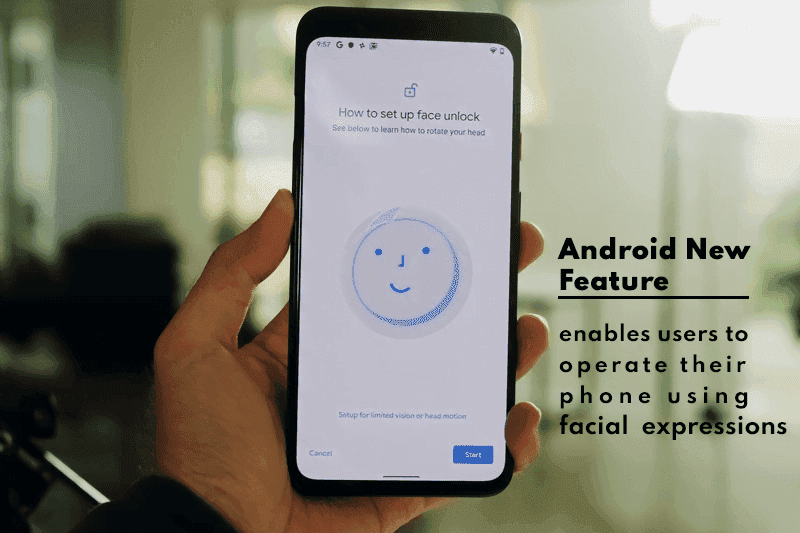
The Android Accessibility Suite application was included in the fourth Android 12 beta release, which was pushed out to Pixel phones a few days ago, as beta version 12.0.0. Switch Access, one of the accessibility services included in the Android Accessibility Suite app, now has “Camera Switches.” Switch Access is a collection of tools that allow you to interact with your Android device without having to use the touchscreen.
You can use Switch Access to select objects, scroll, type, and more by connecting an external device through USB or Bluetooth. Users can now control their device with nothing more than their face thanks to “Camera Switches.”
Camera Switches now allows you to assign a few gestures to a few controllers, though this list may expand in the future. For example, you can have the app recognize when you wave your hand and then connect that to opening the notifications window. You may also have it detect when your brows are raised and then return the phone to the home screen.
In Other News
We noticed an intriguing pattern while looking through the Google Playstore recently. There appears to be a significant increase in utility apps, such as phone clone apps. The COVID-19 epidemic is most likely to blame for the rise in such apps. People have been forced to stay at home due to the pandemic, and as it continues to spread, they are turning to apps for help.
People are looking for more convenient solutions to address their problems because almost every monotonous work has shifted to the virtual realm. We’ll have to see if this trend persists or if it’s just a passing craze.

Google Pixel Watch 5 (45mm)

Robert Haba is the founder and editor-in-chief of Droid Tools. A lifelong gadget enthusiast with over a decade following the Android ecosystem, he built this publication to cut through the noise and give readers honest, real-world coverage of the tech they actually use.
WhatsApp message scheduling has appeared in an Android beta build, allowing users to queue encrypted messages and media up to two weeks in advance.
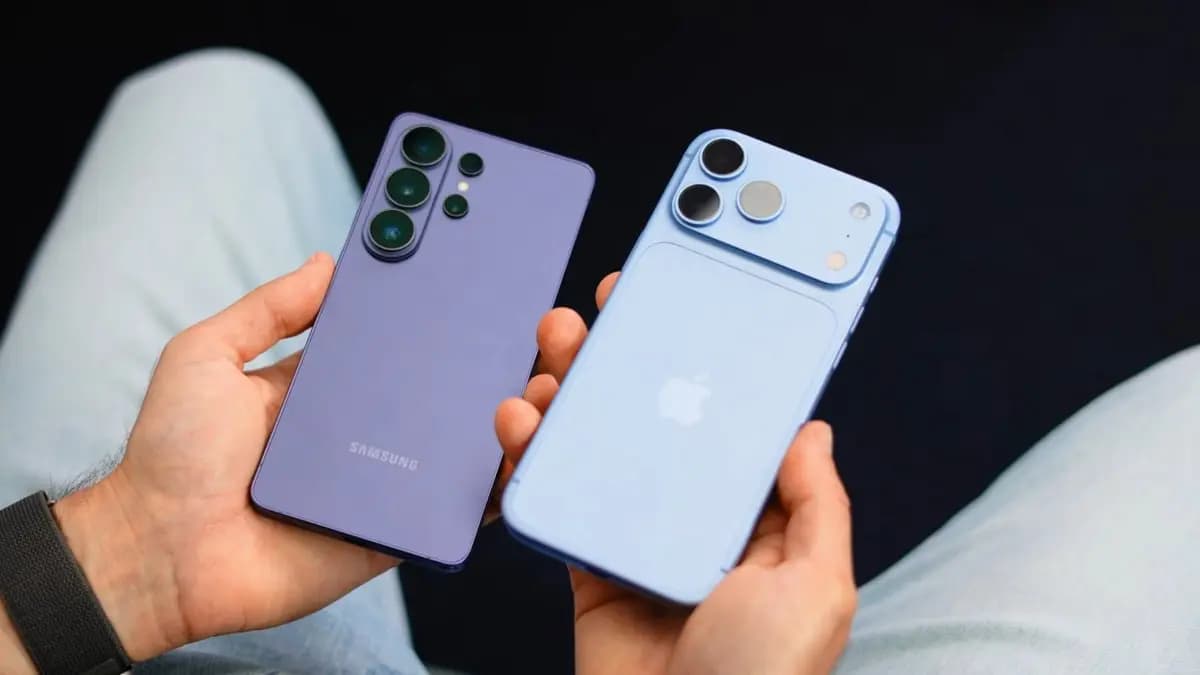
Global smartphone shipments dropped 20% in Q3 2026 to a 14-year low as memory costs rose, though Samsung retained its top spot with foldables.

Google is emailing a 30% Pixel 11 discount code to select Google AI Pro members, cutting up to $570 off the Pixel 11 Pro Fold without a trade-in.

Google is upgrading Android scam detection across Messages and calls, using Gemini models and new on-device checks to flag suspicious links and phone scams.
The next story loads as you reach the end. You can also load it using the button.


Comments & Discussions
Join the conversation! We use Disqus to handle comments. Click the button below to load the comment section.