After being regionally limited for years, blood pressure tracking will now be available to Galaxy Watch users in the United States. Users in the US will be able to get blood pressure monitoring, but it requires a Galaxy phone to function. As with ECG readings, customers in the US will have access to blood pressure ...
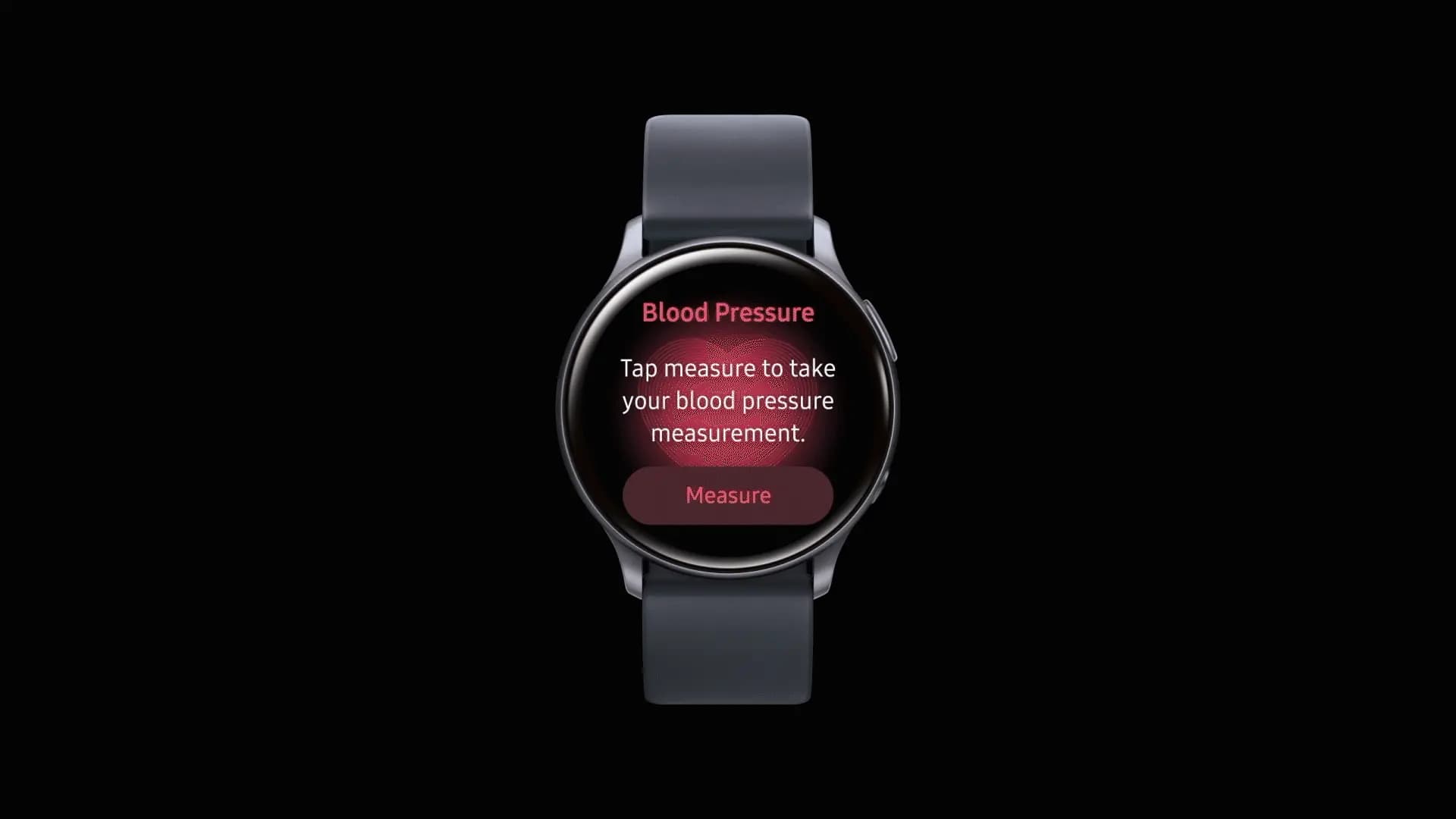
After being regionally limited for years, blood pressure tracking will now be available to Galaxy Watch users in the United States. Users in the US will be able to get blood pressure monitoring, but it requires a Galaxy phone to function.
As with ECG readings, customers in the US will have access to blood pressure monitoring via the Samsung Health Monitor app. This is a gain for the Galaxy Watch 4 and later, all the way up to the Galaxy Watch 8, as the rollout won’t be restricted to any particular Galaxy Watch model.
According to Samsung, blood pressure data should be used to supplement general health metrics rather than to prevent or diagnose excessive blood pressure. Similar to an ECG exam, wearers of Galaxy Watches must start a reading. Once finished, the watch will display blood pressure and heart rate readings, which will be saved in the companion app.
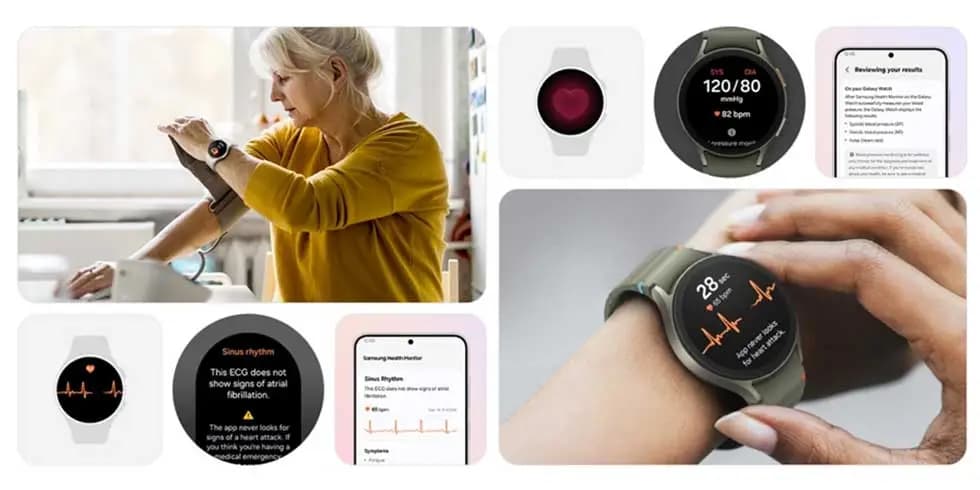
Official use will be restricted to watches coupled with Galaxy phones due to the tool’s reliance on the Samsung Health Monitor app. Additionally, it appears that the feature requires calibration with a conventional upper arm cuff. Calibration will be required every 28 days, according to the press release.
To ensure accuracy, users are required to calibrate their Galaxy watch using an upper arm cuff (sold separately) every 28 days. Compatible Galaxy Watches measure systolic and diastolic blood pressure along with your heart rate using the internal heart rate monitoring sensors.
Since its debut on the Galaxy Watch Active 2 in 2020, blood pressure monitoring has notably been excluded from the Galaxy Watch’s feature set in the United States, whereas other regions have benefited from both the feature and a more comprehensive set of health monitoring capabilities. With this information, it appears that US restrictions have changed, allowing Samsung to start releasing previously restricted tools.
Galaxy Watch users should start seeing availability with the linked Samsung Health Monitor app as an update starts to roll out today.
Apple Watch Series 12

Robert Haba is the founder and editor-in-chief of Droid Tools. A lifelong gadget enthusiast with over a decade following the Android ecosystem, he built this publication to cut through the noise and give readers honest, real-world coverage of the tech they actually use.
B&H Photo Video discounted the Sony WF-1000XM6 earbuds to $238 from $330 in a reported one-day sale featuring LDAC support, ANC, and 36-hour total battery life.

Motorola has ended its introductory discount on the Moto Tag 2, raising the price to $29.99 ahead of competition from Google's upcoming Pixel Tag.

Leaked specs for the Samsung Android XR smart glasses reveal hardware details, battery life, and frame styles from Gentle Monster and Warby Parker.

This Galaxy Watch 7 deal is a strong one: Amazon is selling the smartwatch for just $159, which is 36% off its current retail price of $250. The Galaxy Watch 7 is a complete smartwatch that won’t let you down, with a thin, lightweight design and impressive tracking features. For anyone shopping for a new […]
The next story loads as you reach the end. You can also load it using the button.


Comments & Discussions
Join the conversation! We use Disqus to handle comments. Click the button below to load the comment section.