Skip to content
Droid ToolsDroid Tools
Home
About UsContact
Editorial PolicyReview Policy
Privacy PolicyCookie PolicyTerms & Conditions
⌘K
Search
FacebookX (Twitter)InstagramThreadsBlueskyTikTokYouTubeRedditTelegramRSS Feed
Droid Tools

Droid Tools covers the latest Android news, device reviews, app updates, and OS guides. Stay informed with hands-on coverage from mobile tech experts.

Explore

  • News
  • Apps
  • OS
  • Phones
  • Reviews

Legal & Info

  • About Us
  • Contact
  • Editorial Policy
  • Review Policy
  • Privacy Policy
  • Terms & Conditions
  • Cookie Policy
  • Affiliate Disclosure
  • Disclaimer
  • HTML Sitemap
  • XML Sitemap
© 2026 Droid Tools. All rights reserved.
Home/Apps/Samsung Is Shutting Down Its Messages App in July
Apps
googlesamsung

Samsung Is Shutting Down Its Messages App in July

Samsung Messages icon
Robert Haba
Apr 7, 20263 min read
Robert Haba
Robert Haba
Founder · Editor-in-Chief
Robert Haba is the founder and editor-in-chief of Droid Tools. A lifelong gadget enthusiast with over a decade following the Android ecosystem, he built this publication to cut through the noise and give readers honest, real-world coverage of the tech they actually use.
X
Profile →
0%
Share on XFacebookBluesky
Follow on Google
Trust this source on GoogleAlways see our reviews and tech guides first in search results
Add trusted source

Samsung has posted an official “End of Service” notice on its website confirming that its native Messages app will go dark sometime in July. The exact shutdown date hasn’t been pinned down yet — Samsung says it will be announced inside the app itself when the time comes. But the message is clear: the company wants its remaining Samsung Messages users to migrate to Google Messages, and it’s not leaving much room for hesitation.

For longtime Samsung users, this might sting a little. Samsung Messages has been around for years, and for many Galaxy owners it’s just… the app they’ve always used. Familiar, reliable, good enough. But good enough doesn’t keep an app alive forever.
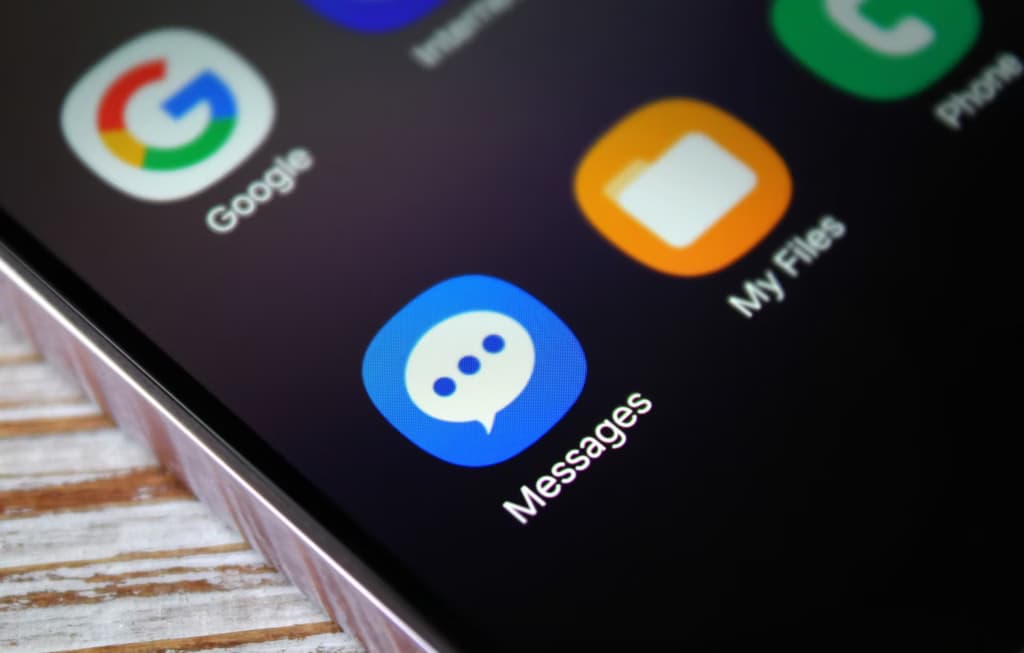
samsung messages icon

This has been coming for a while

To be fair, Samsung has been telegraphing this move for some time. The company quietly stopped pre-loading Samsung Messages on new devices a couple of years ago, starting with the Galaxy Z Fold 6 and Flip 6, and then continuing with the S25 series — all of which shipped with Google Messages installed as the default instead. Samsung Messages remained available on the Galaxy Store for anyone who wanted it, but its days as a first-class citizen were already numbered. This official end-of-service announcement is less of a surprise and more of a formality.

What you’re actually getting with Google Messages

Here’s the thing — the switch isn’t a downgrade. For US users especially, Google Messages brings a meaningfully better messaging experience in several ways.

The biggest upgrade is full RCS support. If you’re not familiar, RCS is essentially what SMS should have been all along — it supports higher-quality photo and video sharing, real-time typing indicators, read receipts, and proper group chats. Crucially, it works across platforms, so the experience doesn’t fall apart when you’re texting someone on an iPhone.

Beyond that, Google Messages has Gemini built in, giving you access to AI tools directly inside your conversations — including the ability to remix and enhance photos before you send them. It’s a genuinely useful addition, not just a checkbox feature.

You May Also Like
Recommended
1

Google Messages may remove the SMS/MMS-only toggle for RCS chats

Google Messages rcs
2

6 Best AI Video Generators for Creators and Teams in 2026

ai video generator
3

Google Messages rolls out Keep Notes integration from the September Android Drop

Google Messages rolls out Keep Notes integration from the September Android Drop

And if you’re someone who bounces between devices throughout the day, Google Messages handles that well too. Your conversations stay in sync across your phone, tablet, and Galaxy Watch without any manual fiddling.

You will lose a few of Samsung’s customization touches — some color themes, layout tweaks, that sort of thing. But for the vast majority of users, what Google Messages offers in return is a fair trade.

Samsung Messages is technically still available on the Galaxy Store for now, so nobody is forcing your hand this second. But the clock is ticking, and switching on your own terms — before the deadline — beats scrambling when the app suddenly stops working. Get Google Messages set up now, import your contacts, and give yourself a few weeks to settle in. By the time July arrives, you won’t even notice the difference.

Trust this source on GoogleAlways see our reviews and tech guides first in search results
Add trusted source
Tags:#apps#galaxygoogle#messagessamsung
Recommended Deals
1 / 5
Google Pixel Watch 5 (45mm)

Google Pixel Watch 5 (45mm)

5.0
529.99
Buy on Amazon
* As an Amazon Associate, Droid Tools earns from qualifying purchases. Read our editorial policy
Robert Haba
Robert HabaFounder · Editor-in-Chief
X

Robert Haba is the founder and editor-in-chief of Droid Tools. A lifelong gadget enthusiast with over a decade following the Android ecosystem, he built this publication to cut through the noise and give readers honest, real-world coverage of the tech they actually use.

Next Story in Apps

Google Messages may remove the SMS/MMS-only toggle for RCS chats

Rich Communication Services (RCS) has reshaped Google Messages, bringing read receipts, larger media attachments, and cross-platform messaging with iPhone users. RCS isn't without its own issues, though, and Messages has so far offered an easy way to opt out on a per-chat basis if it causes problems - a feature that now looks like it […]

→

Latest Stories

Android 17 QPR2 Beta01

Android 17 QPR2 Beta 7 fixes Pixel battery drain and HTTPS downloads

02

ColorOS 17 open beta arrives for OnePlus 15 owners in India

03

HyperOS 4 stable update starts October 15 in China

04

Android 17 QPR2 Beta 7 fixes Pixel battery drain and download bug

Amazon Deals
5.0
Google Pixel Watch 5 (45mm)

Google Pixel Watch 5 (45mm)

Best Price
529.99
Buy

Top Deals

Amazfit September 2026 update adds new coordinate formats and navigation upgrades

Deal
Amazfit September 2026 update adds new coordinate formats and navigation upgrades

Google’s Pixel Referral Program is back with 10% off and Store credit

Deal
Google’s Pixel Referral Program is back with 10% off and Store credit

Pixel Watch 5 vs. Pixel Watch 4: what actually changed

Deal
Pixel Watch 5 vs. Pixel Watch 4: what actually changed
Recommended stories

Continue reading

More from this category →
Google Messages rcs
AppsOct 7, 2026

Google Messages may remove the SMS/MMS-only toggle for RCS chats

Rich Communication Services (RCS) has reshaped Google Messages, bringing read receipts, larger media attachments, and cross-platform messaging with iPhone users. RCS isn't without its own issues, though, and Messages has so far offered an easy way to opt out on a per-chat basis if it causes problems - a feature that now looks like it […]

By Robert Haba
ai video generator
AppsOct 1, 2026

6 Best AI Video Generators for Creators and Teams in 2026

AI video generation has moved well beyond experimental clips. In 2026, creators, marketing teams, agencies, and video professionals can use these tools for social content, product videos, storyboards, advertisements, B-roll, explainers, and early-stage creative concepts. The challenge is choosing the right platform. Some focus on cinematic generation, while others are better for rapid marketing production […]

By Robert Haba
Google Messages rolls out Keep Notes integration from the September Android Drop
AppsSep 24, 2026

Google Messages rolls out Keep Notes integration from the September Android Drop

Google Messages is now widely rolling out its new Keep Notes integration, following last week's September 2026 Android Drop announcement. Opening the “plus” menu inside a conversation reveals a new Keep Notes shortcut, and those pills can be reordered like usual. Alternatively, Google might surface a contextual “Create list” shortcut directly in the suggestions row. […]

By Robert Haba
android 17 developer mode
AppsSep 14, 2026

Android 17 quietly blocks apps from detecting Developer Mode status

Developers have discovered that Android 17 quietly blocks apps from checking whether Developer Options and USB Debugging are turned on, in what's being described as one of the release's hidden changes. Regardless of whether Developer Mode is actually enabled on a device, apps that try to read its status in Android 17 will always get […]

By Cristian Penisoara
Next in queue

Read the next article

The next story loads as you reach the end. You can also load it using the button.

Comments & Discussions

Join the conversation! We use Disqus to handle comments. Click the button below to load the comment section.