Huawei has officially launched the Watch Fit 5 Pro in its home market, and the sports wearable arrives with a set of upgrades that put it in a different league from most competitors. Four features in particular stand out — all of them still absent from Apple and Samsung's current smartwatch lineup. Huawei has been ...

Huawei has officially launched the Watch Fit 5 Pro in its home market, and the sports wearable arrives with a set of upgrades that put it in a different league from most competitors. Four features in particular stand out — all of them still absent from Apple and Samsung’s current smartwatch lineup.
Huawei has been pulling ahead of both brands in wearable battery life and health tracking for some time now. The Watch Fit 5 Pro shows exactly how the company continues to push that gap wider year after year.
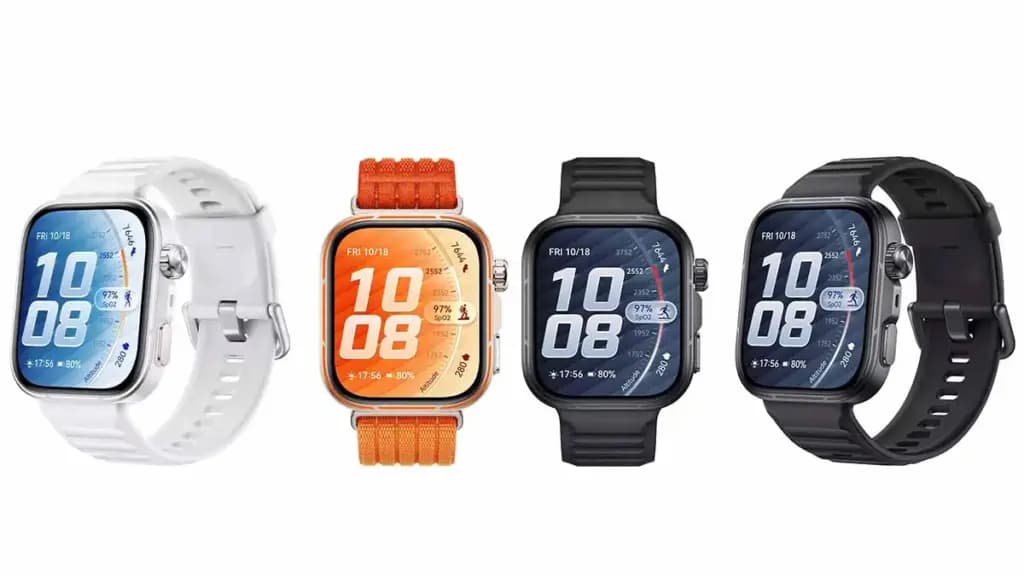
Most smartwatches treat the strap as an afterthought, but the Watch Fit 5 Pro offers a Breathable Braided Strap option built specifically for active use. The AirDry strap material repels water and wicks sweat more effectively, keeping the wrist comfortable during workouts, hot weather, or humid conditions. It’s a practical detail that most rivals still overlook.
The Watch Fit 5 Pro introduces a Micro-Motion feature that detects when the wearer has held the same posture for too long and prompts them to move. The guided movements target 10 body areas — including the head, neck, shoulders, and back – across 30 total movement sets. A panda companion character adds a lighthearted touch, offering visual guidance, mood-responsive expressions, and gentle nudges to build better movement habits throughout the day.
Huawei has built the latest-generation TruSense system into the Watch Fit 5 Pro, designed to track vital signs like heart rate, blood oxygen, mood, and sleep with greater accuracy and speed. The system reads subtle physical changes to produce more complete and reliable health data. Sleep tracking runs on the TruSleep 5.0 algorithm, which evaluates rest across two dimensions – sleep structure and sleep stability – for a more thorough picture of sleep quality.
The Watch Fit 5 Pro uses a high-silicon battery material that bumps energy density up by 14% and total capacity by 18% compared to previous iterations. Full charging takes just 60 minutes. In real-world terms, the watch delivers 10 days of use in normal mode, 7 days under typical use conditions, and 4 days with the Always-On Display active — numbers that Apple Watch and Galaxy Watch still struggle to match.

Luiza Mosneagu is Reviews Editor at Droid Tools. A psychologist by training and tech writer by passion, she has tested over 60 Android devices since 2020 - always for a minimum of two weeks before writing a word. Her focus is camera quality, everyday usability, and cutting through marketing claims to tell you what a device is actually like to live with.

Garmin CIRQA vibration alerts are now rolling out in firmware 4.20, adding call and text notifications alongside three activity tracking updates.
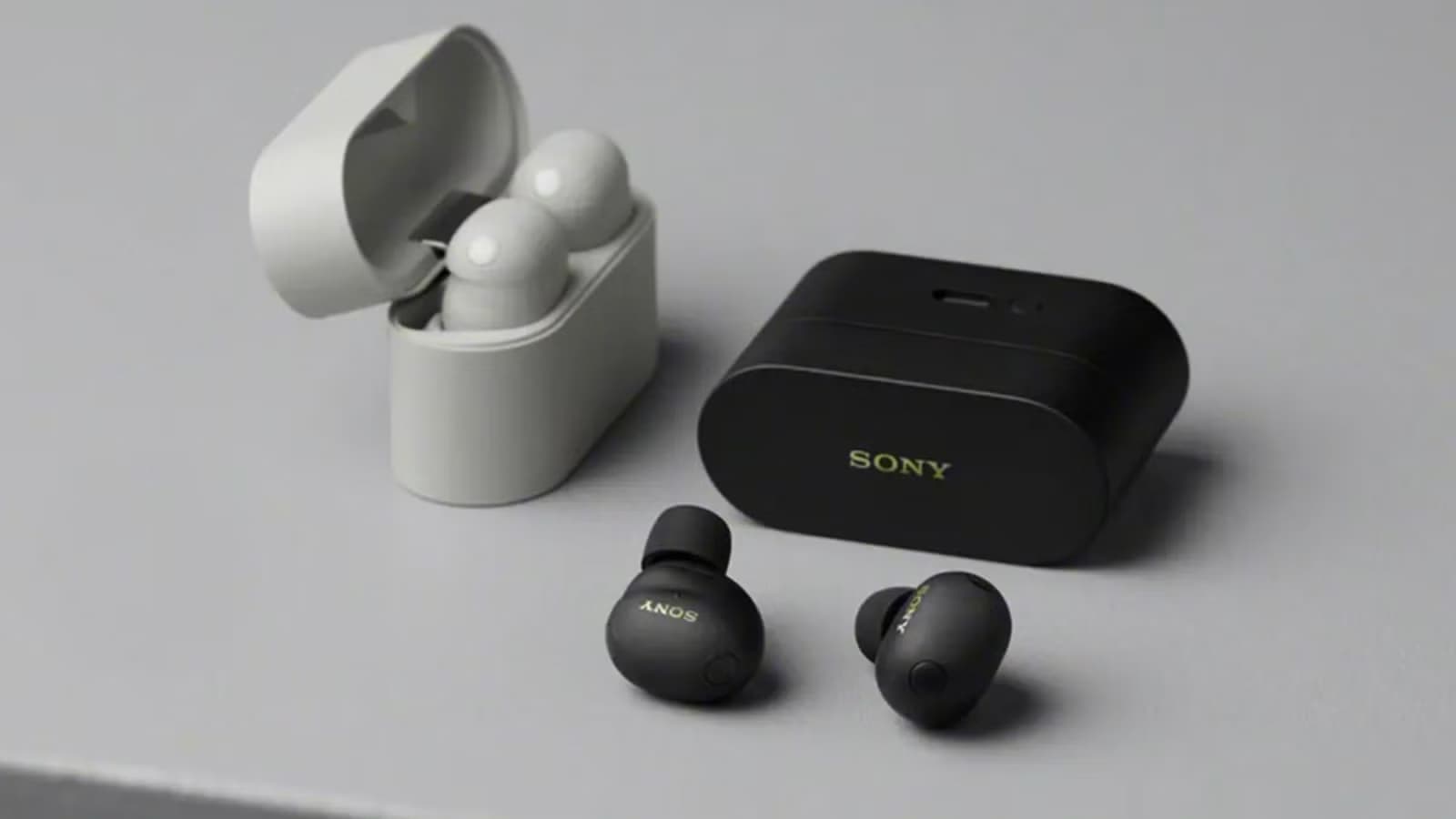
B&H Photo Video discounted the Sony WF-1000XM6 earbuds to $238 from $330 in a reported one-day sale featuring LDAC support, ANC, and 36-hour total battery life.

Motorola has ended its introductory discount on the Moto Tag 2, raising the price to $29.99 ahead of competition from Google's upcoming Pixel Tag.

Leaked specs for the Samsung Android XR smart glasses reveal hardware details, battery life, and frame styles from Gentle Monster and Warby Parker.
The next story loads as you reach the end. You can also load it using the button.


Comments & Discussions
Join the conversation! We use Disqus to handle comments. Click the button below to load the comment section.