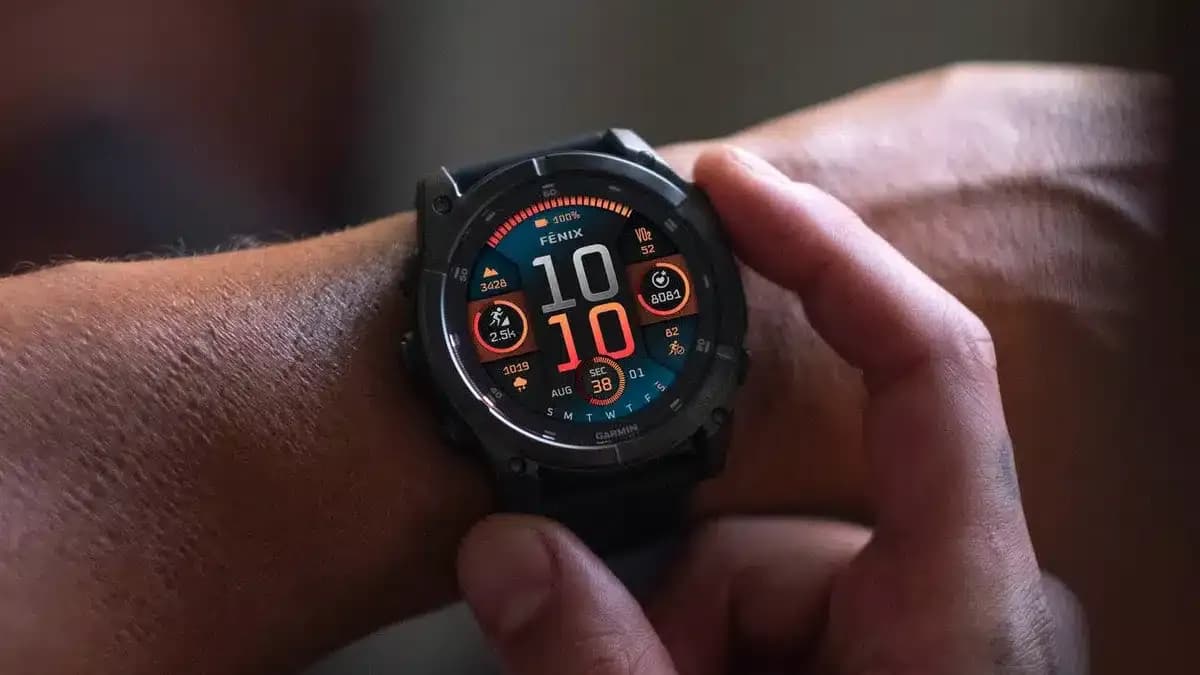
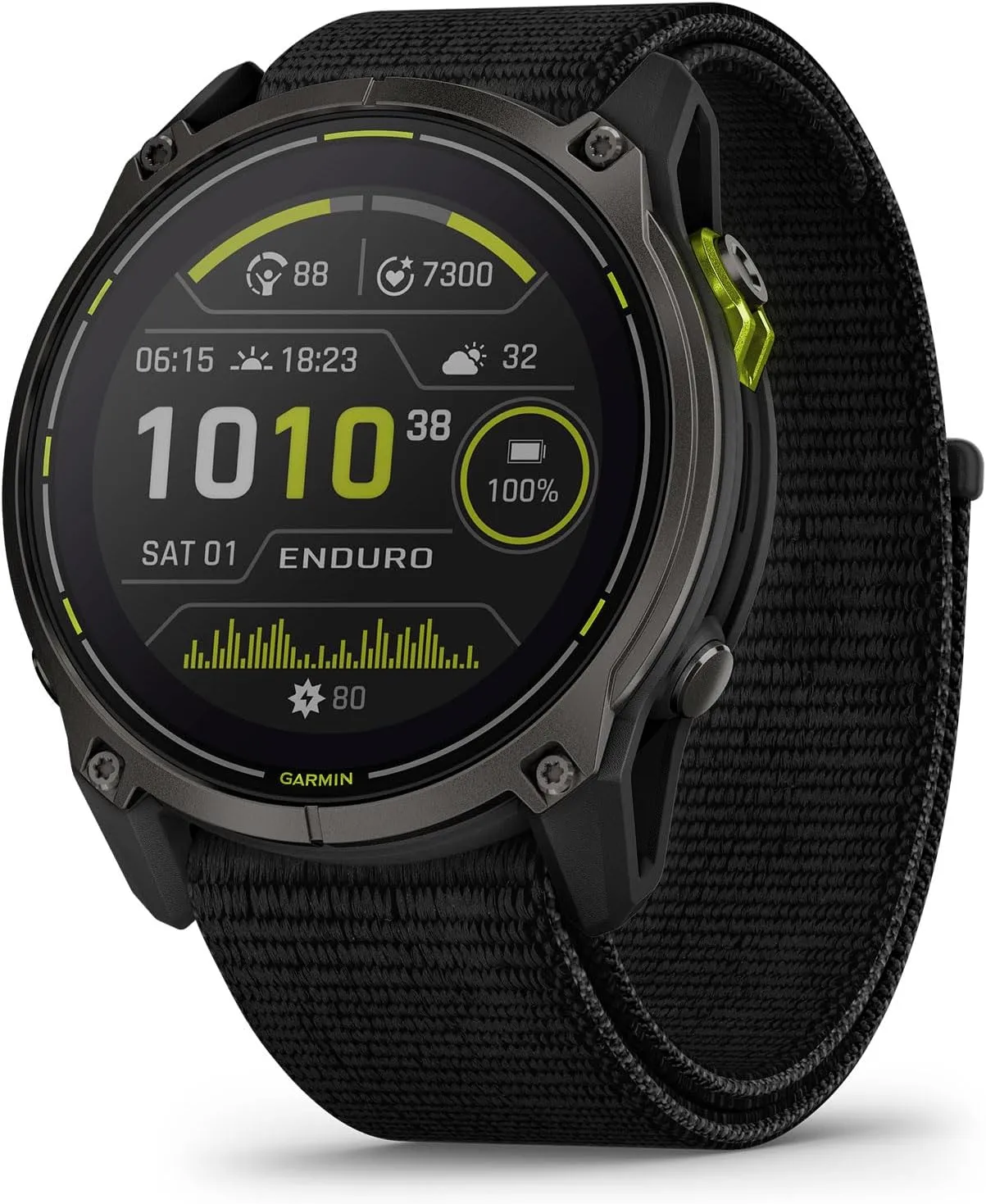
Having been unveiled at the end of August in tandem, the Fenix E, Garmin Fenix 8, and Enduro 3 have had a mixed start. Leaving aside the choice to replace some of its smartwatches for outdoor activity with AMOLED screens, numerous forum posts claimed that Garmin had issued all three with problematic launch software. In order to achieve this, Garmin has been packing beta releases full of problem patches.
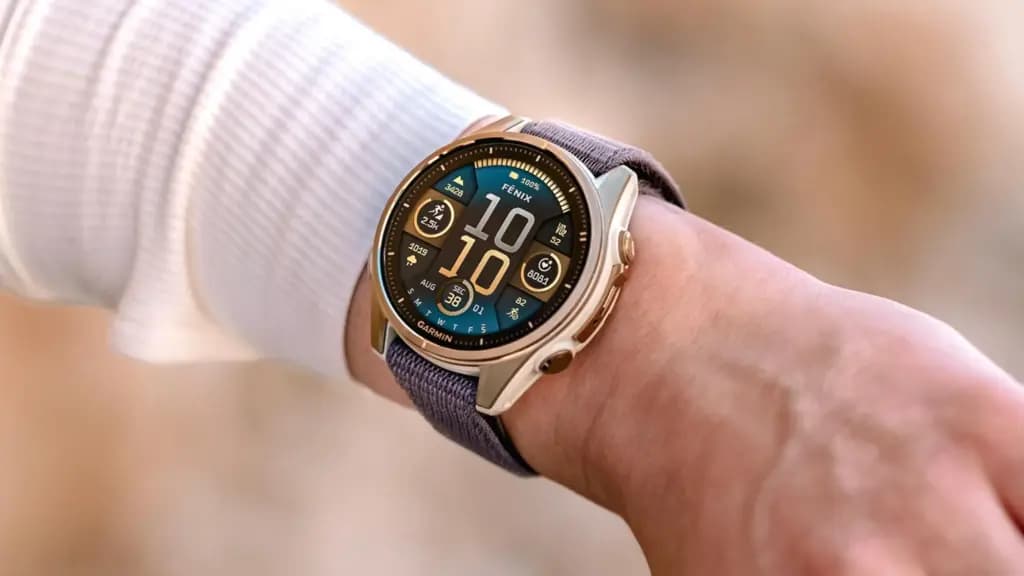
On the other hand, the initial stable versions made little tweaks here and there with their change logs, failing to solve every issue that was being discussed online. To put it briefly, since the Enduro 3, Fenix E, and Garmin Fenix 8 (buy it now at $1,099.99 on Amazon) were released, a long list of faults has been reported, but Garmin has not officially addressed them. But this is essentially confirmed by the comprehensive changelog that comes with System Software 11.89.
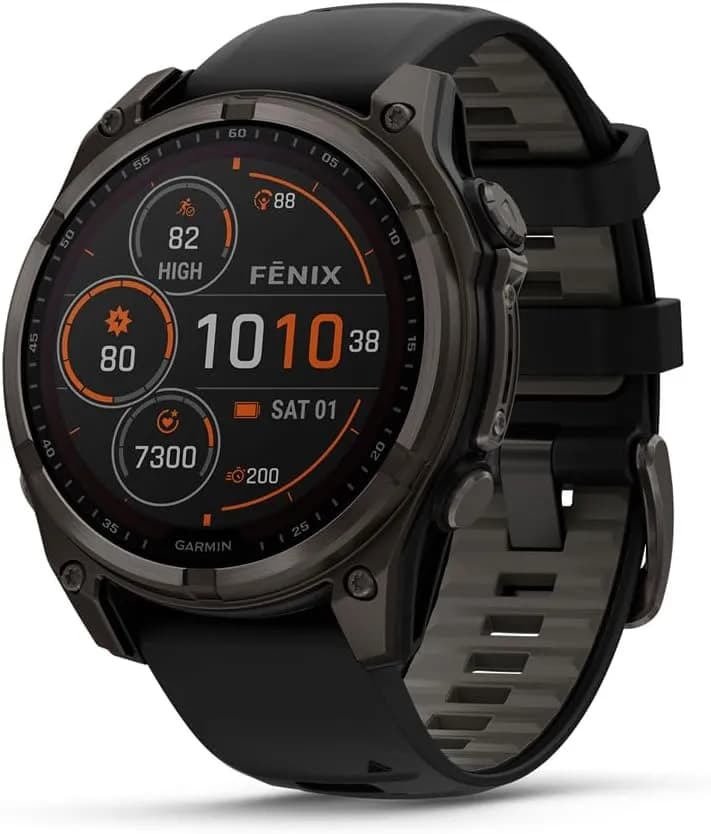
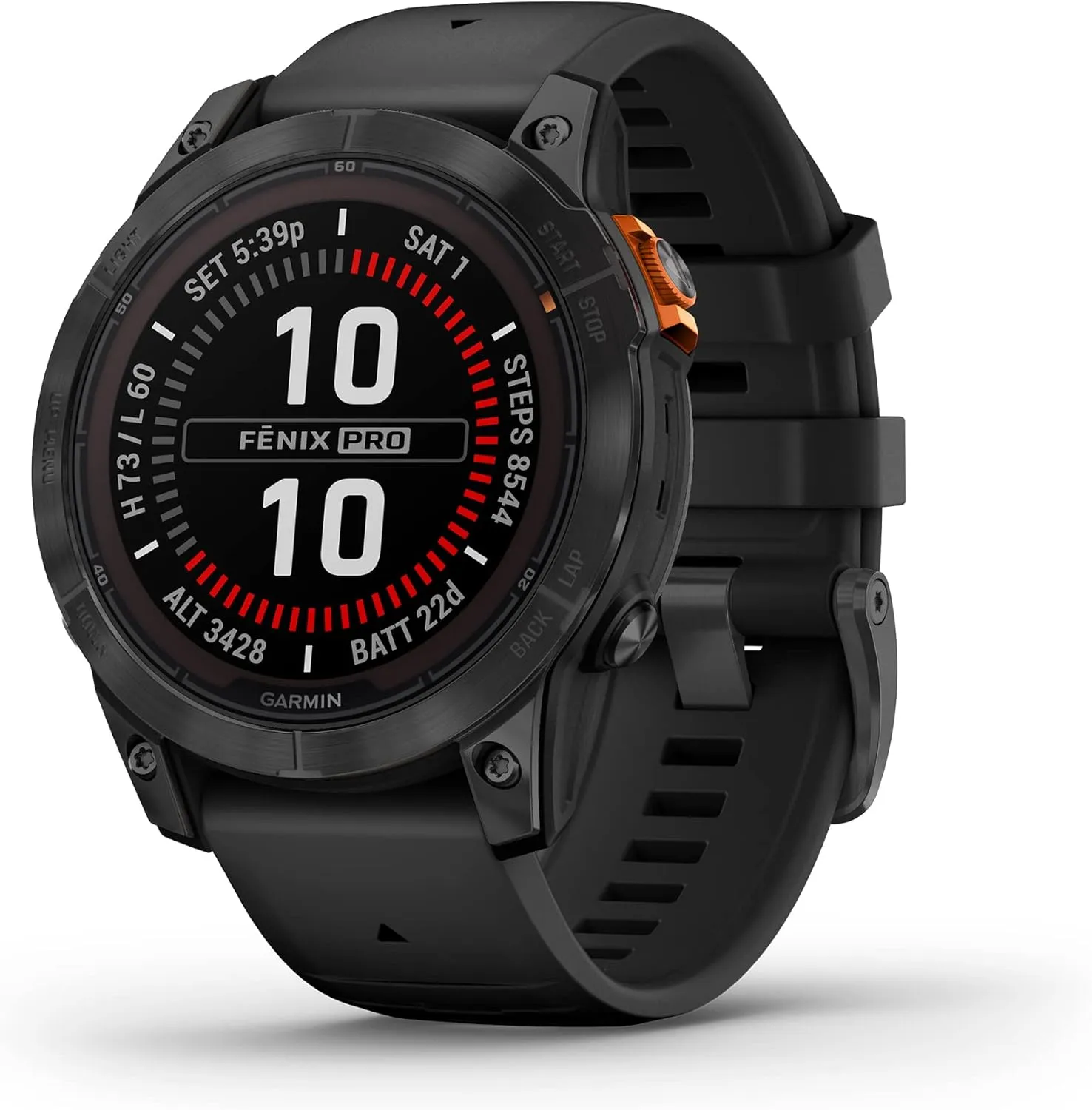
Garmin Fenix 8 AMOLED (47mm, Slate Gray/Black) Multisport GPS Smartwatch Gift Box Bundle – 1.4″ Touchscreen, Built-in LED Flashlight with PlayBetter Charger, Screens, Adapter, Case
The changelog for System Software 11.89, which is shown below, is approximately fifty lines long, eleven of which are devoted to new features. For instance, voice commands are now available for adjusting display brightness, while AMOLED models lacking solar charging capabilities can now utilize Solar watch face patterns. Furthermore, nearly as many “improvements” have been made, which are claimed to address a variety of topics, such as decreasing power consumption on the map page and improving the responsiveness of the user interface compared to previous builds.
However, System Software 11.89 also brings about thirty-one problem fixes, all of which are listed in the forum posts that accompany the software and which we have replicated below. The Enduro 3, Fenix E, and Garmin Fenix 8 are said to have received System Software 11.89, which has been “completely released,” by Garmin. You can start the download of System Software 11.89 by going to Menu, System and Software Update, and then selecting ‘Check For Updates,’ even though the firm has not yet released any additional information regarding the update’s worldwide deployment.
System Software 11.89 changelog

Robert Haba is the founder and editor-in-chief of Droid Tools. A lifelong gadget enthusiast with over a decade following the Android ecosystem, he built this publication to cut through the noise and give readers honest, real-world coverage of the tech they actually use.

Samsung is reportedly bringing three upgrades to the Galaxy S27 Ultra display next year: DC dimming, the M16 panel, and fixes for the Privacy Display introduced on the Galaxy S26 Ultra. The phone already sounds appealing on paper, and a redesign will probably drive more sales, but these screen changes are tangible improvements users should […]
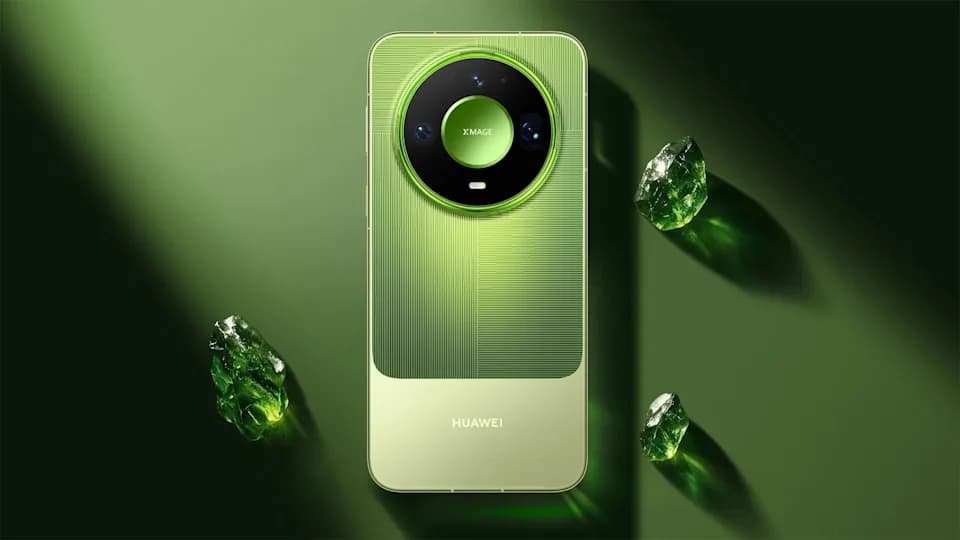
Huawei has officially unveiled the Huawei Mate 90 Pro in China, a new flagship that starts at ¥6,999 for the base 12GB + 256GB model. The phone pairs a Tandem OLED display with 12,000 nits of local peak brightness, the new Kirin 9035 processor, a 50MP variable-aperture main camera, eSIM satellite communications, and a 6600mAh […]

Google has brought back its Pixel Referral Program on the US Google Store with a fresh coat of paint, giving anyone who's been nudging friends toward a Pixel phone a way to actually get rewarded for it. The relaunch follows last month's Pixel 11 launch, and the setup is simple: share a referral code with […]

Android Headlines has published exclusive renders showing the Google Pixel 11a for the first time, following its earlier report on the phone under the codename “Formosan” back in January 2025. Google appears to be sticking with a design similar to the past two years, but the internals are getting a major upgrade this time: the […]
The next story loads as you reach the end. You can also load it using the button.



Comments & Discussions
Join the conversation! We use Disqus to handle comments. Click the button below to load the comment section.