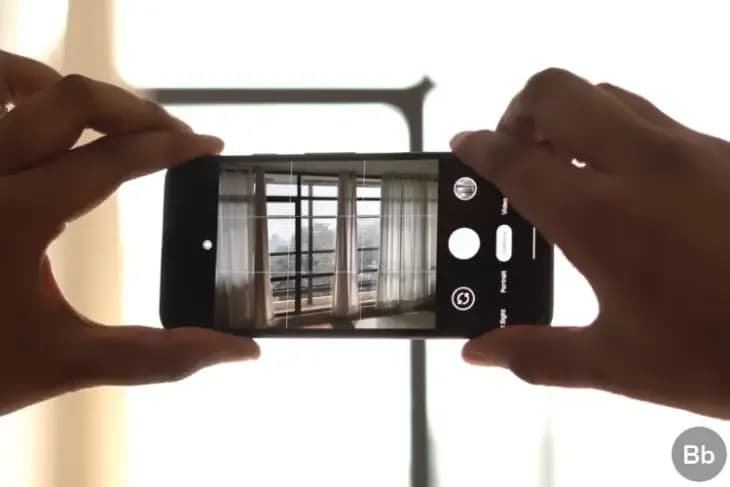

Google’s Pixel portfolio has raised the bar when it comes to mobile image manipulation the past few years, but the company has struggled to offer a comparable experience when it comes to filming images. The 2018 Pixel 3 suffered from a bad audio recording problem and last year’s Pixel 4 entered the market with 4 K video capture which was limited at 30fps while most other 2019 flagship smartphones were capable of 4 K video capture at 60fps.
Once the Pixel 4 was introduced, Google said that the feature was not incorporated solely because 4 K video capturing on smartphones wasn’t nearly as commonplace as 1080p. This may certainly be accurate, but a later study showed that the Pixel 4 actually didn’t have enough bandwidth to handle simultaneous 4 K 60fps feeds from the phone’s two rear cameras. Other manufacturers have gotten around this issue by limiting 4K/60 video capture to just one camera or reducing the bit rate slightly.
Since the Pixel 4 just receive a feature drop this past week, if Google doesn’t figure out a way to implement 4K/60 video capture on the Pixel 4, don’t expect it to show up until later this spring. If the feature is only made available on the Pixel 4a, Google will have some explaining to do.

Google Pixel Watch 5 (45mm)

Cristian Penisoara is a Guides Writer and Android specialist at Droid Tools. An Android user since version 2 and a professional event photographer, he combines technical curiosity with a detail-oriented approach - every guide he publishes is tested step-by-step on a real device before it goes live.
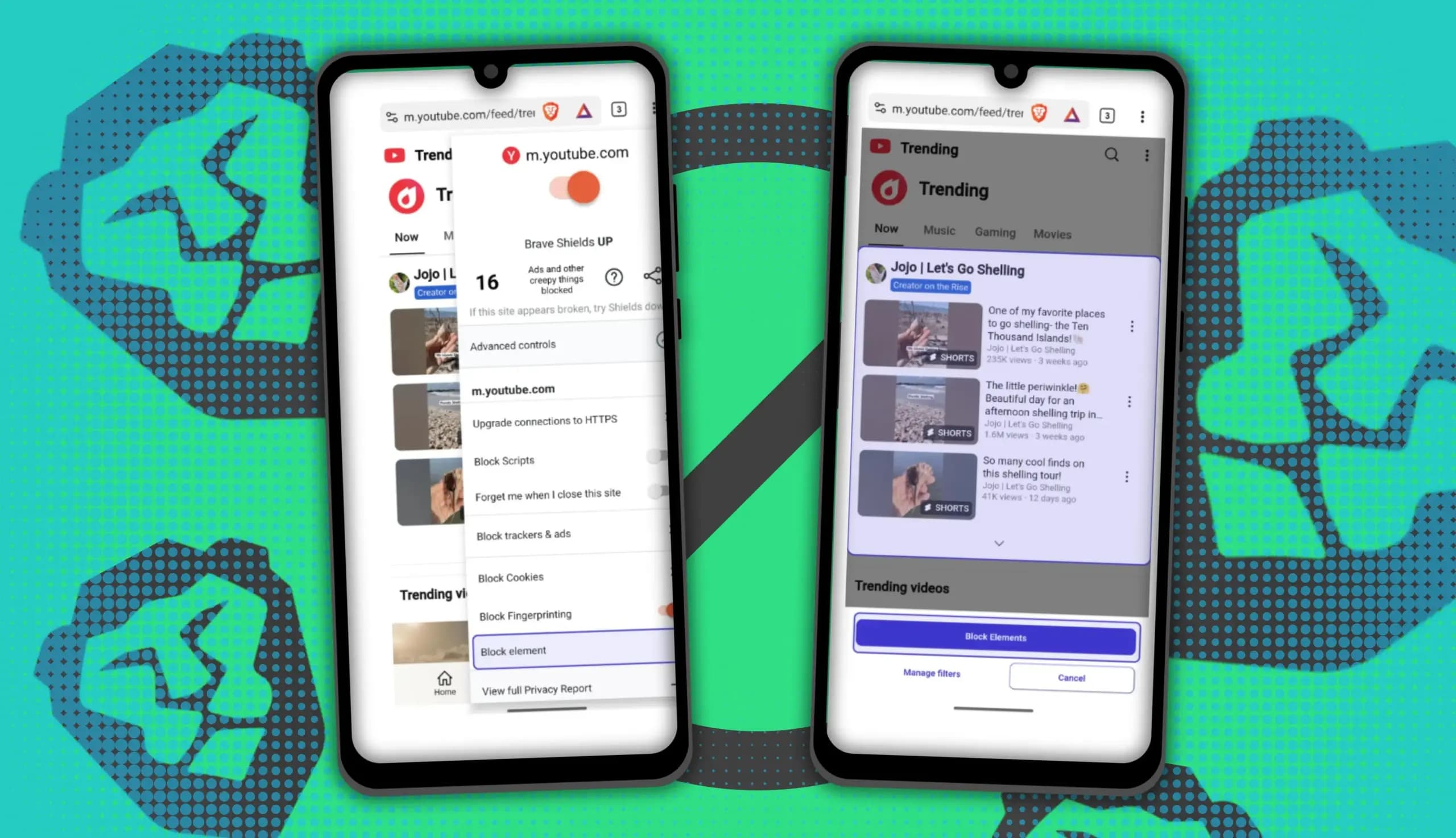
You can block ads on Android more effectively by pairing Brave’s Aggressive Shields setting with the system’s Private DNS feature. The setup filters ads at both the browser and system levels, takes only a few minutes to configure, and avoids the battery drain and VPN conflicts that come with dedicated ad-blocking apps. Why one ad […]

Behind a two-tap recharge sits a surprising amount of plumbing. Every prepaid network has its own rules about what can be topped up, in which denominations, and how quickly credit posts to a SIM. MobileTopUP hides that complexity behind a single form: pick a country, enter a number, choose an amount. What the coverage map actually covers […]
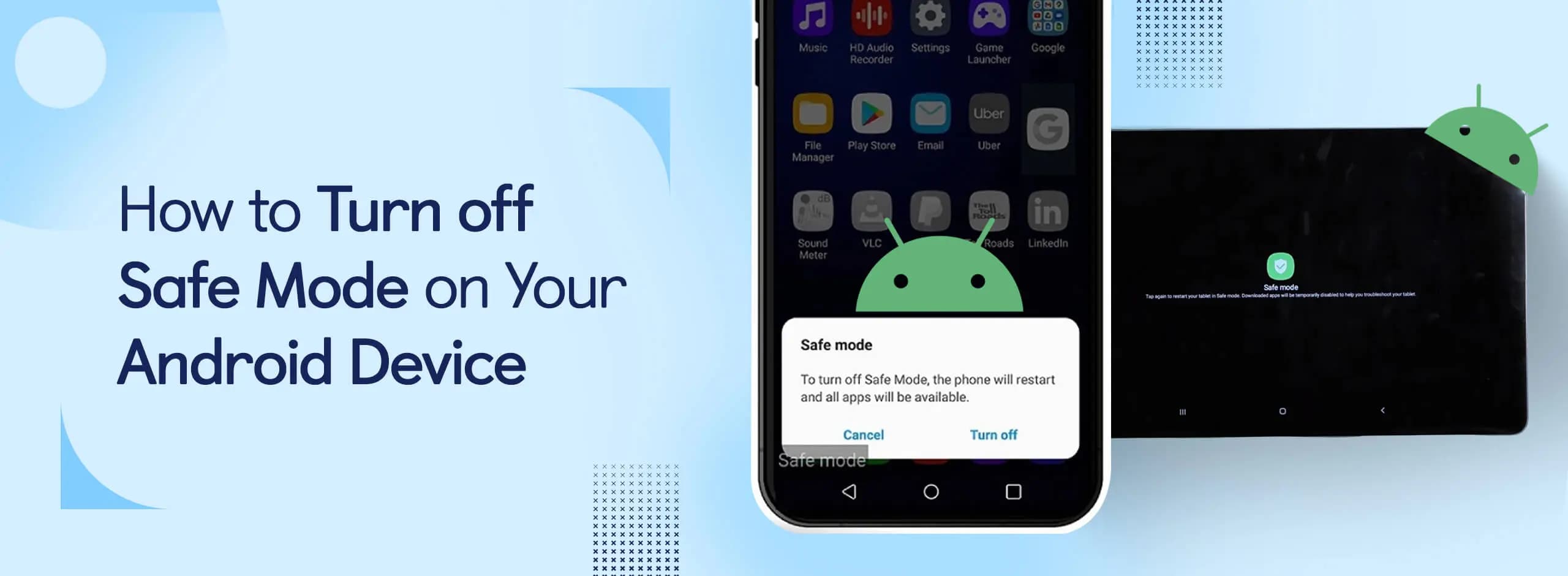
Knowing how to turn off Safe Mode on Android comes in handy, since Safe Mode is a built-in troubleshooting tool that disables every third-party app on a phone and switches on Airplane Mode, making it easier to isolate an app causing lag, battery drain, or other issues. It's also useful for safely deleting a suspected […]
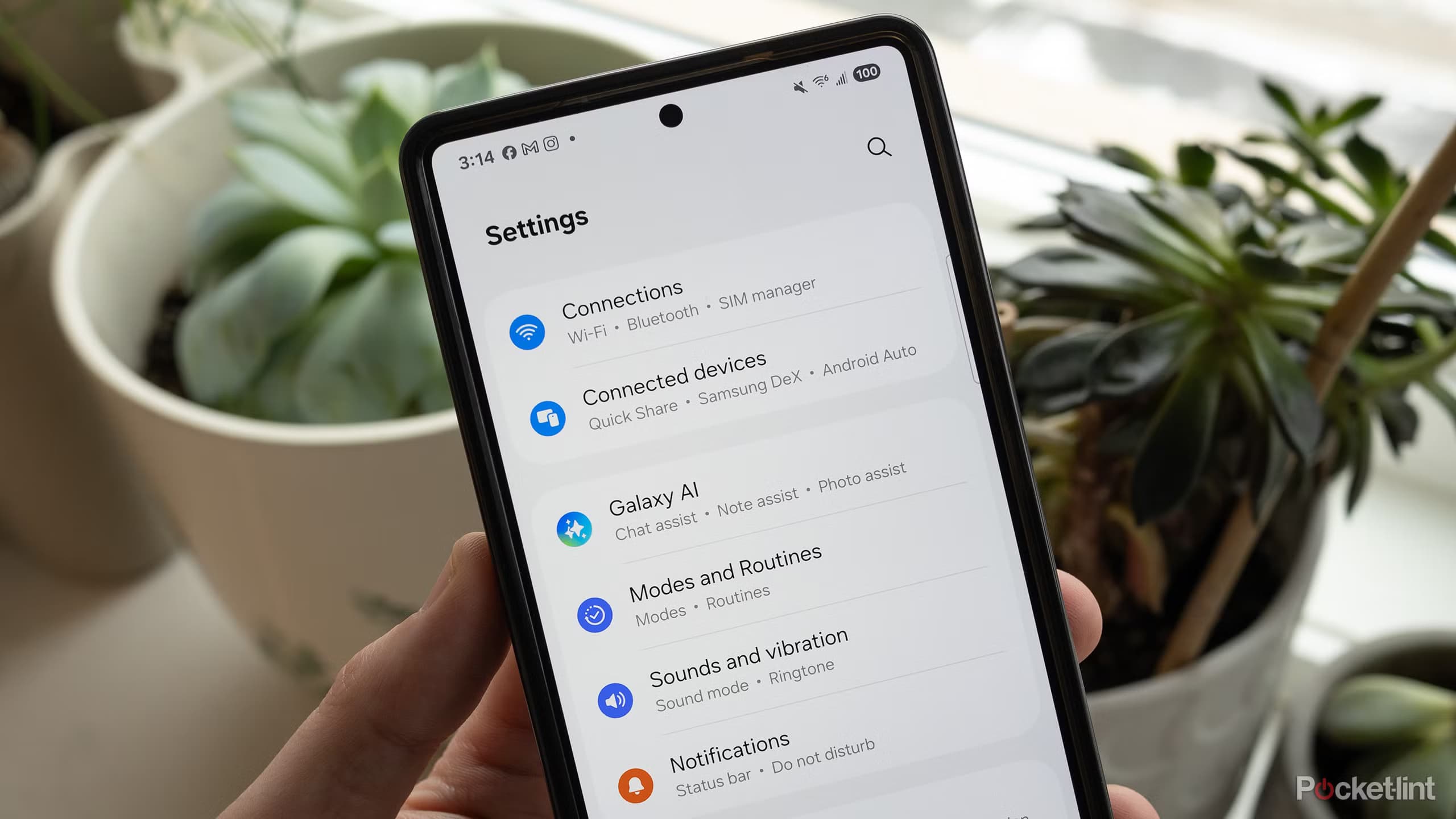
Opening a brand-new phone has a particular excitement. After removing the plastic, you move your pictures, log into your Google account, and begin taking your first snapshot. However, we frequently overlook a few crucial settings that can improve our phone in all that excitement. I looked at a few options on my current phone, a […]
The next story loads as you reach the end. You can also load it using the button.


Comments & Discussions
Join the conversation! We use Disqus to handle comments. Click the button below to load the comment section.